Send enquiry ⏎

AI WhatsApp Automation Online Live Class by Experts

Our Training/Internship Process

AI WhatsApp Automation Online Live Classes in Mangaluru | Free Demo Training

AI WhatsApp Automation - Syllabus, Fees & Duration

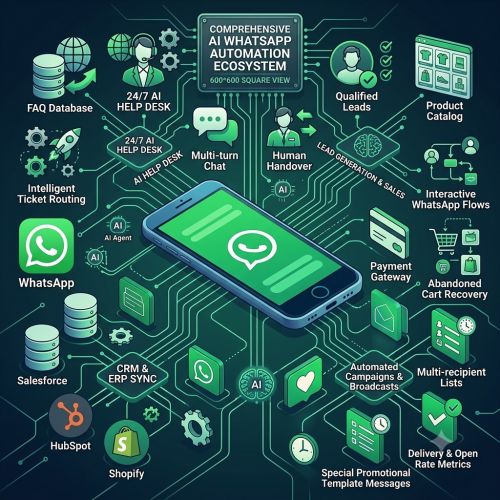
Introduction to AI WhatsApp Automation

  • Introduction to WhatsApp automation
  • Role of AI in WhatsApp communication
  • Benefits of AI-powered messaging
  • Real-world WhatsApp automation use cases

WhatsApp Business API

  • Introduction to WhatsApp Business Platform
  • Business account and API concepts
  • Message templates
  • Sending and receiving messages

AI Chatbot Integration

  • AI chatbot fundamentals
  • Connecting AI models with WhatsApp
  • Customer query automation
  • Context-aware conversations

Prompt Engineering

  • Prompt engineering fundamentals
  • Creating chatbot system prompts
  • Controlling AI responses
  • Handling different customer scenarios

WhatsApp Workflow Automation

  • Automated message workflows
  • Triggers and actions
  • Lead capture and qualification
  • Follow-up and reminder automation

AI Customer Support

  • Automated FAQs
  • AI-powered customer support
  • Human handoff and escalation
  • Conversation history and customer context

CRM and WhatsApp Integration

  • Connecting WhatsApp with CRM systems
  • Customer data synchronization
  • Lead management automation
  • Automated sales follow-ups

API and Webhook Integration

  • REST API fundamentals
  • WhatsApp webhooks
  • Third-party application integration
  • API authentication and security

Practical WhatsApp AI Project

  • Designing an AI WhatsApp chatbot
  • Creating automated customer workflows
  • Integrating AI with CRM
  • Testing and deploying the automation

Security and Responsible Automation

  • Customer data privacy
  • Secure API credential management
  • Message quality and validation
  • Responsible AI communication

Download Syllabus - AI WhatsApp Automation
This syllabus is not final and can be customized as per needs/updates
   
10000+
20+
50+
25+

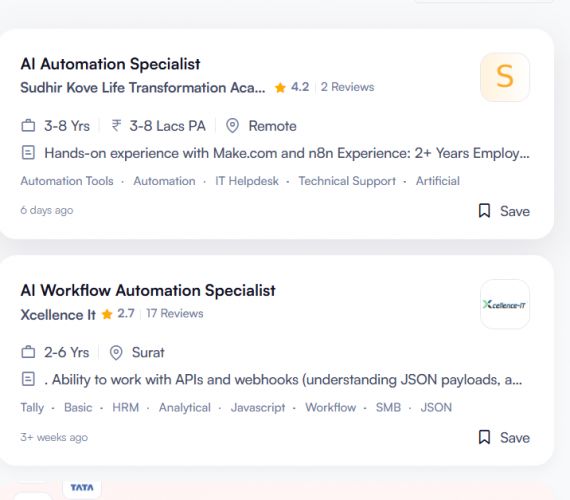
AI WhatsApp Automation Jobs in Mangaluru

Enjoy the demand

Find jobs related to AI WhatsApp Automation in search engines (Google, Bing, Yahoo) and recruitment websites (monsterindia, placementindia, naukri, jobshybrid.com, indeed.co.in, shine.com etc.) based in Mangaluru, chennai and europe countries. You can find many jobs for freshers related to the job positions in Mangaluru.

  • AI WhatsApp Specialist
  • Conversational Designer
  • WhatsApp Marketing Manager
  • Chatbot Developer
  • Marketing Automation Architect
  • CRM Integration Specialist
  • Customer Support Operations Lead
  • AI Solutions Specialist
  • Digital Marketing Strategist
  • Business Automation Lead

AI WhatsApp Automation Internship/Course Details

AI WhatsApp Automation internship jobs in Mangaluru
AI WhatsApp Automation Participants learn how to build automated communication channels, streamline customer service, and execute high-converting messaging campaigns using artificial intelligence. . The AI WhatsApp Automation program provides comprehensive, hands-on training for modern businesses and marketers in Mangaluru.


Meet a Few of our Industry Experts 🚀 Your Pathway to IT Career

Vidisha

Mobile: +91 91884 77559
Location: Online (Mangaluru, India)
Qualification: BE

Experience: I have 4 + years of experience in WordPress developer I designed 40+ website using WordPress html css and bootstrap  more..

Gincy

Mobile: +91 94975 90866
Location: Online (Mangaluru, India)
Qualification: B.Tech

Experience: Angular Ionic developer with 9+ year experienceApplication for Angular JS  more..

Gaurav

Mobile: +91 9895490866
Location: Online (Mangaluru, India)
Qualification: BE

Experience: manual testing automation testing selenium api mysql jira unix git functional testing regrassion testing  more..

kavya

Mobile: +91 91884 77559
Location: Online (Mangaluru, India)
Qualification: B tech

Experience: Manual testing Automation testing Retesting Regression testing Black box testing Smoke testing Sanity testing Exploratory testing API testing SQL queries  more..

Chaitanya

Mobile: +91 91884 77559
Location: Online (Mangaluru, India)
Qualification: B.Des Product Design

Experience: I’m your go-to remote UI UX Designer bringing a rich blend of product design experience from 3D modeling and prototyping  more..

Vaibhav

Mobile: +91 91884 77559
Location: Online (Mangaluru, India)
Qualification: Diploma

Experience: I have a great knowledge in the field of designing and developing both for designing I use Figma and Adobe  more..

Navjot

Mobile: +91 94975 90866
Location: Online (Mangaluru, India)
Qualification: M.tech

Experience: I am very good in html css and wordpress I made website for my client I also have knowledge of  more..

Sivakumar

Mobile: +91 89210 61945
Location: Online (Mangaluru, India)
Qualification: MCA

Experience: Hi Sir Madam I'm Sivakumar  I'm Google certified and 4 years of experience UI UX Designer I have completed the  more..

Nitin

Mobile: +91 8301010866
Location: Online (Mangaluru, India)
Qualification: MCA

Experience: Experienced Lead Mobile Developer with a proven track record of delivering cutting-edge mobile applications Proficient in Android (Kotlin Java) I  more..

SUBHAM

Mobile: +91 89210 61945
Location: Online (Mangaluru, India)
Qualification: B.tech

Experience: 1 year work experience in cognizant technology solution' proficient in design Banner Poster leflets Facebook post by using Canva   more..

Dhruv

Mobile: +91 8301010866
Location: Online (Mangaluru, India)
Qualification: Master of science in Information Technology

Experience: Android development Java API Integration Firebase Retrofit version control API Testing postman UI UX design figma  more..

Manish

Mobile: +91 91884 77559
Location: Online (Mangaluru, India)
Qualification: Pursuing B.Tech(Final year)

Experience: Circuit Design: Proficient in designing electronic circuits including analog digital and mixed-signal circuits Power Electronics: Knowledgeable about power supply design  more..

Pooja

Mobile: +91 94975 90866
Location: Online (Mangaluru, India)
Qualification: Graduation

Experience: I have 1 3 years of experience My skills is seo css html canva  more..

Ankul

Mobile: +91 94975 90866
Location: Online (Mangaluru, India)
Qualification: B.Tech

Experience: Java python c language embedded system IoT microcontroller Web development   more..

Shyamsundar

Mobile: +91 91884 77559
Location: Online (Mangaluru, India)
Qualification: Bsc

Experience: Manual & Automation testing selenium with python  more..

Shaik

Mobile: +91 8301010866
Location: Online (Mangaluru, India)
Qualification: Bcom computers

Experience: 1 year of experience in front end development my skills are html css javascript react js wix   more..

Vinita

Mobile: +91 98474 90866
Location: Online (Mangaluru, India)
Qualification: Mca

Experience: I have 1 5 years of experience in graphic design  more..

Hanzala

Mobile: +91 8301010866
Location: Online (Mangaluru, India)
Qualification: Bachelor

Experience: 1 Customer service: I have experience in providing excellent customer service and resolving issues 2 Project management: I have successfully  more..

Bukka

Mobile: +91 91884 77559
Location: Online (Mangaluru, India)
Qualification: Btech computer science

Experience: Linux windows Kali Linux tools OSINT CTF ethical hacking privilege escalation blog writing django mongodb SQL HTML Css JAVASCRIPT   more..

sravan

Mobile: +91 94975 90866
Location: Online (Mangaluru, India)
Qualification: mtech cse

Experience: laravel developer with 3years expe |   more..

Aashi

Mobile: +91 89210 61945
Location: Online (Mangaluru, India)
Qualification: Bsc. Food Technology

Experience: When it comes to design I'm good at making templates fit specific needs while keeping the brand's look consistent by  more..

Disha

Mobile: +91 91884 77559
Location: Online (Mangaluru, India)
Qualification: bachelors of engineering in computer science

Experience: I am skilled in java python and C++ programming Also have experience in application development like salesforce and currently working  more..

Jinesh

Mobile: +91 94975 90866
Location: Online (Mangaluru, India)
Qualification: BCA

Experience: Advanced software testing manual and automation  more..

Mahesh

Mobile: +91 94975 90866
Location: Online (Mangaluru, India)
Qualification: Bachelor's of Technology

Experience: Figma Prototyping Wireframing Icons design Style guide User persona Color theory Mockups Site maping User maping  more..

Success Stories

The enviable salary packages and track record of our previous students are the proof of our excellence. Please go through our students' reviews about our training methods and faculty and compare it to the recorded video classes that most of the other institutes offer. See for yourself how TechnoMaster is truly unique.

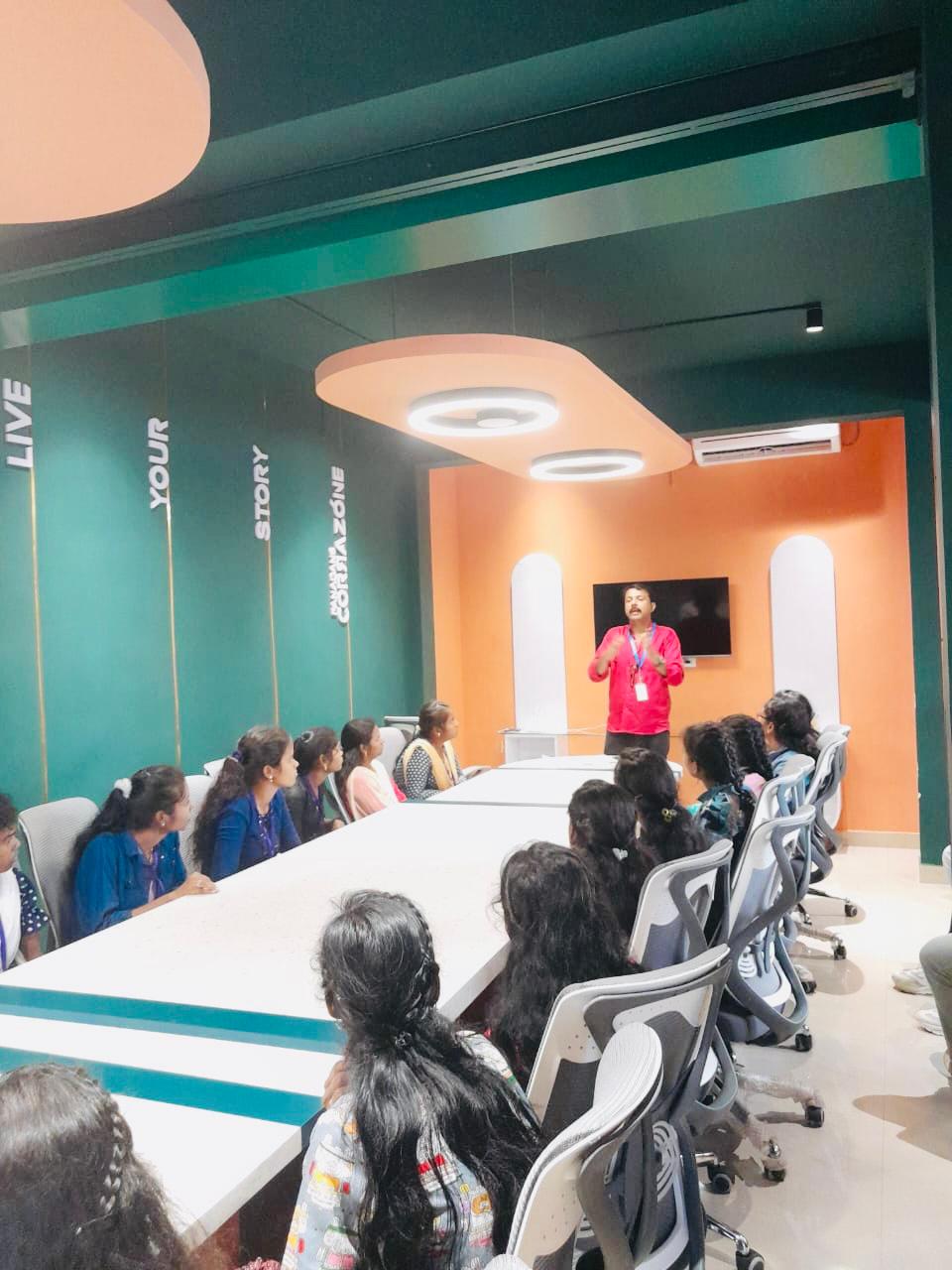
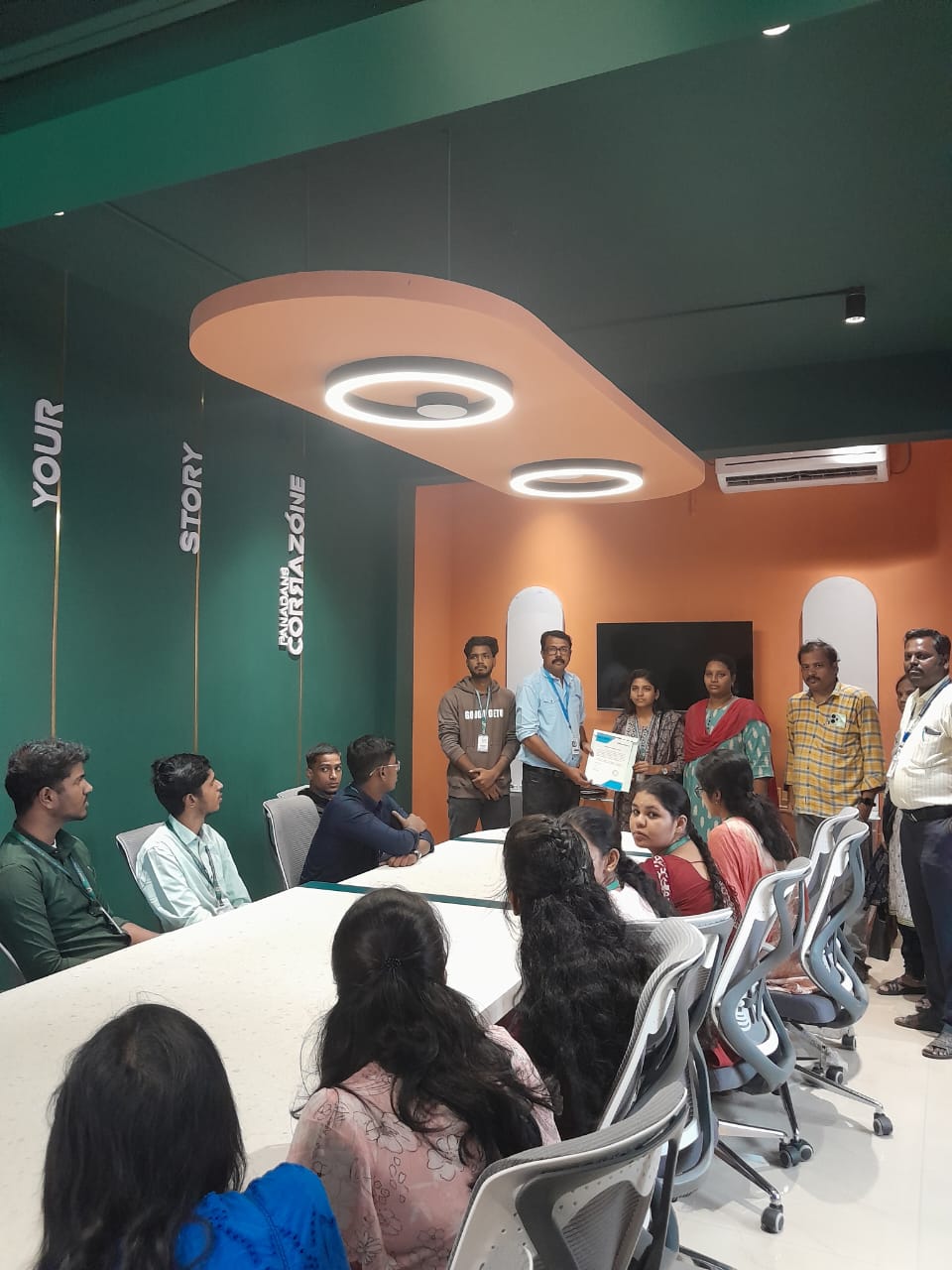
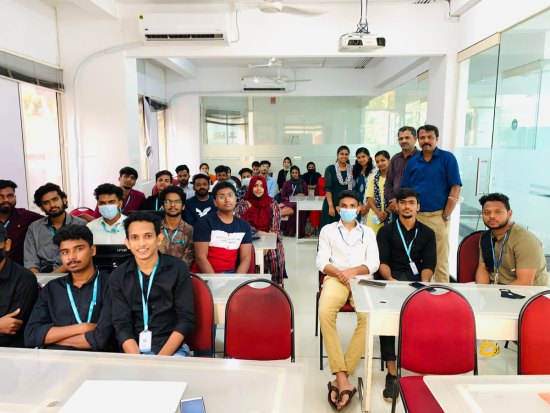
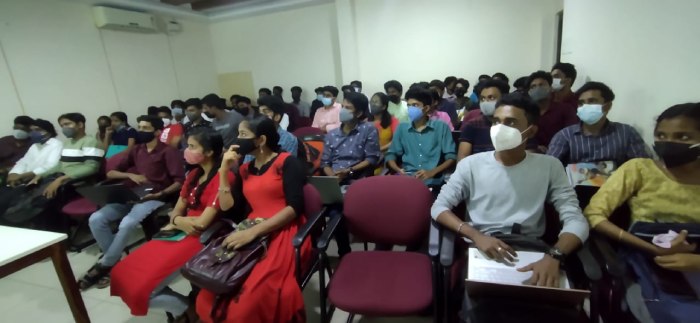
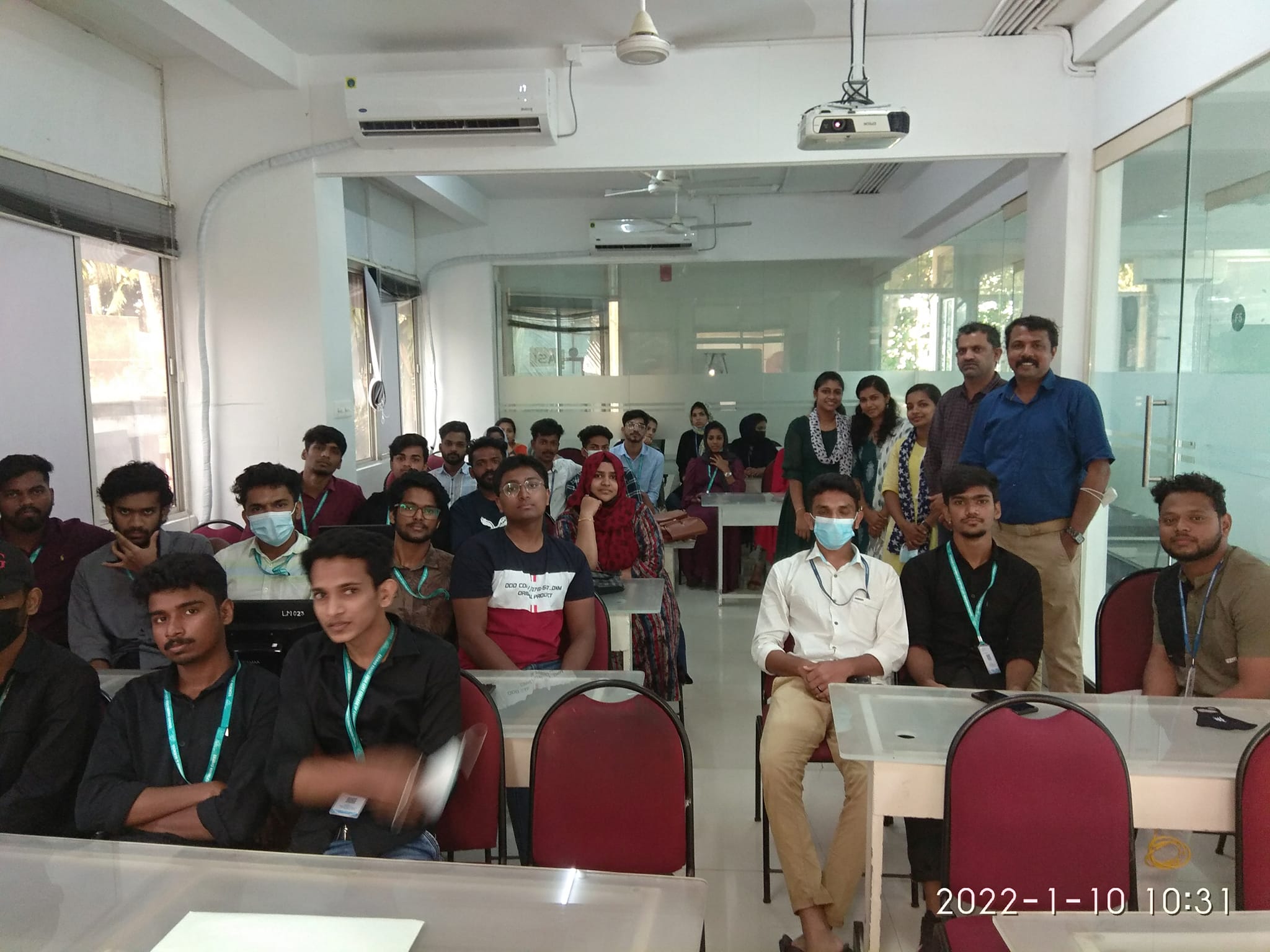
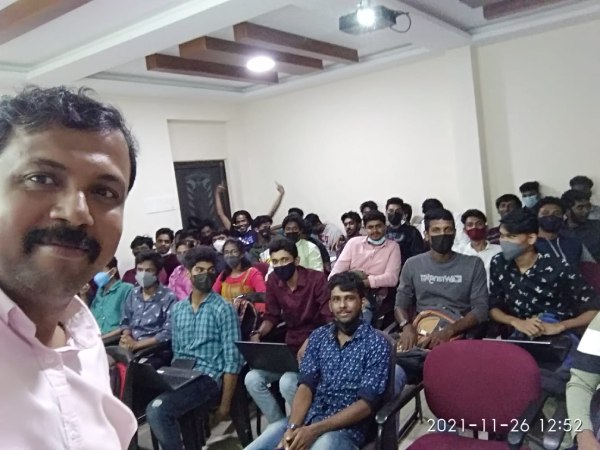
Photos of Training / Internships

Internship/projects in mangaluru

Trained more than 10000+ students who trust Nestsoft TechnoMaster

Get Your Personal Trainer