Send enquiry ⏎

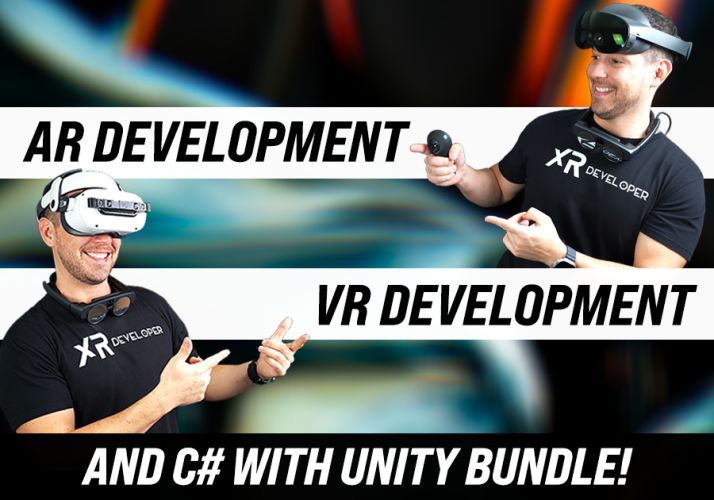
AR/VR Development (Unity) Online Live Class by Experts

Our Training/Internship Process

AR/VR Development (Unity) Online Live Classes in Thirunelveli | Free Demo Training

AR/VR Development (Unity) - Syllabus, Fees & Duration

Introduction

The AR/VR Development (Unity) course is a 5-month practical training program designed to teach learners how to create immersive Augmented Reality (AR), Virtual Reality (VR), and Extended Reality (XR) applications using Unity and modern 3D development technologies. Students will learn Unity development, C# programming, 3D environments, AR/VR interactions, and real-world immersive application development.

Course Syllabus

Month 1: Unity & 3D Development Fundamentals

Introduction to AR VR Technology

  • Introduction to Augmented Reality (AR)
  • Introduction to Virtual Reality (VR)
  • Mixed Reality (MR) and Extended Reality (XR)
  • AR vs VR vs MR
  • Applications of AR/VR Technologies
  • Future Scope of Immersive Technologies

Unity Game Engine Fundamentals

  • Introduction to Unity Engine
  • Unity Hub Installation and Setup
  • Unity Interface and Workspace
  • Game Objects and Components
  • Scenes and Assets
  • Unity Project Structure
  • Build and Deployment Basics

C# Programming for Unity

  • Introduction to C# Programming
  • Variables and Data Types
  • Operators and Control Statements
  • Classes and Objects
  • Methods and Functions
  • Object-Oriented Programming Concepts
  • Writing Scripts in Unity

3D Graphics Fundamentals

  • Introduction to 3D Modeling
  • 3D Coordinates and Transformations
  • Materials and Textures
  • Lighting and Rendering
  • Camera Systems
  • Animation Basics

Month 2: Unity Development & Interactive Applications

Unity Game Development

  • Unity Physics System
  • Collision Detection
  • Input Handling
  • User Interaction
  • Prefabs and Components
  • Animation Controllers
  • UI Design in Unity

Advanced C# Programming

  • Inheritance
  • Polymorphism
  • Encapsulation
  • Interfaces
  • Events and Delegates
  • Data Structures
  • Error Handling

3D Environment Creation

  • Creating 3D Scenes
  • Terrain Design
  • Asset Management
  • Environment Optimization
  • Particle Systems
  • Sound Integration

Month 3: Augmented Reality Development

AR Development Fundamentals

  • AR Concepts and Workflow
  • AR Applications Overview
  • AR Foundation Introduction
  • Device Tracking
  • Plane Detection
  • Object Placement

AR Application Development

  • Marker-Based AR
  • Markerless AR
  • Image Recognition
  • AR Object Interaction
  • AR User Interface Development
  • Mobile AR Deployment

AR Tools and Platforms

  • Unity AR Foundation
  • Google ARCore Overview
  • Apple ARKit Overview
  • XR Interaction Toolkit
  • Mobile AR Testing

Month 4: Virtual Reality Development

VR Development Fundamentals

  • Introduction to Virtual Reality
  • VR Hardware Overview
  • VR Interaction Design
  • VR User Experience Principles
  • VR Scene Development

VR Application Development

  • VR Camera Setup
  • VR Controllers
  • Hand Tracking
  • Object Interaction
  • VR Physics
  • Immersive Environment Creation

XR Development

  • Extended Reality Concepts
  • XR Interaction Toolkit
  • VR Performance Optimization
  • Cross Platform XR Development
  • VR Application Deployment

Month 5: Advanced AR VR & Projects

Advanced AR VR Concepts

  • Real-Time 3D Applications
  • Multiplayer XR Experiences
  • AI Integration with AR/VR
  • Spatial Computing Basics
  • AR/VR Optimization Techniques

Industry Applications

  • AR/VR in Gaming
  • AR/VR in Education
  • AR/VR in Healthcare
  • AR/VR in Architecture
  • AR/VR in Training Simulations

Final Projects

  • AR Mobile Application Project
  • VR Interactive Environment Project
  • Unity 3D Game Project
  • Virtual Simulation Project
  • Complete AR/VR Application Deployment

Tools and Technologies

  • Unity Engine
  • C# Programming
  • Blender
  • AR Foundation
  • ARCore
  • ARKit
  • XR Interaction Toolkit
  • Meta Quest SDK
  • Visual Studio
  • 3D Modeling Tools

Download Syllabus - AR/VR Development (Unity)
This syllabus is not final and can be customized as per needs/updates
   
10000+
20+
50+
25+

AR/VR Development (Unity) Jobs in Thirunelveli

Enjoy the demand

Find jobs related to AR/VR Development (Unity) in search engines (Google, Bing, Yahoo) and recruitment websites (monsterindia, placementindia, naukri, jobshybrid.com, indeed.co.in, shine.com etc.) based in Thirunelveli, chennai and europe countries. You can find many jobs for freshers related to the job positions in Thirunelveli.

  • AR Developer
  • VR Developer
  • Unity Developer
  • XR Developer
  • 3D Application Developer
  • Game Developer
  • AR/VR Engineer
  • Unity 3D Developer
  • Immersive Technology Developer
  • Simulation Developer

AR/VR Development (Unity) Internship/Course Details

AR/VR Development (Unity) internship jobs in Thirunelveli
AR/VR Development (Unity) . **Course Description (Use Thirunelveli)** Our **AR/VR Development (Unity) Course in Thirunelveli** is a 5-month practical training program designed to teach learners how to build immersive Augmented Reality, Virtual Reality, and Extended Reality applications using Unity, C#, and modern 3D development technologies. Students will learn Unity game engine, 3D modeling, AR/VR interactions, XR development, and real-world application creation. This course provides hands-on experience in developing interactive AR applications, VR environments, 3D simulations, and immersive experiences for gaming, education, healthcare, architecture, and industrial applications. Join our **AR/VR Unity Training in Thirunelveli** to gain industry-ready skills and start a career in emerging XR technologies.


Meet a Few of our Industry Experts 🚀 Your Pathway to IT Career

Rahul

Mobile: +91 94975 90866
Location: Online (Thirunelveli, India)
Qualification: B.tech Graduate

Experience: I have completed 6 months training at Obsqura Zone Tvm on Manual Testing and Selenium Automation testing Skills: Basic Java  more..

Pratiksha

Mobile: +91 98474 90866
Location: Online (Thirunelveli, India)
Qualification: UI/UX Design

Experience: I’m skilled in understanding user needs through research interviews surveys I design user-friendly interfaces and ensure information is organized logically  more..

manoj

Mobile: +91 8301010866
Location: Online (Thirunelveli, India)
Qualification: BA

Experience: html css bootstrap besic javascript phpotoshop figma mysql core php wordpress   more..

Pavithra

Mobile: +91 94975 90866
Location: Online (Thirunelveli, India)
Qualification: B.E CSE

Experience: A software professional having 4 + years of experience as a Front-end developer(UI) capable of designing and developing applications in  more..

Komal

Mobile: +91 9895490866
Location: Online (Thirunelveli, India)
Qualification: B tech

Experience: I have 4 years experience and my skills is php html css WordPress cms  more..

RAMACHANDRAN

Mobile: +91 91884 77559
Location: Online (Thirunelveli, India)
Qualification: B.E

Experience: • Experience in AWS Services like EC2(AMAZON LINUX RHEL) VPC IAM S3 ELB RDS Cloud Watch Cloud Trail Cloud front  more..

Hanzala

Mobile: +91 9895490866
Location: Online (Thirunelveli, India)
Qualification: Bachelor

Experience: 1 Customer service: I have experience in providing excellent customer service and resolving issues 2 Project management: I have successfully  more..

Kulwant

Mobile: +91 9895490866
Location: Online (Thirunelveli, India)
Qualification: B. Tech [ Information Science and technology]

Experience: Skills: javascript python Nodejs express mongodb SQL HTML CSS Experience: 6 months ( Tata Elxsi contract employee)  more..

Pankaj

Mobile: +91 91884 77559
Location: Online (Thirunelveli, India)
Qualification: B.tech

Experience: I m pankaj kumar from mathura I have a exp in odoo 2 year and my skills is python sql  more..

Rovin

Mobile: +91 91884 77559
Location: Online (Thirunelveli, India)
Qualification: B.Tech

Experience: I have 1 4 years experienced in odoo I have work different module like purchase sale manufacturing inventory invoicing Some  more..

Sandhya

Mobile: +91 94975 90866
Location: Online (Thirunelveli, India)
Qualification: BCA

Experience: My skills include React js JavaScript HTML CSS Bootstrap and I've built various projects like e-commerce social media apps React  more..

Aditi

Mobile: +91 91884 77559
Location: Online (Thirunelveli, India)
Qualification: currently doing btech

Experience: python kali linux packet tracer cyber security fundamentals networking fundamentals ethical hacking fundamentals team work problem solving  more..

Nivetha

Mobile: +91 91884 77559
Location: Online (Thirunelveli, India)
Qualification: B.E

Experience: Software developer at Prime Minds Consulting Pvt Ltd I have extensive experience in customizing and developing modules in Odoo   more..

Aneesh

Mobile: +91 91884 77559
Location: Online (Thirunelveli, India)
Qualification: B. Tech

Experience: Handson experience with odoo v13 14 15 16 capable of designing developing and maintaining enterprise application   more..

Remya

Mobile: +91 98474 90866
Location: Online (Thirunelveli, India)
Qualification: Btech

Experience: 4 years experience in development of web applications in php Skills : Zend Framework2 Javascript Jquery Ajax Html Css Mysql  more..

Jitendra

Mobile: +91 91884 77559
Location: Online (Thirunelveli, India)
Qualification: MCA

Experience: HTML CSS JavaScript Tailwind CSS Java MySQL Fresher Looking for Job Passionate about Web development  more..

Aparna

Mobile: +91 94975 90866
Location: Online (Thirunelveli, India)
Qualification: Btech CSE

Experience: Skilled with core java automation testing with selenium java objective c  more..

Rakshit

Mobile: +91 91884 77559
Location: Online (Thirunelveli, India)
Qualification: BCA

Experience: Skills: Html python java css aws practitioner   more..

Surya

Mobile: +91 98474 90866
Location: Online (Thirunelveli, India)
Qualification: B-Tech

Experience: Web development Python Java  more..

Tejaswini

Mobile: +91 91884 77559
Location: Online (Thirunelveli, India)
Qualification: BCA

Experience: Communication skill Ambitious Known with programming languages  more..

Kumar

Mobile: +91 8301010866
Location: Online (Thirunelveli, India)
Qualification: 10th pass

Experience: I have skills of designing in: Logo design Banner design Poster design Flyer design T shirt design All on canva  more..

Dumas

Mobile: +91 9895490866
Location: Online (Thirunelveli, India)
Qualification: MCA

Experience: I have a two years experienced as a WordPress developer in past two companies and taken classes to the few  more..

Vaishnavi

Mobile: +91 94975 90866
Location: Online (Thirunelveli, India)
Qualification: BE

Experience: Proficient in C# NET core SQL Server and MVC Framework Proficient in C# NET core SQL Server and MVC Framework  more..

Sameer

Mobile: +91 89210 61945
Location: Online (Thirunelveli, India)
Qualification: Currently pursuing my Bachelors

Experience: I have a certificate from cisco networking academy you can check it on my linkedin |   more..

Success Stories

The enviable salary packages and track record of our previous students are the proof of our excellence. Please go through our students' reviews about our training methods and faculty and compare it to the recorded video classes that most of the other institutes offer. See for yourself how TechnoMaster is truly unique.

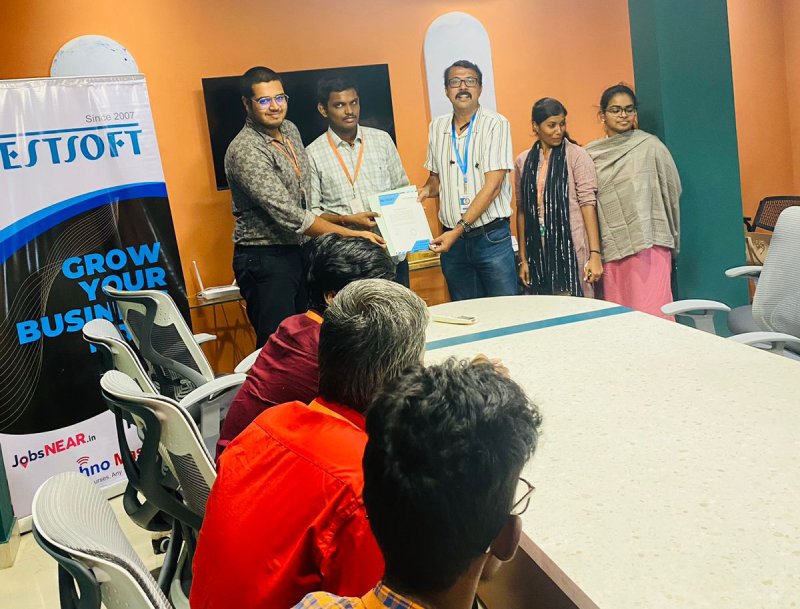
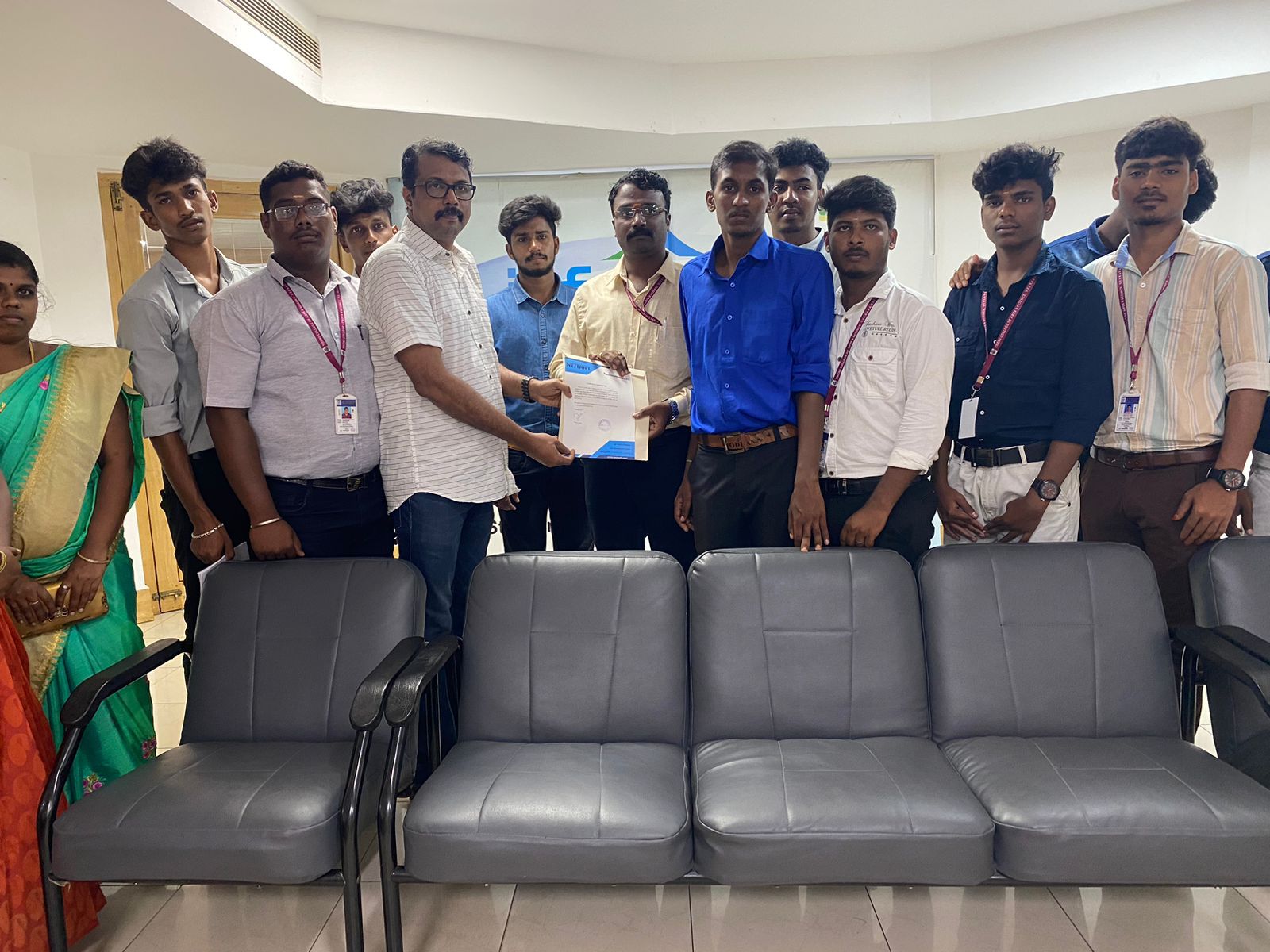
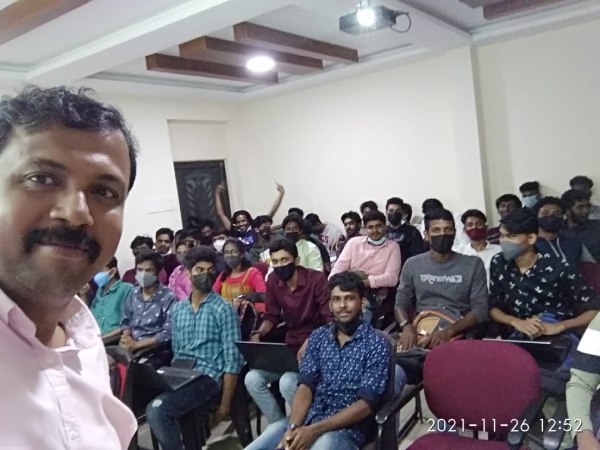
Photos of Training / Internships

Internship/projects in thirunelveli

Trained more than 10000+ students who trust Nestsoft TechnoMaster

Get Your Personal Trainer