Send enquiry ⏎

Canva Online Live Class by Experts

Our Training/Internship Process

Canva Online Live Classes in Pune | Free Demo Training

Canva - Syllabus, Fees & Duration

Section 1: Introduction to Canva

  • Welcome to Canva!
  • Logging / Setup Canva Account
  • Layouts & Templates
  • Get you setup with your Canva & account
  • Tour of your dashboard
  • Learn about the different types of templates Canva has
  • Learn how to use the pre-designed layouts
  • Downloading your work
  • Working with text
  • Photo backgrounds & Shapes
  • Illustrations, icons and lines
  • Adding pages to a design
  • Image
  • Text features and Charts
  • Album cover
  • Youtube thumbnail
  • Twitter header
  • Facebook post
  • Ebook cover
  • Documents
  • Data and charts
  • Presentation slides

Section 2: Fonts, Colors, and Images

  • Typography and font pairing
  • Using icons effectively
  • Organising the dashboard
  • Sharing designs
  • Adding links
  • Upgrading to Canva for Work
  • Brand colors
  • Custom filter codes
  • Color codes
  • Color scheme
  • Introduction to the color wheel; creating a color palette
  • How to use grids; transparency; photo filters

Section 4: Advanced Topics

  • Brand Kit
  • Magic Resize
  • Paid Elements
  • Folders for Elements
  • Background Remover
  • Teams, Exporting and Scheduling
  • Learn more advanced techniques
  • Learn how to create a logo from scratch
  • Learn how upload your own graphics, logos, images
  • Learn how to organize your designs
  • See where I go to purchase stock photography
  • Videos Overview / Editing
  • Video Tools
  • Animations
  • Animated Presentations
  • Adding Music

Download Syllabus - Canva
This syllabus is not final and can be customized as per needs/updates
   
10000+
20+
50+
25+

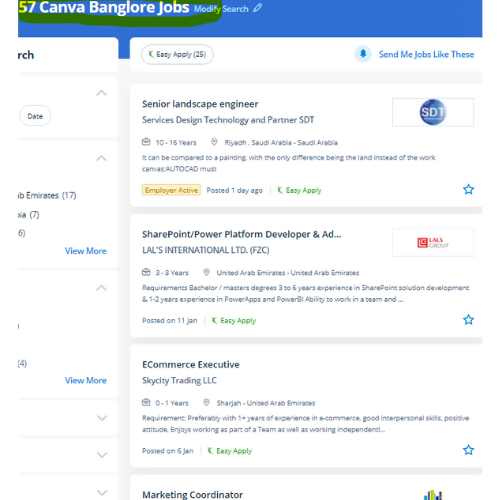
Canva Jobs in Pune

Enjoy the demand

Find jobs related to Canva in search engines (Google, Bing, Yahoo) and recruitment websites (monsterindia, placementindia, naukri, jobshybrid.com, indeed.co.in, shine.com etc.) based in Pune, chennai and europe countries. You can find many jobs for freshers related to the job positions in Pune.

  • web design
  • logo design
  • poster design
  • graphics designer
  • brochure designer
  • video editing
  • ads designer
  • visiting card design
  • flyer designer
  • website designer

Canva Internship/Course Details

Canva internship jobs in Pune
Canva learn how to use Canva’s drag-and-drop choices and apply skilled layouts to consistently style professional-looking graphics. It is cloud-based mostly designed differently for those overcome by photoshop and illustrator. Having preset decisions will save someone so much time when attempting to work out specific dimensions for their creation. As a result, users can produce art designs and documents simply. If you're working on a design for a company and you would wish to use a specific logo, additionally as it permits you to easily upload the logo for free. the design solution provides an excess of robust functionalities. so as to form social media posts, postcards, posters, cards, flyers, and so on, it's an enormous assortment of templates available. If you would like to use it once more in the future it'll save your logo or image upload in your account drive. The platform is armed with a drag-and-drop editor to try with its giant library of templates, fonts, and photos. simply click on the kind of content you'd wish to create and that they have already got everything sized and designed for you.


Meet a Few of our Industry Experts 🚀 Your Pathway to IT Career

Remya

Mobile: +91 98474 90866
Location: Online (Pune, India)
Qualification: Btech

Experience: 4 years experience in development of web applications in php Skills : Zend Framework2 Javascript Jquery Ajax Html Css Mysql  more..

Akhila

Mobile: +91 9895490866
Location: Online (Pune, India)
Qualification: MCA

Experience: Skills are:dart java php sql Experience : Support Engineer 1 year 4months Teacher one year   more..

Muhammed

Mobile: +91 89210 61945
Location: Online (Pune, India)
Qualification: B tech

Experience: Manuel testing validation testing technical support troubleshooting connectivity testing   more..

Kartik

Mobile: +91 91884 77559
Location: Online (Pune, India)
Qualification: mscit

Experience: wordpress html css js sql  more..

Bhavesha

Mobile: +91 9895490866
Location: Online (Pune, India)
Qualification: B.sc (Computer Science)

Experience: I have also worked as a software developer for 1 year After that I continued technical content writing so I  more..

Nebi

Mobile: +91 91884 77559
Location: Online (Pune, India)
Qualification: Btech EC

Experience: I have completed my btech in 2018 And i have experience as a business development executive(2yrs)and also as embedded engineer(1yr)  more..

Sunitha

Mobile: +91 89210 61945
Location: Online (Pune, India)
Qualification: M. E

Experience: I have two years of experience in web development My skills: Html Css javascript mysql flutterflow nodejs I have interest  more..

Vishal

Mobile: +91 8301010866
Location: Online (Pune, India)
Qualification: Graduation

Experience: My skills in seo and smo- onpage off page tecnical seo local seo organically grow social media and paid ads  more..

Nivetha

Mobile: +91 91884 77559
Location: Online (Pune, India)
Qualification: B.E

Experience: Software developer at Prime Minds Consulting Pvt Ltd I have extensive experience in customizing and developing modules in Odoo   more..

Rinil

Mobile: +91 8301010866
Location: Online (Pune, India)
Qualification: 3year diploma in software engneering &digital marketing

Experience: Ms office seo Google ads social media marketing email marketing 1year experience in jiopoint assistant manager   more..

josmy

Mobile: +91 9895490866
Location: Online (Pune, India)
Qualification: bca

Experience: kotlin java android flutter XML   more..

SWATHI

Mobile: +91 94975 90866
Location: Online (Pune, India)
Qualification: Msc in Computer science

Experience: Fresher & Automation testing in selenium TestNG Maven XPATH and CSS core java manual testing SDLC STLC Agile Methodology with  more..

Keerthan

Mobile: +91 98474 90866
Location: Online (Pune, India)
Qualification: Bachelors in NIT Bhopal

Experience: Framer Figma UI UX Interaction Design User Research Information Architecture User flows DESIGN THINKING User-centered design   more..

Nilava

Mobile: +91 91884 77559
Location: Online (Pune, India)
Qualification: Btech cse

Experience: Programming Languages: C and C++ (Proficient) JavaScript (Intermediate) Python (Beginner) Database and Language: Experience in Mongo DB SQL {Intermediate) Frameworks:  more..

Pratik

Mobile: +91 91884 77559
Location: Online (Pune, India)
Qualification: BE

Experience: Maual Testing Automation Testing API testing 1 2 years of experience in manual testing in eLearning domain   more..

varre

Mobile: +91 8301010866
Location: Online (Pune, India)
Qualification: M.Tech

Experience: angular javascript c#Application for Angular JS  more..

Iswarya

Mobile: +91 91884 77559
Location: Online (Pune, India)
Qualification: BSc computer science

Experience: Web development html css javascript typescript angular 2+ to 15 angularJS react  more..

Anand

Mobile: +91 98474 90866
Location: Online (Pune, India)
Qualification: Bachelor's degree BFA

Experience: Video editing video grapher managing social media content creation and graphic design  more..

Rincy

Mobile: +91 8301010866
Location: Online (Pune, India)
Qualification: B-Tech

Experience: My resume showcases my experience as an Instrumentation engineer Post maternity break I am involved in voluntary design works and  more..

Pankaj

Mobile: +91 91884 77559
Location: Online (Pune, India)
Qualification: B.tech

Experience: I m pankaj kumar from mathura I have a exp in odoo 2 year and my skills is python sql  more..

Krishna

Mobile: +91 91884 77559
Location: Online (Pune, India)
Qualification: MCA

Experience: Five years of experience in Odoo development including creating developing and deploying Odoo solutions for various customer bases capable of  more..

Dharshini

Mobile: +91 98474 90866
Location: Online (Pune, India)
Qualification: B.E CSE

Experience: I am confident that my dedication to continuous learning coupled with my technical expertise aligns well with the innovative and  more..

Pravat

Mobile: +91 94975 90866
Location: Online (Pune, India)
Qualification: Btech

Experience: 2+ of experience in website designing Using HTML5 CSS3 Bootstrap 5 JavaScript wordpress React MySQL   more..

sona

Mobile: +91 8301010866
Location: Online (Pune, India)
Qualification: Bsc computer science

Experience: Angular react n odejs mongoDB html&css i completed my intershi courseApplication for Meanstack Developer Mean Stack  more..

Success Stories

The enviable salary packages and track record of our previous students are the proof of our excellence. Please go through our students' reviews about our training methods and faculty and compare it to the recorded video classes that most of the other institutes offer. See for yourself how TechnoMaster is truly unique.

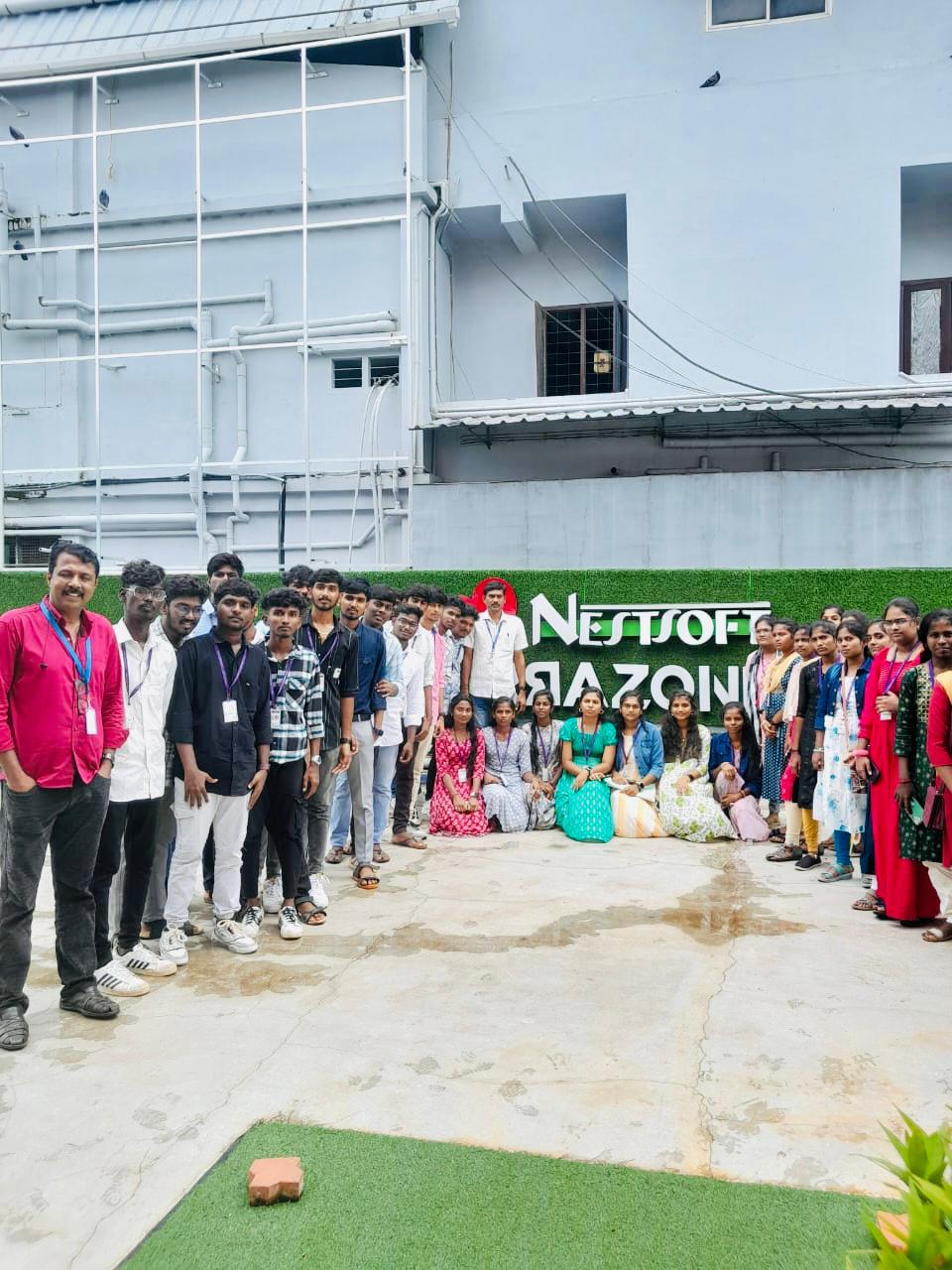
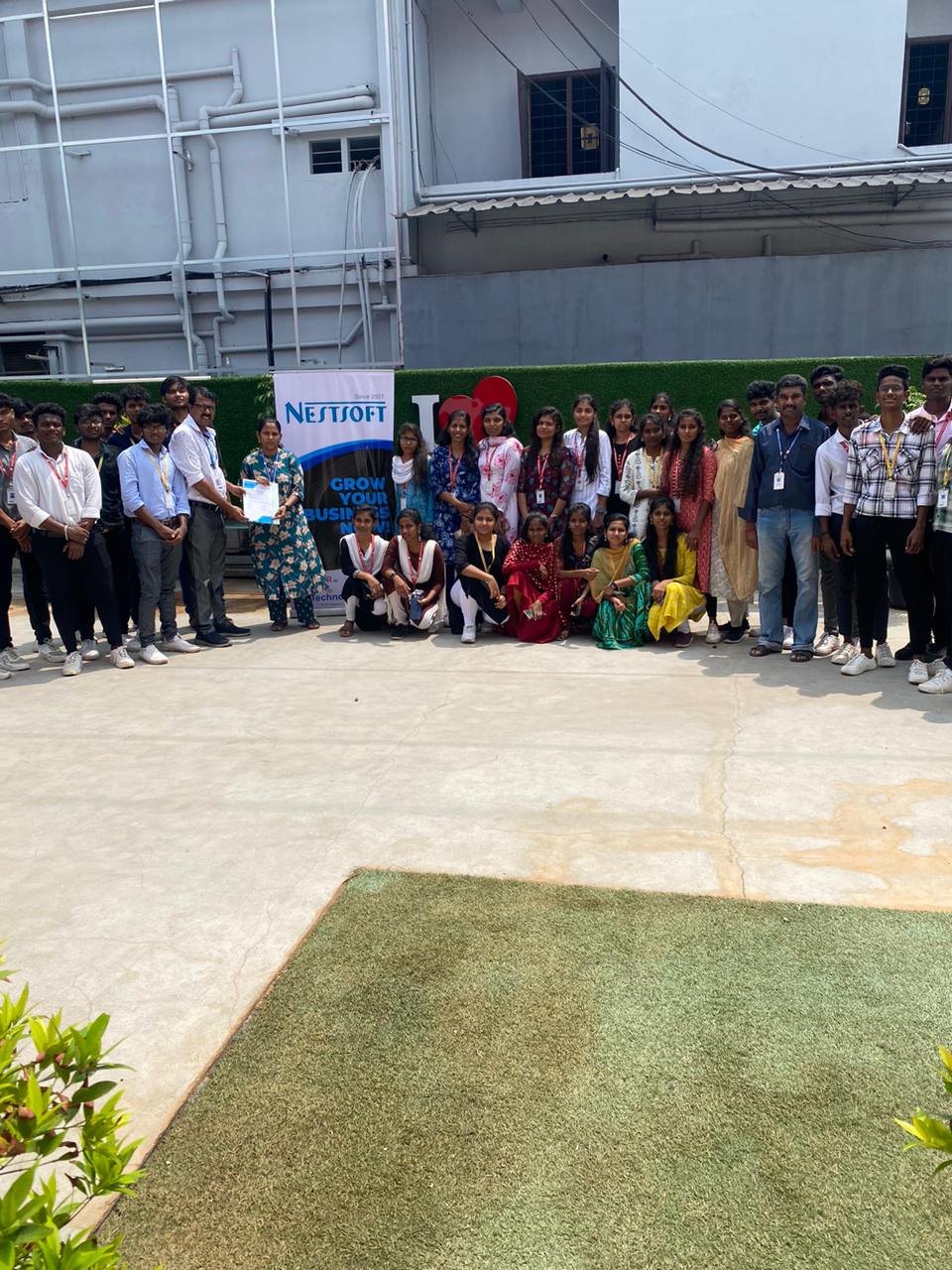
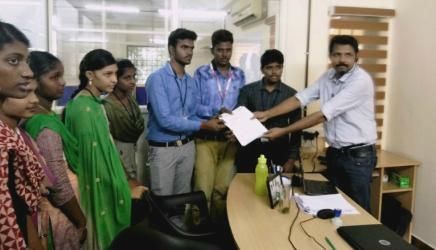
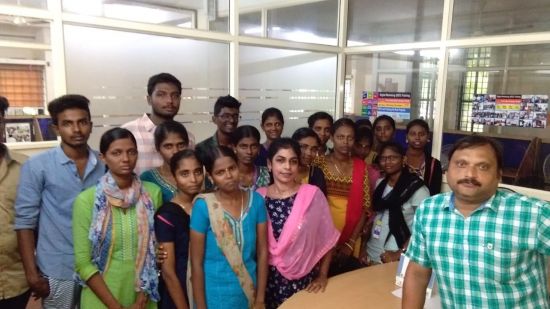
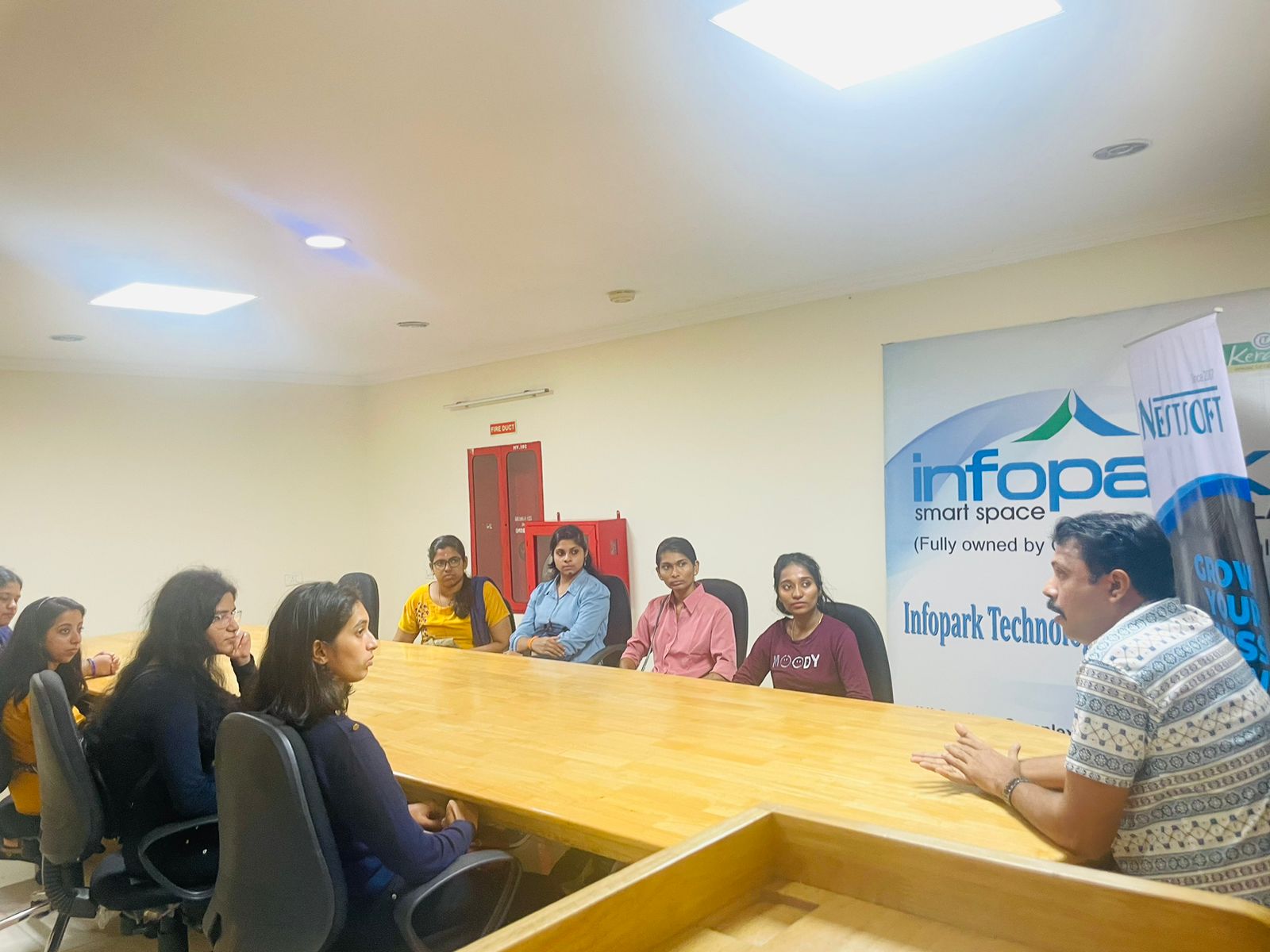
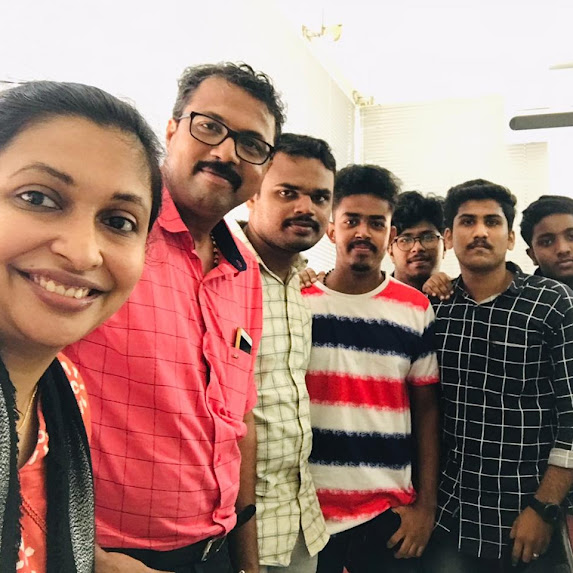
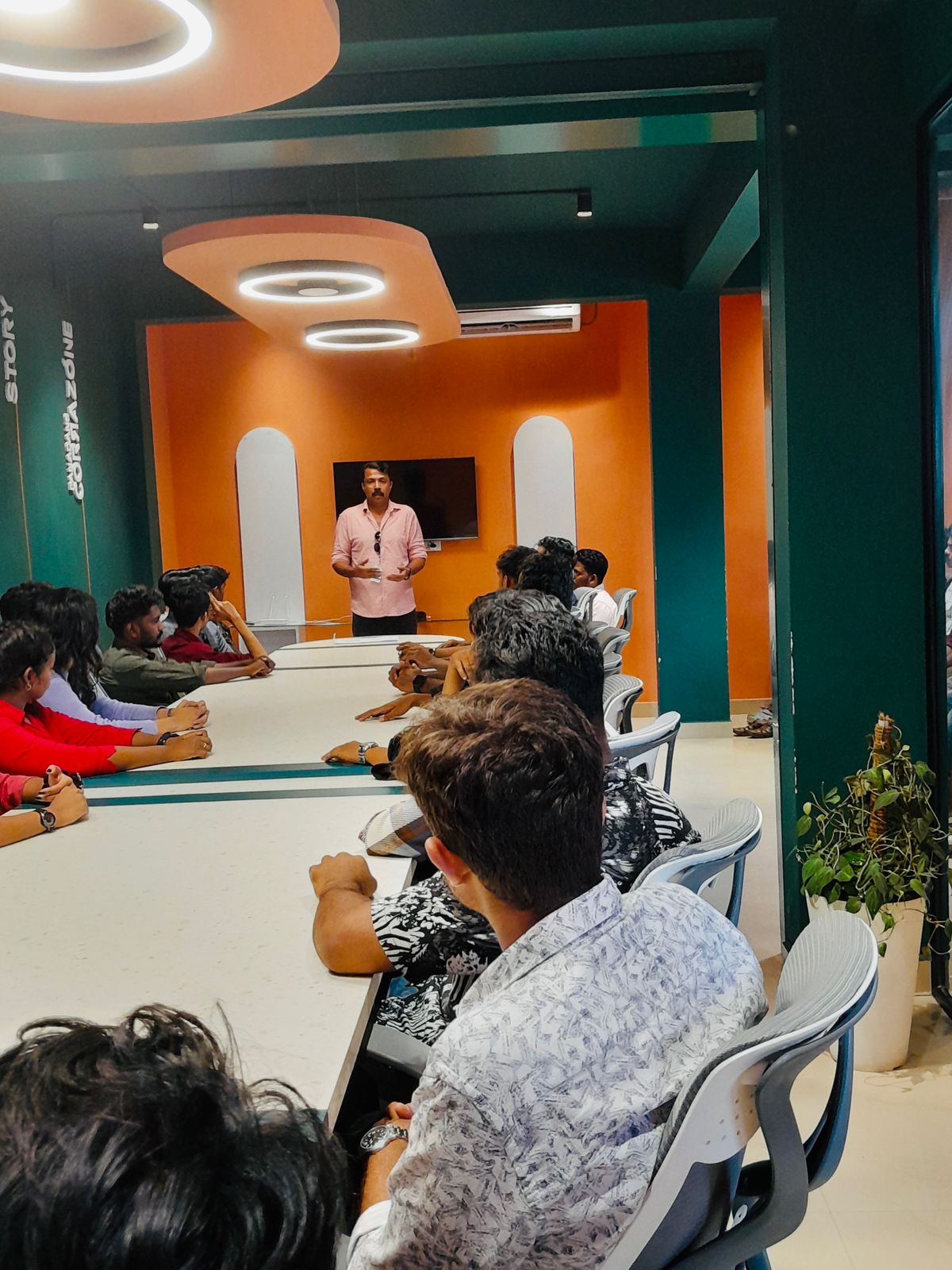
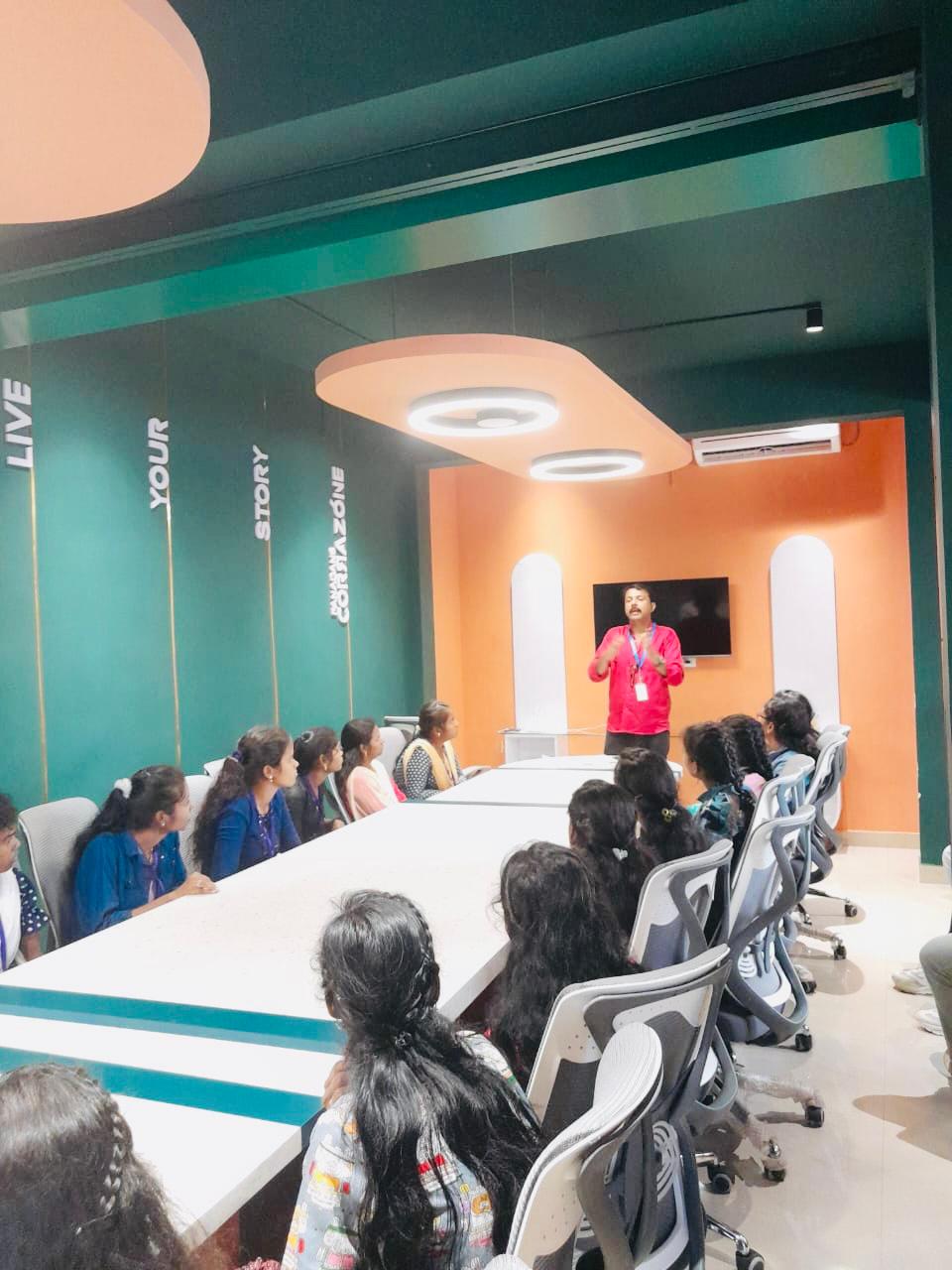
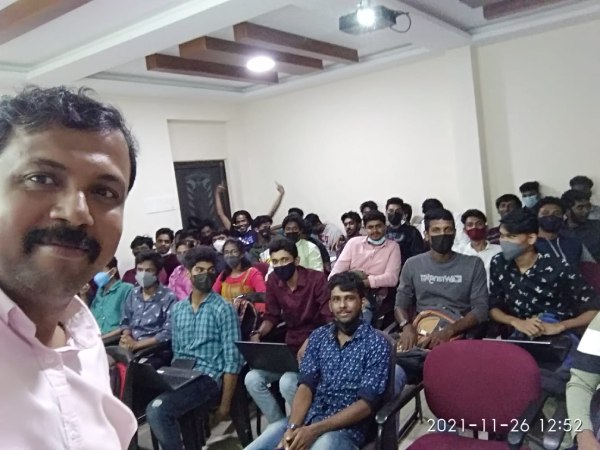
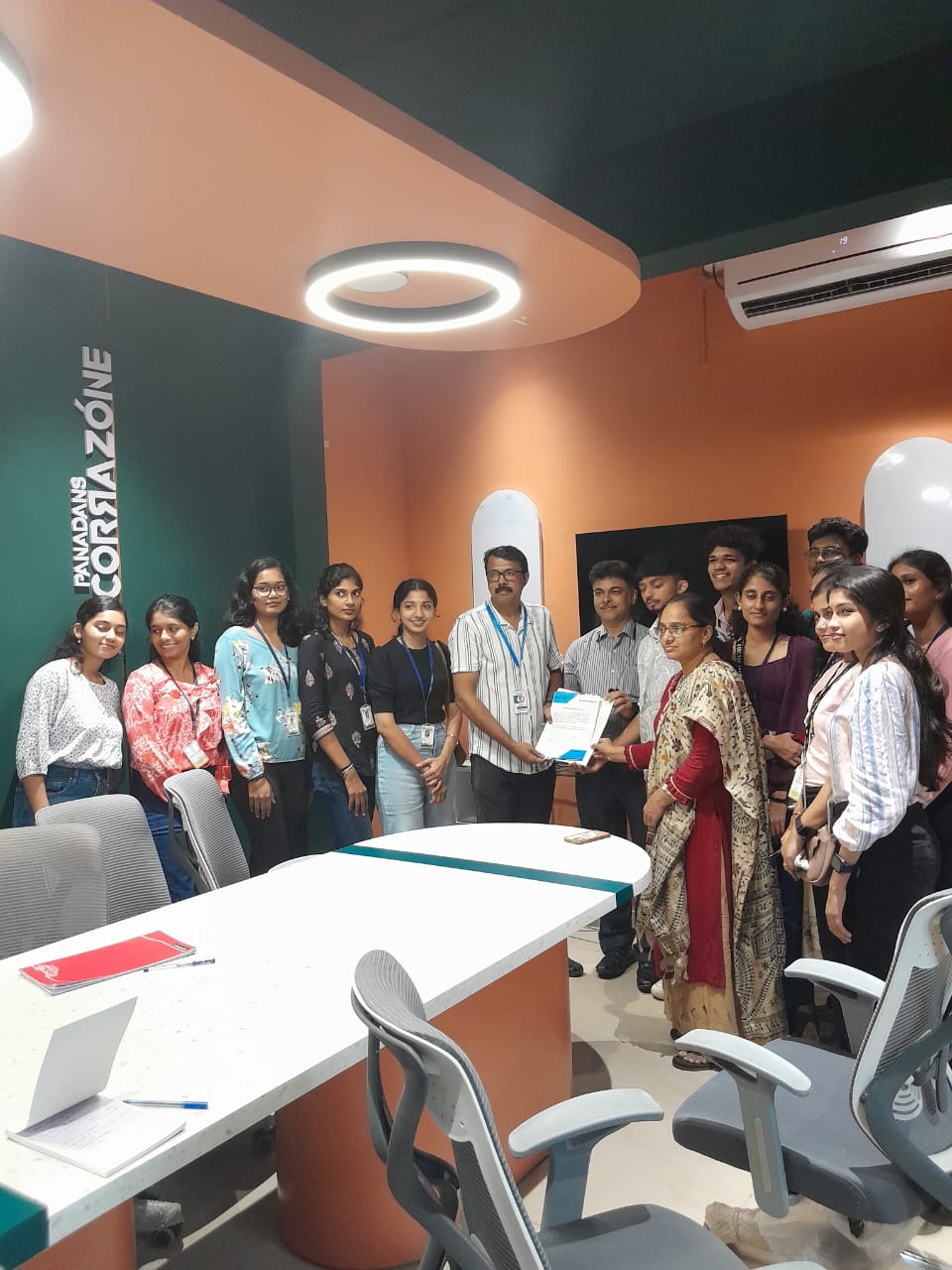
Photos of Training / Internships

Internship/projects in pune

Trained more than 10000+ students who trust Nestsoft TechnoMaster

Get Your Personal Trainer