Send enquiry ⏎

CSS Online Live Class by Experts

Our Training/Internship Process

CSS Online Live Classes in Kannur | Free Demo Training

CSS - Syllabus, Fees & Duration

Introduction

  • HTML structure and content
  • Advantages of CSS
  • Creating and using style sheets
  • CSS Rules: The Basic Syntax

CSS Boxes and CSS Selectors

  • The CSS box model
  • CSS and logical HTML structure
  • Styling boxes, borders, margins, and padding
  • Using IE6 standards mode
  • Sh4ecifying CSS distances
  • and many other CSS techniques

Fonts and Text

  • Using custom fonts
  • Font properties
  • Web font formats
  • Type Kit, font squirrel

Text Formatting in CSS

  • Fundamentals of text formatting
  • Typefaces, alternatives, and defaults
  • Font characteristics
  • Formatting blocks of text
  • Using arbitrary inline tags

CSS Selectors and Selections

  • Using HTML element IDs in CSS
  • Using CSS descendant selectors
  • Descendant selector examples
  • Child, sibling, and pseudo-class selectors
  • And many other CSS techniques.

CSS positioning

  • Choosing the right CSS
  • Technique for positioning blocks
  • The position property, floats, and margins
  • Static positioning and normal flow
  • Absolute positioning outside normal flow
  • Fixed positioning outside normal flow

CSS page Layout

  • Alternative methods of CSS positioning
  • Styling lists
  • Redefining the behaviour of inline and block elements
  • Table formatting in CSS
  • Styling table cell borders
  • page layout with table dish4lay properties

Cascade, precedence, Specificity, and Inheritance in CSS

  • Cascading and cascade order
  • Resolving style conflicts by Origin & Importance
  • Resolving style conflicts by Specificity & Order

CSS Layers and Translucency

  • Different forms of layered presentations in CSS
  • Layering with the z-index property
  • Different methods for creating translucency effects
  • The CSS3 opacity property

Using CSS in the Real World

  • Deploying CSS
  • CSS formatting vs. HTML formatting
  • Standard tags and semantic markup
  • Screen size and fluid design
  • Table layout and CSS positioning
  • Cross-platform testing

Useful CSS Tips

  • Usage of CSS Sprites
  • Pseudo Selectors
  • CSS Minify
  • Cheat Sheet for CSS3

Download Syllabus - CSS
This syllabus is not final and can be customized as per needs/updates
   
10000+
20+
50+
25+

CSS Jobs in Kannur

Enjoy the demand

Find jobs related to CSS in search engines (Google, Bing, Yahoo) and recruitment websites (monsterindia, placementindia, naukri, jobshybrid.com, indeed.co.in, shine.com etc.) based in Kannur, chennai and europe countries. You can find many jobs for freshers related to the job positions in Kannur.

  • Web Designer
  • CSS Developer
  • UI designer
  • Front end developer
  • CSS specialist
  • CSS trainer
  • Web Ui Designer
  • CSS Administrative
  • UI UX Designer
  • Graphic Web Designer

CSS Internship/Course Details

CSS internship jobs in Kannur
CSS If you would like to alter the content you simply have to edit one style sheet, because an external style sheet will contain all the designs for your website. completing this CSS coaching at Nessoft, you can step ahead in your career as a designer and build the newest interactive pages for your website viewers. one of the advantages of CSS is that it helps developers to separate content from its presentation layer. Actually, CSS does not would like more time and stress to develop a website due to its speed and simple maintenance. . Our training on CSS and CSS3 offers the most effective coaching in cascading style sheets (CSS) the most coding files used to layout a website and its design. CSS designers use one file to control {the vogue|the design|the fashion} and the layout of multiple websites within the same website so CSS changes the normal technique of setting style and layout on every individual web page. Our CSS training course includes common CSS styling that you'll like when you begin designing your pages, position your components, layout your elements relative to your documents, and style your HTML using predefined CSS values. thus entire website's look will change by editing one style sheet therefore one style sheet ensures that your websites have consistent styling throughout your website. The developer will write and edit CSS codes by using CSS text editor software.


Meet a Few of our Industry Experts 🚀 Your Pathway to IT Career

Evelin

Mobile: +91 94975 90866
Location: Online (Kannur, India)
Qualification: MCA

Experience: Html css php  more..

Mussá

Mobile: +91 91884 77559
Location: Online (Kannur, India)
Qualification: Odoo developer

Experience: I have 9 months of professional development using Odoo framework I enhanced HR modules with custom functionalities   more..

Sajmi

Mobile: +91 8301010866
Location: Online (Kannur, India)
Qualification: Bachelors of computer applications

Experience: Apache hadoop pig hive sqoop sql numpy pandas matplotlib seaborn python data science artificial intelligence machine learning nlp deep learning  more..

Pavel

Mobile: +91 94975 90866
Location: Online (Kannur, India)
Qualification: Honors

Experience: My name is Pavel Asad I am Bangladeshi I'm a Wix developer I have been working with Wix for 4  more..

Silpa

Mobile: +91 89210 61945
Location: Online (Kannur, India)
Qualification: Btech

Experience: Html css javascript bootstrap python Photoshop dreamweaver  more..

Rahul

Mobile: +91 8301010866
Location: Online (Kannur, India)
Qualification: Graduated Degree

Experience: Proficient in design and prototyping tools: Sketch Adobe XD Figma Strong understanding of user-centered design principles and information architecture Experience  more..

Jyotika

Mobile: +91 91884 77559
Location: Online (Kannur, India)
Qualification: B.Sc (H) Computer Science

Experience: For the past 5 months I have been working as a UI UX Intern at Grey to Yellow and then  more..

Shubham

Mobile: +91 94975 90866
Location: Online (Kannur, India)
Qualification: BE

Experience: Manual testing automation testing jira java selenium cucumber  more..

GOPINADH

Mobile: +91 8301010866
Location: Online (Kannur, India)
Qualification: MA

Experience: AWS DevOps tools apache tomcat K8s Terraform python  more..

Praveen

Mobile: +91 94975 90866
Location: Online (Kannur, India)
Qualification: Final year BBA, Digital marketing Executive

Experience: Working for two companies (Vedic Flavors Al- thahbya events Dubai) and 7month experience in Google Ads Campaigns and Website development  more..

NITHIN

Mobile: +91 91884 77559
Location: Online (Kannur, India)
Qualification: Bachelors Degree

Experience: Python Django Mongodb SQL NSQL DBMS C programming java HTML PHP   more..

Rahul

Mobile: +91 91884 77559
Location: Online (Kannur, India)
Qualification: BE/ECE

Experience: 5 month networking side overall troubleshooting network issue  more..

Mohini

Mobile: +91 9895490866
Location: Online (Kannur, India)
Qualification: graduated

Experience: UI UX designer skilled in Figma Adobe XD user research wireframing prototyping interaction design front-end basics collaboration and staying updated  more..

Sukhmanpreet

Mobile: +91 94975 90866
Location: Online (Kannur, India)
Qualification: B.Tech

Experience: Detail-oriented recent Computer Science graduate with a solid foundation in JavaScript React MongoDB Node js and Express js Completed hands-on  more..

Angel

Mobile: +91 94975 90866
Location: Online (Kannur, India)
Qualification: M.E VLSIDESIGN

Experience: Selenium Java manual testing  more..

Akshay

Mobile: +91 8301010866
Location: Online (Kannur, India)
Qualification: BA Economics

Experience: Manual testing Mysql Java Automation testing Cucumber Test NG Appium Jmeter Postman Api  more..

Sruthy

Mobile: +91 91884 77559
Location: Online (Kannur, India)
Qualification: Msc Computer Science

Experience: I have completed software testing courses(Manual and Automation) with internship from STC Technologies at Palarivattom l have 5 years experience  more..

Jayesh

Mobile: +91 8301010866
Location: Online (Kannur, India)
Qualification: MCA

Experience: I have experience as a Web developer and web designer for 5+ years of experience My skills WordPress php core  more..

Saravanan

Mobile: +91 94975 90866
Location: Online (Kannur, India)
Qualification: Bsc

Experience: I am flutter developer fresher  more..

Athulya

Mobile: +91 94975 90866
Location: Online (Kannur, India)
Qualification: Mca

Experience: 2 5 year of experience in testing  more..

nilam

Mobile: +91 91884 77559
Location: Online (Kannur, India)
Qualification: BE(E&TC)

Experience: As a web devloper design a creative website  more..

Vinu

Mobile: +91 94975 90866
Location: Online (Kannur, India)
Qualification: B.Tech

Experience: I am having 5 years in android application (java) and support for android projects in kotlin which utilizes sqlite database  more..

Prabhu

Mobile: +91 98474 90866
Location: Online (Kannur, India)
Qualification: MBA, PGDMM, DSCM

Experience: Supply chain management Logistics networking Warehouse Operations Inventory Management Supply Chain Analytics  more..

Hashim

Mobile: +91 9895490866
Location: Online (Kannur, India)
Qualification: Diploma

Experience: I am a passionate web developer with a deep expertise in Wix a platform I've mastered to create seamless and  more..

Success Stories

The enviable salary packages and track record of our previous students are the proof of our excellence. Please go through our students' reviews about our training methods and faculty and compare it to the recorded video classes that most of the other institutes offer. See for yourself how TechnoMaster is truly unique.


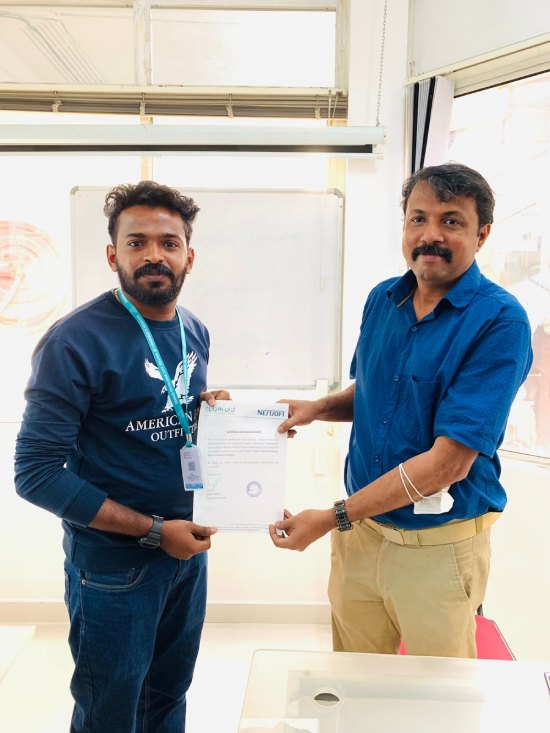
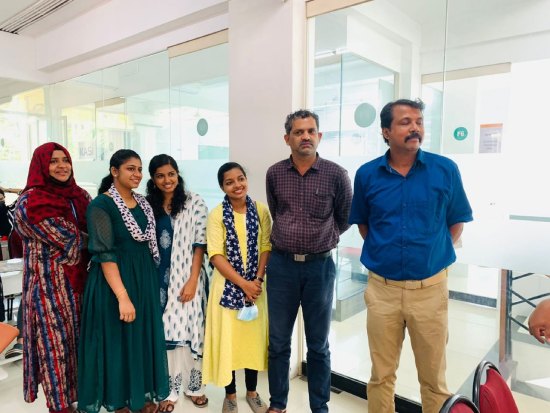
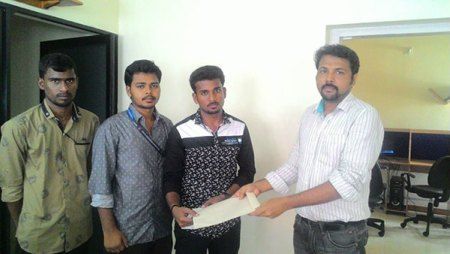
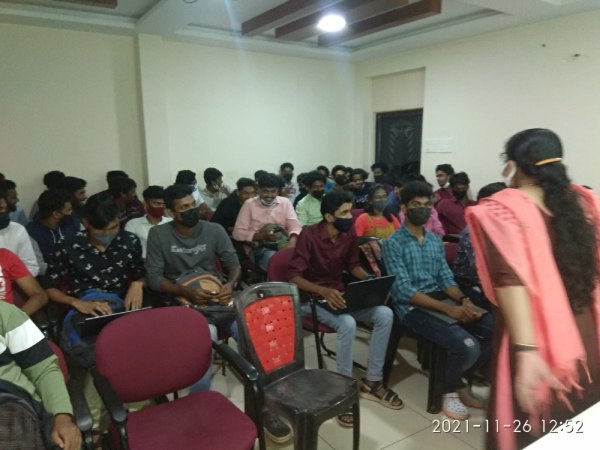
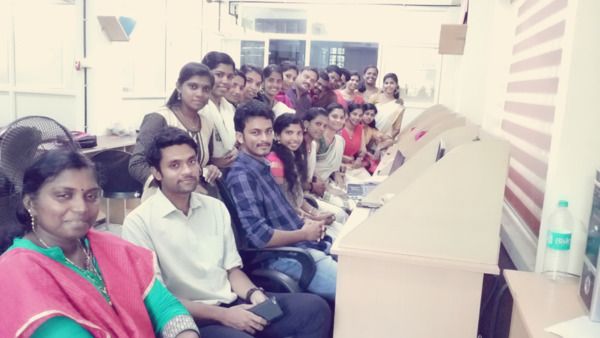
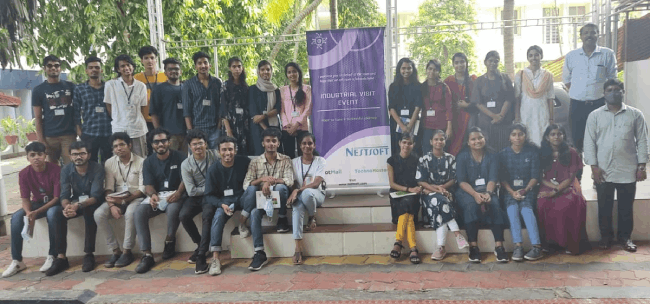
Photos of Training / Internships

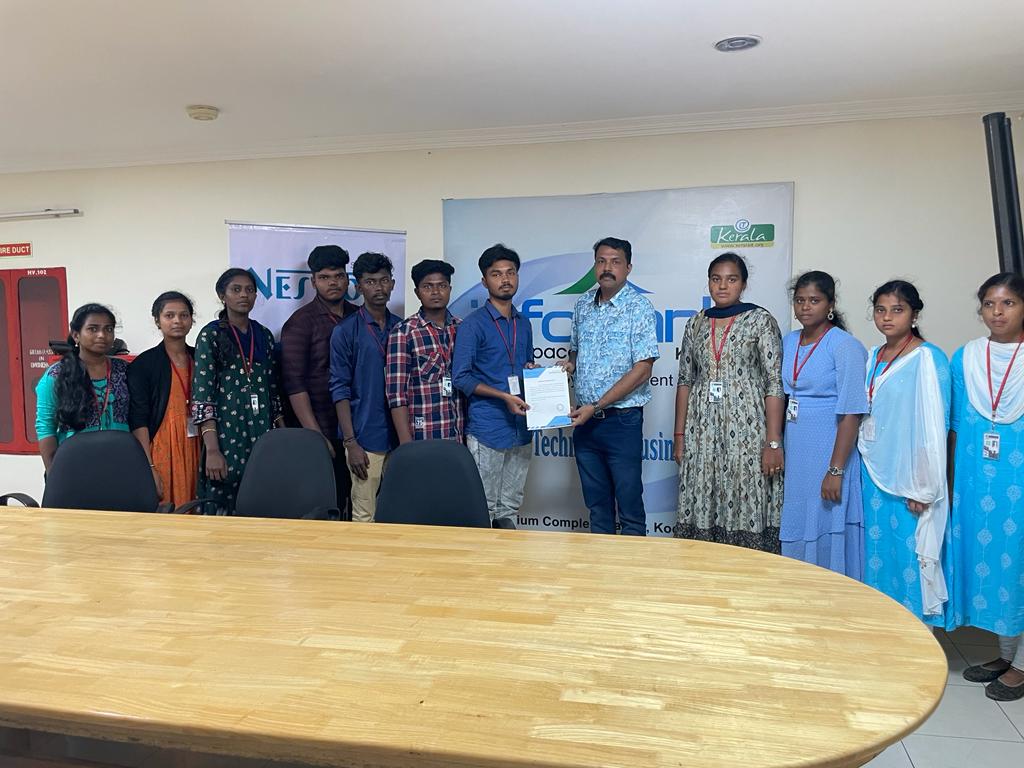
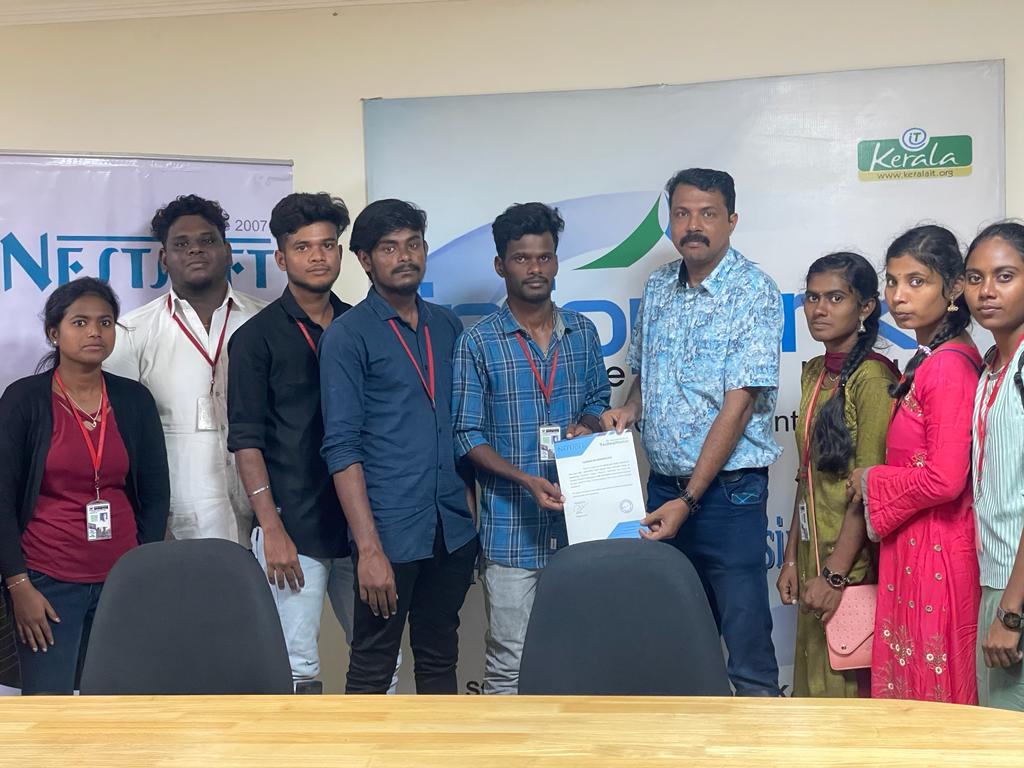
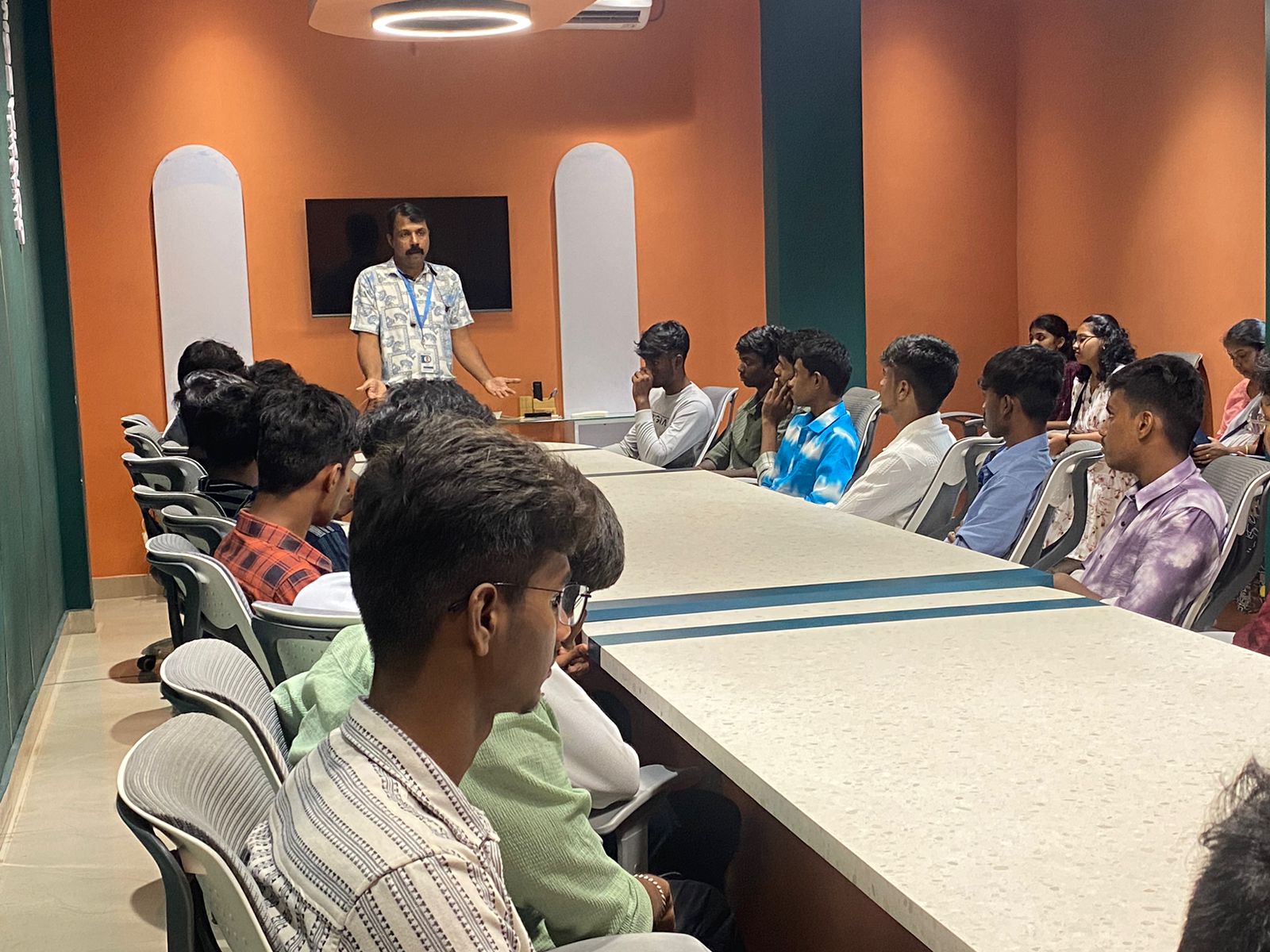
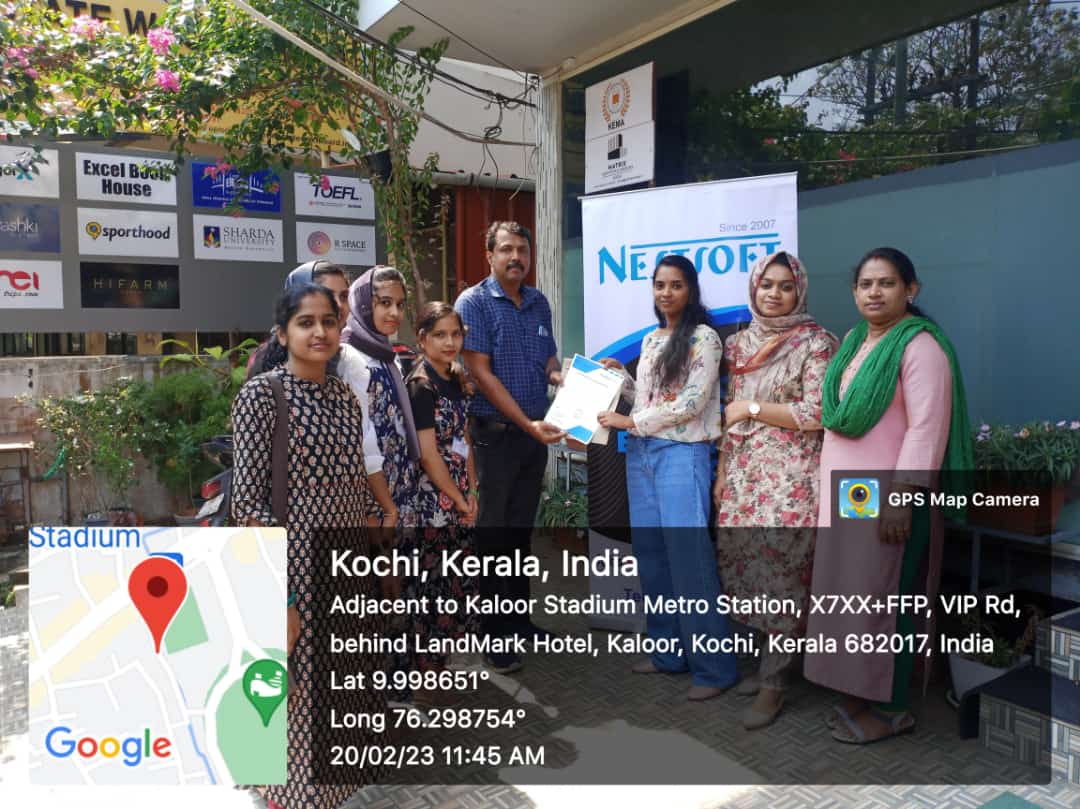
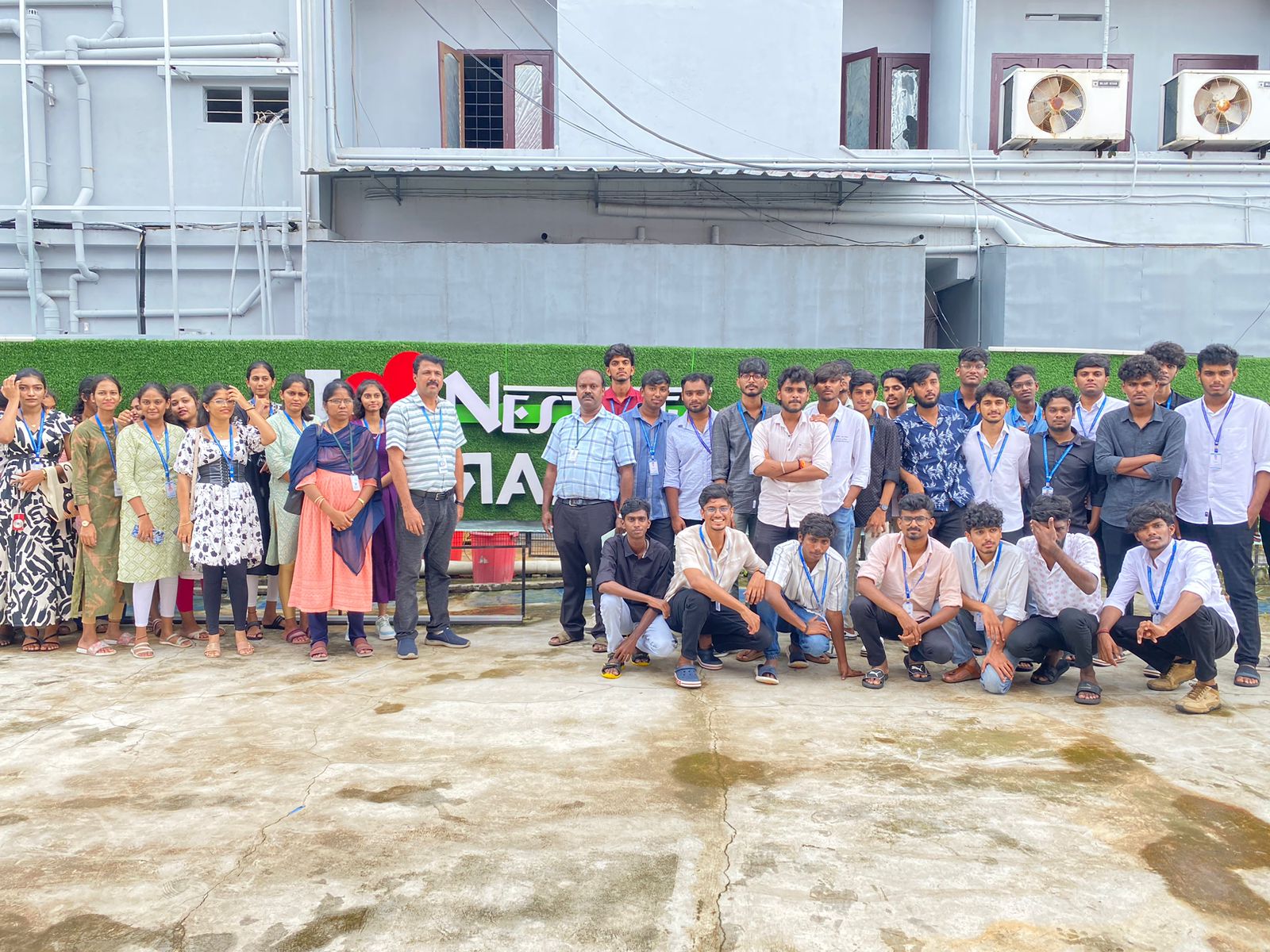
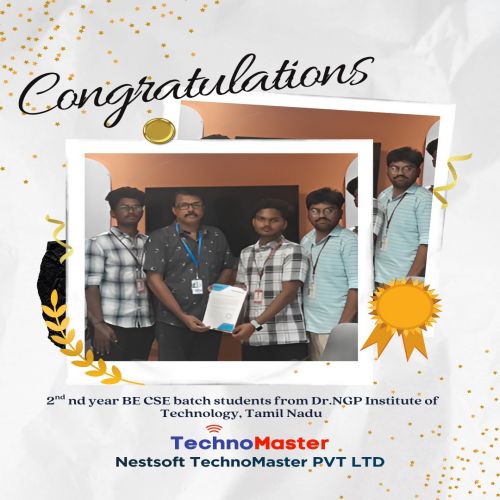
Internship/projects in kannur

Trained more than 10000+ students who trust Nestsoft TechnoMaster

Get Your Personal Trainer