Send enquiry ⏎

Laravel Online Live Class by Experts

Our Training/Internship Process

Laravel Online Live Classes in Kerala | Free Demo Training

Laravel - Syllabus, Fees & Duration

Section 1 : Introduction of Laravel PHP Framework

  • Installing Laravel
  • Artisan CLI ( command-line interface )
  • Laravel Directory Structure
  • Configuring a new Laravel project

Section 2 : Architecture & Basics

  • Architecture overview -Basic routing
  • Call a controller method from a route
  • Passing variables from controllers to views
  • CSRF protection
  • Validation
  • Error handling
  • Controller
  • Request
  • Response
  • Views
  • Session

Section 3 : HTML Template to Laravel Blade Template

  • Master layout
  • Extending the master layout
  • Displaying variables
  • Blade conditional statements & loops
  • PHP functions in blade
  • Creating and using a basic views
  • Loading a view into another view/nested views
  • Adding assets
  • Integrating with Bootstrap

Section 4 : Security & Session

  • Authentication
  • Authorization
  • Encryption
  • Hashing
  • Using Security
  • Sessions Effective

Section 5 : Database

  • Introduction
  • Query Builder
  • Migrations
  • Seeding

Section 6 : Eloquent ORM ( Storing and Using Data )

  • Eloquent ORM Models
  • Naming conventions
  • Table name and primary keys
  • Timestamps
  • Eloquent ORM INSERT, READ , UPDATE , DELETE
  • Using models in controllers
  • Displaying data from models in views

Section 7 : Creating a registration & user login form

  • Artisan command to create inbuilt user register and login system
  • Authenticating Your Application
  • Adding Custom Fields to Registration Form
  • Creating user profile page

Section 8 : Admin Panel Setup

  • Introduction
  • Setup Admin Panel using Bootstrap theme
  • Create Admin login
  • Creating an admin authentication system
  • Encrypting and decrypting data

Section 9 : Using Ajax and jQuery

  • Introduction
  • Getting data from another page
  • Setting up a controller to return JSON data

Section 10 : Project

Download Syllabus - Laravel
This syllabus is not final and can be customized as per needs/updates
   
10000+
20+
50+
25+

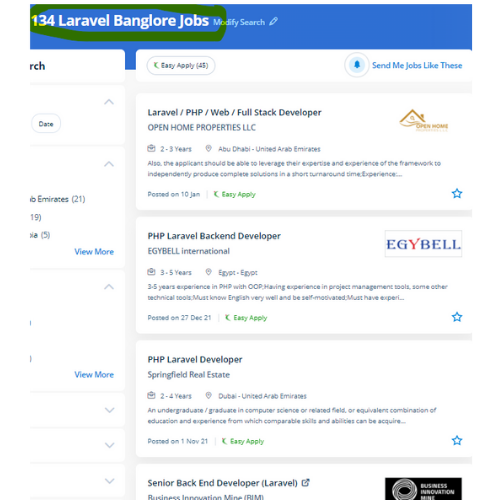
Laravel Jobs in Kerala

Enjoy the demand

Find jobs related to Laravel in search engines (Google, Bing, Yahoo) and recruitment websites (monsterindia, placementindia, naukri, jobshybrid.com, indeed.co.in, shine.com etc.) based in Kerala, chennai and europe countries. You can find many jobs for freshers related to the job positions in Kerala.

  • Full stack Developer
  • PHP Developer Laravel
  • Laravel Developer
  • Backend Developer
  • Senior Php Web Developer
  • Senior Backend Developer
  • Software Engineer-Laravel
  • Systems developer
  • Lead Full Stack Developer
  • Programmer

Laravel Internship/Course Details

Laravel internship jobs in Kerala
Laravel Plus, each day, it’s improved with dozens of custom inventions developed around its open-source framework. The crucial viewpoint of Laravel is the concern that the software development system should be as simple, high-quality, and quick as possible. Our Laravel training helps course PHP developers to easy to understand to make and deploy a high-performance Laravel application. Presently, Laravel is engaged by thousands of professionals around the globe. During this course, you would be learning the advanced options of using Laravel PHP Framework like about Laravel-Localization, Sessions, Forms, Validations, Laravel and AJAX, Laravel, andE-mail, and Error Handling Laravel is a PHP frame for contemporary web apps. This small feature will prevent thousands of dollars. If you're talented and understand logic quickly also it'll be easy to learn. Nestsoft offers the best Laravel online live training with the most skilled professionals who are certified at a professional level. But, Laravel comes up with various tools that facilitate the developers to heft the web app performance. Laravel could be a game-changer For your business.


Meet a Few of our Industry Experts 🚀 Your Pathway to IT Career

Pranay

Mobile: +91 9895490866
Location: Online (Kerala, India)
Qualification: Btech

Experience: Skills : Plugin and theme development PHP Javascript AJAX Wordpress HTML CSS  more..

Lakshmana

Mobile: +91 9895490866
Location: Online (Kerala, India)
Qualification: BE CSE

Experience: Subject: Application for Content Writer Position at Jar Company Dear Hiring Manager I am writing to express my strong interest  more..

Haripriya

Mobile: +91 9895490866
Location: Online (Kerala, India)
Qualification: BCA

Experience: Python Html Javascript Bootstrap css I completed my internship in python Django framework from KINFRA TECHNOPARK   more..

Pooja

Mobile: +91 94975 90866
Location: Online (Kerala, India)
Qualification: BCA

Experience: UI ux design Visual design Wireframe Time management Creativity Critical thinking  more..

Vishal

Mobile: +91 91884 77559
Location: Online (Kerala, India)
Qualification: Bachelor's of Arts

Experience: Interaction Design | Visual Design | User Research | Wireframing | Information Architecture | Design Thinking |Usability testing | Web  more..

Ankita

Mobile: +91 91884 77559
Location: Online (Kerala, India)
Qualification: BE

Experience: Automation testing and manual testing   more..

Anagha

Mobile: +91 91884 77559
Location: Online (Kerala, India)
Qualification: MCA

Experience: Skills Knowledge in software testing Knowledge in LARAVEL C JAVA DBMS Confident Articulate and Professional Speaking abilities Ability to work  more..

Praveen

Mobile: +91 89210 61945
Location: Online (Kerala, India)
Qualification: Final year BBA, Digital marketing Executive

Experience: Working for two companies (Vedic Flavors Al- thahbya events Dubai) and 7month experience in Google Ads Campaigns and Website development  more..

Shincy

Mobile: +91 91884 77559
Location: Online (Kerala, India)
Qualification: Mca

Experience: I have completed my MCA graduation in 2020 i know the programming languages like php c c++ java and html  more..

Ajay

Mobile: +91 94975 90866
Location: Online (Kerala, India)
Qualification: BE

Experience: manual testing automation testing Api testing core java selenium jira jmeter appium SQL cucumber framework  more..

Ann

Mobile: +91 9895490866
Location: Online (Kerala, India)
Qualification: Btech

Experience: 5 5 years of experience in seo content creation and digital marketing   more..

Aneesh

Mobile: +91 91884 77559
Location: Online (Kerala, India)
Qualification: B.Tech in Information Technology

Experience: Android Kotlin Java Android Architecture MVVM Coroutines Dependency Injection using Dagger2 and Hilt GIT design patterns   more..

Vismaya

Mobile: +91 94975 90866
Location: Online (Kerala, India)
Qualification: BCA + MEAN Fullstack Development

Experience: Completed MEAN fullstack development courseApplication for Meanstack Developer Mean Stack  more..

Pratiksha

Mobile: +91 94975 90866
Location: Online (Kerala, India)
Qualification: UI/UX Design

Experience: I’m skilled in understanding user needs through research interviews surveys I design user-friendly interfaces and ensure information is organized logically  more..

ANAGHA

Mobile: +91 8301010866
Location: Online (Kerala, India)
Qualification: BTech IT

Experience: I have knowledge in HTML CSS Bootstrap MySQL Python Django Flask Pandas NumPy Data analysis and Github Recently i worked  more..

S.M.Iftykhar

Mobile: +91 94975 90866
Location: Online (Kerala, India)
Qualification: Graduate Fresher

Experience: Beginner at Laravel and PHP Medium level Experienced with HTML and CSS Hands on experience on MySQL working on  more..

Rani

Mobile: +91 8301010866
Location: Online (Kerala, India)
Qualification: The act of measuring or judging the size or ammount of something

Experience: I completed degree in Karnataka My skills are python C programming Data Science Java Excl Powerponi and computer I experience  more..

Ashik

Mobile: +91 94975 90866
Location: Online (Kerala, India)
Qualification: btech

Experience: Odoo-1 year python 1- year wordpress-3 months python internship-6 months  more..

Babita

Mobile: +91 91884 77559
Location: Online (Kerala, India)
Qualification: Diploma

Experience: I have 3 5 year experience as web developer Also making website responsive I have knowledge of html5 css3 bootstarap4  more..

Sonal

Mobile: +91 91884 77559
Location: Online (Kerala, India)
Qualification: MCA

Experience: net oracle unix  more..

Hassan

Mobile: +91 9895490866
Location: Online (Kerala, India)
Qualification: Undergraduate degree

Experience: Seeking a challenging environment that encourages continuous learning and creativity providing exposure to new ideas and stimulate personal and professional  more..

Surya

Mobile: +91 98474 90866
Location: Online (Kerala, India)
Qualification: BE. Mechanical Engineering

Experience: • Good understanding of the SDLC STLC Waterfall & Agile Methodologies • Experience in Automation Tools- Selenium framework & Playwright  more..

Merin

Mobile: +91 89210 61945
Location: Online (Kerala, India)
Qualification: Btech

Experience: Digital marketing and seo   more..

sumana

Mobile: +91 91884 77559
Location: Online (Kerala, India)
Qualification: Post graduate

Experience: I have total 7 years exp in seo smo ads email marketing wordpress html design  more..

Success Stories

The enviable salary packages and track record of our previous students are the proof of our excellence. Please go through our students' reviews about our training methods and faculty and compare it to the recorded video classes that most of the other institutes offer. See for yourself how TechnoMaster is truly unique.

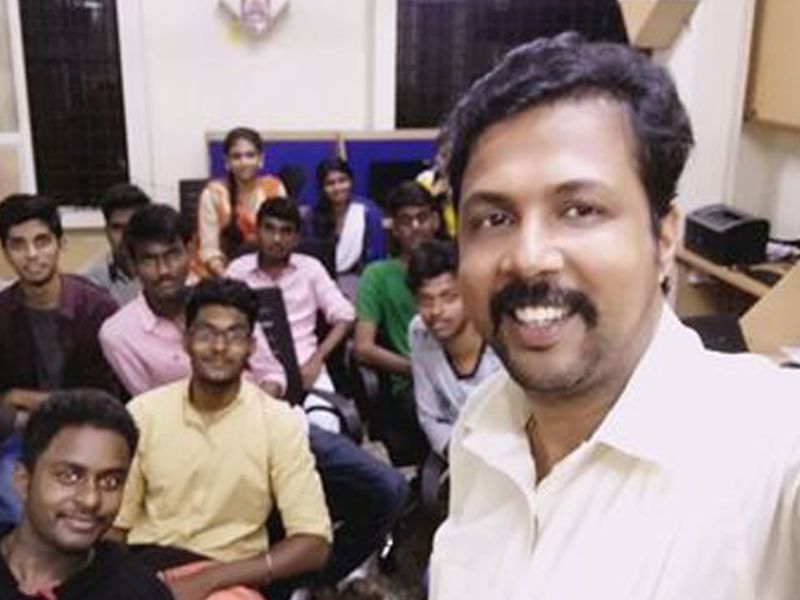
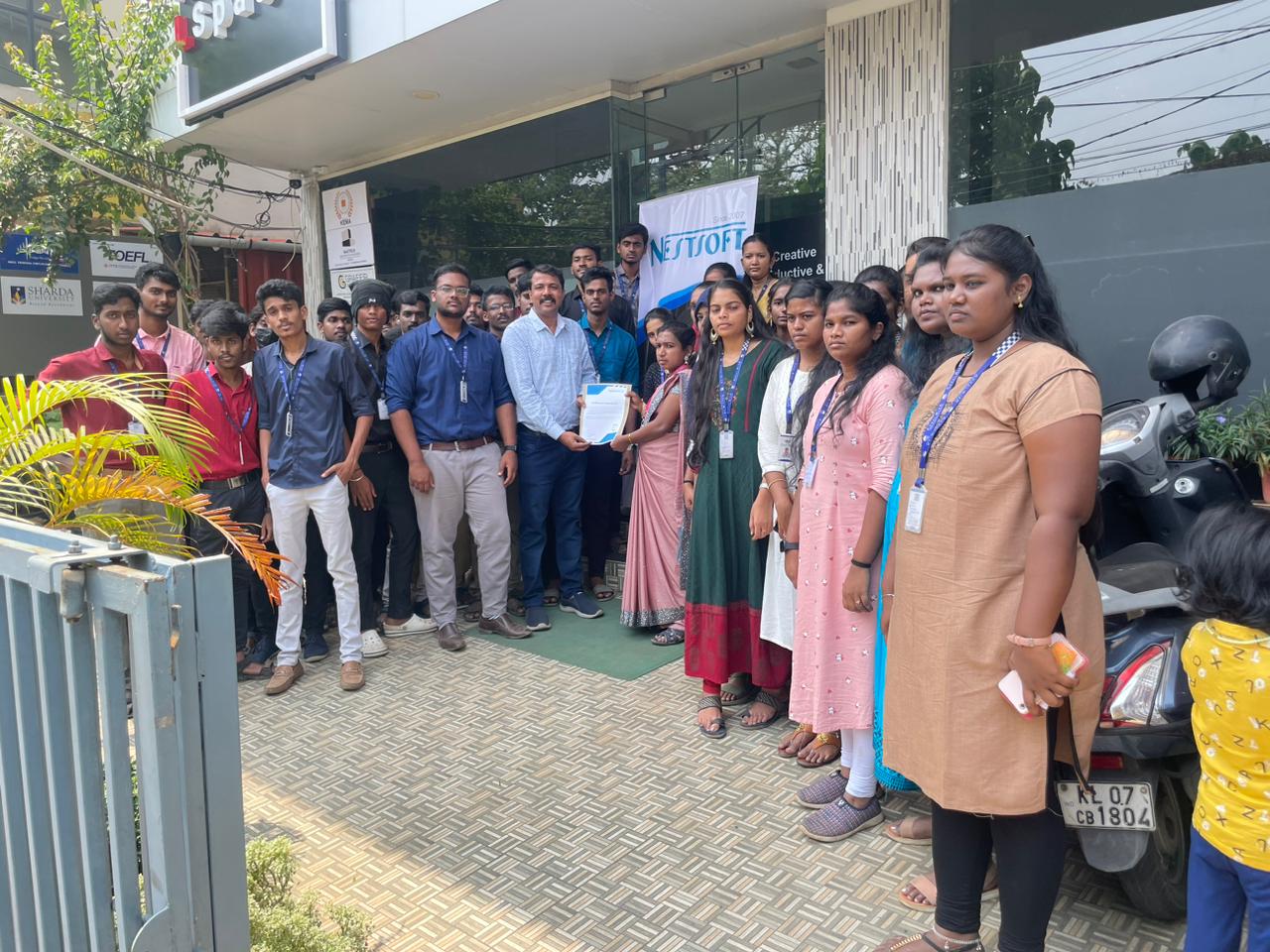
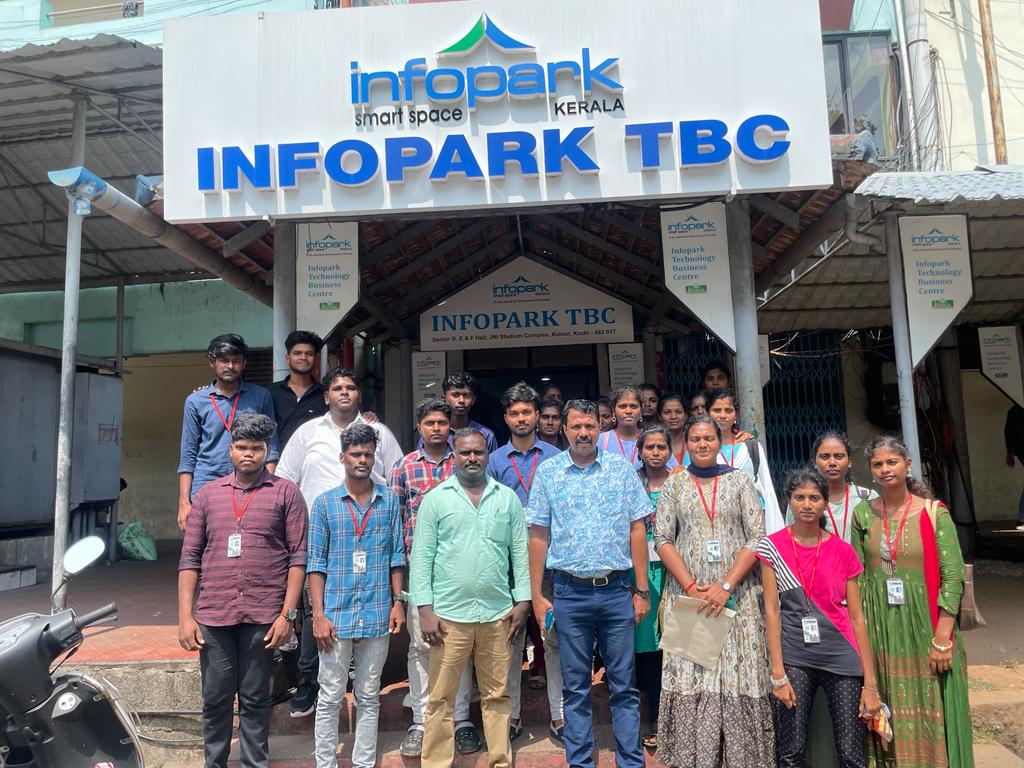
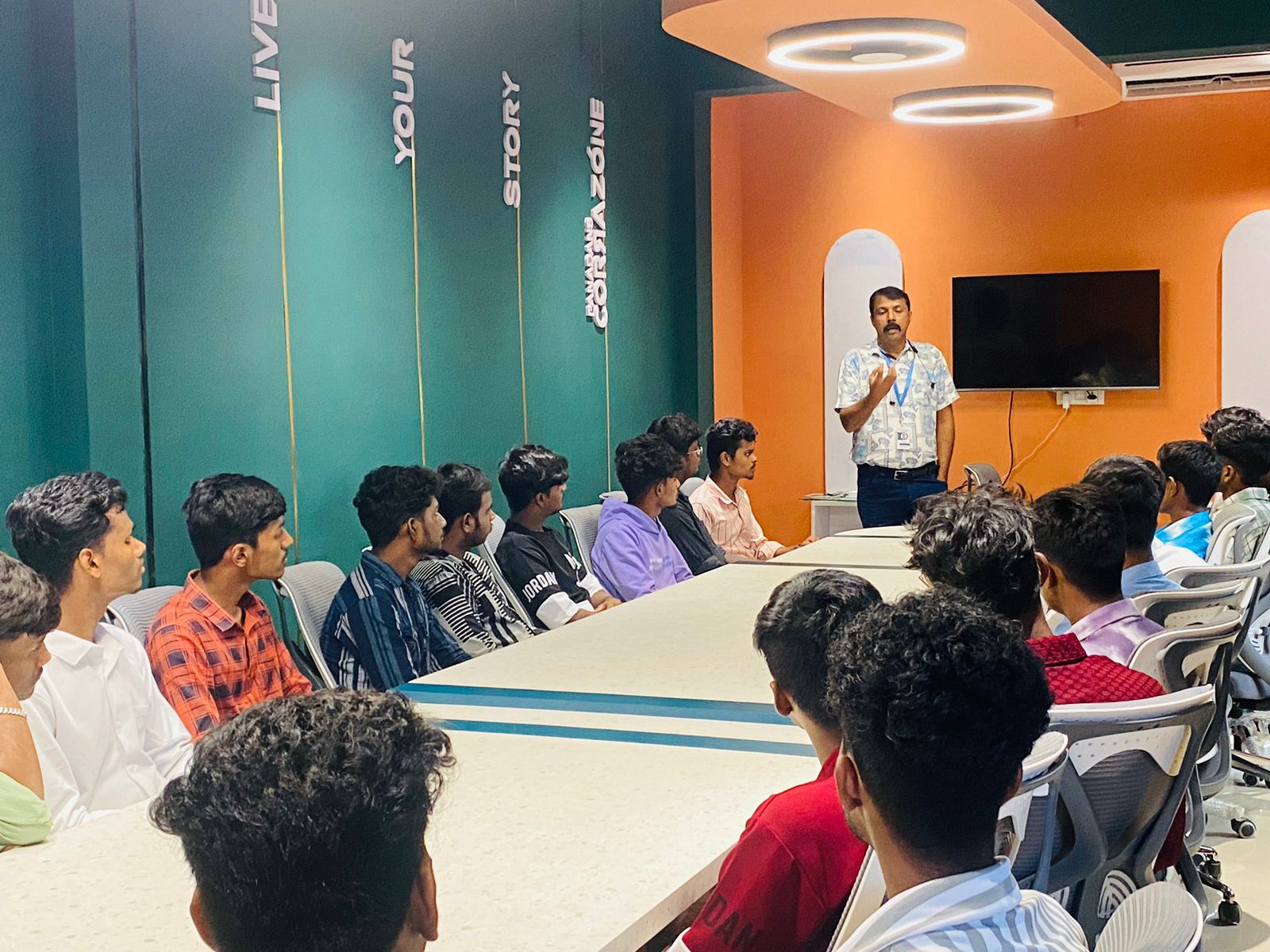
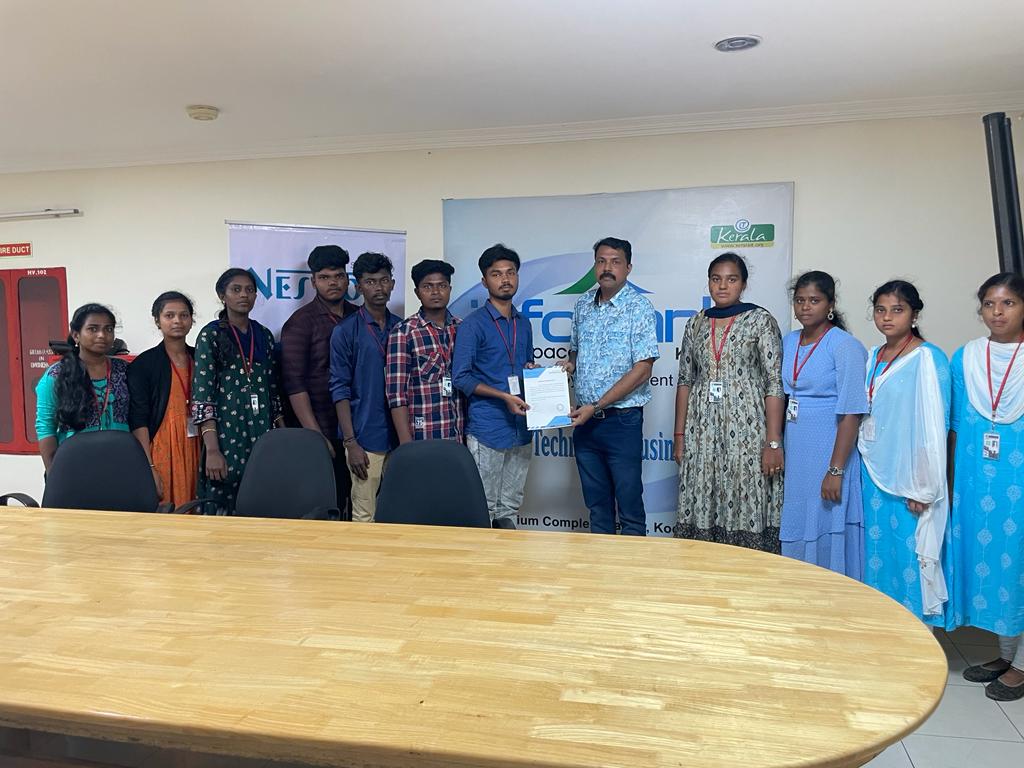
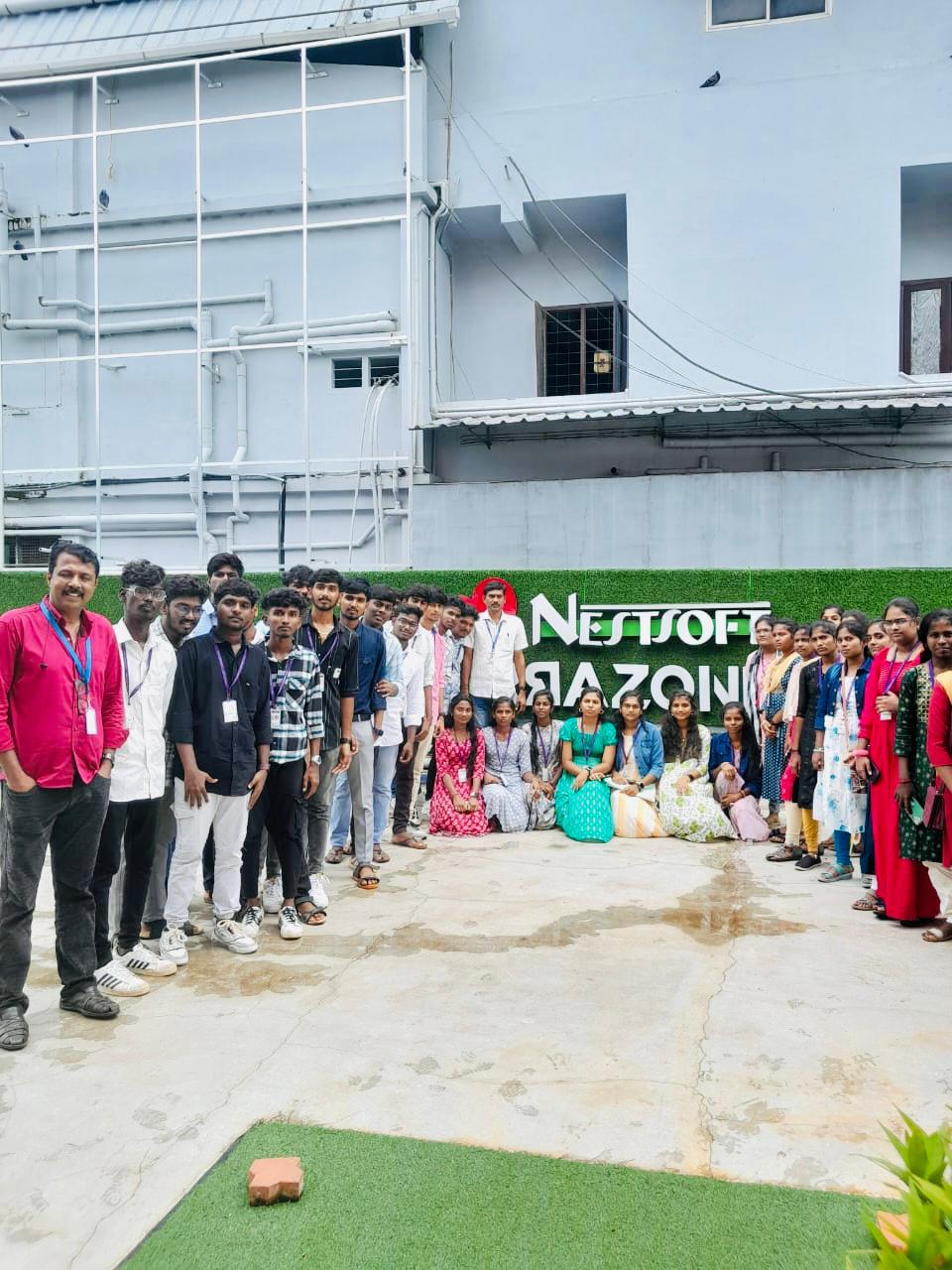
Photos of Training / Internships

Internship/projects in kerala

Trained more than 10000+ students who trust Nestsoft TechnoMaster

Get Your Personal Trainer