Send enquiry ⏎

MCSE Online Live Class by Experts

Our Training/Internship Process

MCSE Online Live Classes in Thirunelveli | Free Demo Training

MCSE - Syllabus, Fees & Duration

MODULE 1

  • Windows Server 2012 Overview
  • Overview of Windows Server 2012 Management
  • Installing Windows Server 2012
  • Post-Installation Configuration of Windows Server 2012
  • Introduction to Windows PowerShell

MODULE 2

  • Introduction to Active Directory Domain Services
  • Overview of AD DS
  • Overview of Domain Controllers
  • Installing a Domain Controller

MODULE 3

  • Managing Active Directory Domain Services Objects
  • Managing User Accounts
  • Managing Group Accounts
  • Managing Computer Accounts
  • Delegating Administration

MODULE 4

  • Automating Active Directory Domain Services Administration
  • Using Command-line Tools for Administration
  • Using Windows PowerShell for Administration
  • Performing Bulk Operations with Windows PowerShell

MODULE 5

  • Implementing IPv4
  • Overview of TCP/IP
  • Understanding IPv4 Addressing
  • Subnetting and Supernetting
  • Configuring and Troubleshooting IPv4

MODULE 6

  • Implementing DHCP
  • Installing a DHCP Server Role
  • Configuring DHCP Scopes
  • Managing a DHCP Database
  • Securing and Monitoring DHCP

MODULE 7

  • Implementing DNS
  • Name Resolution for Windows Client and Servers
  • Installing and Managing a DNS Server
  • Managing DNS Zones

MODULE 8

  • Implementing IPv6
  • Overview of IPv6
  • IPv6 Addressing
  • Coexistence with IPv6
  • IPv6 Transition Technologies

MODULE 9

  • Implementing Local Storage
  • Overview of Storage
  • Managing Disks and Volumes
  • Implementing Storage Spaces

MODULE 10

  • Implementing File and Print Services
  • Securing Files and Folders
  • Protecting Shared Files and Folders Using Shadow Copies
  • Configuring Network Printing

MODULE 11

  • Implementing Group Policy
  • Overview of Group Policy
  • Group Policy Processing
  • Implementing a Central Store for Administrative Templates

MODULE 12

  • Securing Windows Servers Using Group Policy Objects
  • Windows Security Overview
  • Configuring Security Settings
  • Restricting Software
  • Configuring Windows Firewall with Advanced Security

MODULE 13

  • Implementing Server Virtualization with Hyper-V
  • Overview of Virtualization Technologies
  • Implementing Hyper-V
  • Managing Virtual Machine Storage
  • Managing Virtual Networks

MODULE 14

  • Administering windows server
  • Deploying and Maintaining Server Images
  • Configuring and Troubleshooting Domain Name System
  • Maintaining Active Directory Domain Services
  • Managing User and Service Accounts
  • Implementing a Group Policy Infrastructure
  • Managing User Desktops with Group Policy
  • Configuring and Troubleshooting Remote Access
  • Installing, Configuring, and Troubleshooting the Network Policy Server Role
  • Implementing Network Access Protection
  • Optimizing File Services
  • Configuring Encryption and Advanced Auditing
  • Implementing Update Management
  • Monitoring Windows Server 2012

MODULE 15

  • Configuring Advanced Windows Server Services
  • Implementing Advanced Network Services
  • Implementing Advanced File Services
  • Implementing Dynamic Access Control
  • Implementing Distributed Active Directory Domain Services Deployments
  • Implementing Active Directory Domain Services Sites and Replication
  • Implementing Active Directory Certificate Services
  • Implementing Active Directory Rights Management Services
  • Implementing Network Load Balancing
  • Implementing Failover Clustering
  • Implementing Failover Clustering with Hyper-V
  • Implementing Disaster Recovery
  • Download Syllabus - MCSE
    This syllabus is not final and can be customized as per needs/updates
   
10000+
20+
50+
25+

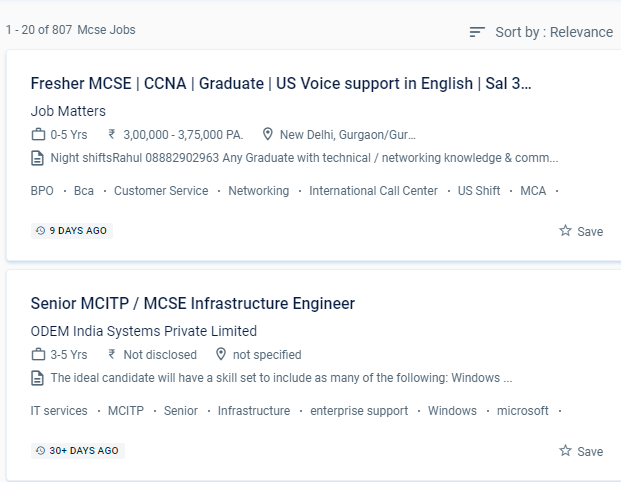
MCSE Jobs in Thirunelveli

Enjoy the demand

Find jobs related to MCSE in search engines (Google, Bing, Yahoo) and recruitment websites (monsterindia, placementindia, naukri, jobshybrid.com, indeed.co.in, shine.com etc.) based in Thirunelveli, chennai and europe countries. You can find many jobs for freshers related to the job positions in Thirunelveli.

  • Windows Administrator
  • Network Manager
  • Systems Administrator
  • Systems Engineer
  • IT Support Engineer
  • Technical Consultant
  • IT consultant
  • Systems Administrator
  • SQL Server Administrators
  • Database Backup Administrators

MCSE Internship/Course Details

MCSE internship jobs in Thirunelveli
MCSE Students who want to clear up any questions can benefit from one-on-one teaching and can submit an email with any questions. The Microsoft certified solution expert online training in Thirunelveli gives comprehensive instruction and working modules for the MCSE certification. Develop and demonstrate your devotion to your career by becoming an MCSE certified professional, and you'll earn high pay. The Microsoft Certified Solutions Associate (MCSA) certification qualifies a candidate for the professional-level certification MCSE. The candidate will be able to set up a window server using a server image, create active directory domain servers forests, troubleshoot and monitor networks, manage users and permissions, secure network and user data, and design server infrastructure after completing MCSE training from NESTSOFT in Thirunelveli. Because this certification is industry-standard and globally recognized, it gives you an advantage over your peers and qualifies you for raises in pay and promotions. The MCSE syllabus has been intended to cover every relevant topic. MCSE online training in a specific Thirunelveli is a job-oriented course. The trained individual can come up with a unique solution to a problem in the business and create it from the ground up. A certification-level information technology course, Microsoft certified solution expert is a certification-level information technology course.


Meet a Few of our Industry Experts 🚀 Your Pathway to IT Career

siddharth

Mobile: +91 98474 90866
Location: Online (Thirunelveli, India)
Qualification: 12th,BCA

Experience: i can work in C C++ python html css   more..

Pooja

Mobile: +91 8301010866
Location: Online (Thirunelveli, India)
Qualification: BBA

Experience: I am a energetic ambitious person I have all leadership qualities and completed my full digital marketing course seo on  more..

Axar

Mobile: +91 98474 90866
Location: Online (Thirunelveli, India)
Qualification: Bca

Experience: I have work experience in native android with Java Kotlin Firebase Third party library s  more..

prabhav

Mobile: +91 98474 90866
Location: Online (Thirunelveli, India)
Qualification: graduate

Experience: Currently i am a fresher and i am practicing android development from past 1 year   more..

Muhammad

Mobile: +91 98474 90866
Location: Online (Thirunelveli, India)
Qualification: Bachelor's

Experience: Android SDK Android Developer Kotlin programming language Mvvm architecture  more..

Gayatri

Mobile: +91 91884 77559
Location: Online (Thirunelveli, India)
Qualification: BE(CSE)

Experience: I have done 6 months of internship in ODOO ERP and have good understanding of python SQL and odoo ERP  more..

Sumanth

Mobile: +91 91884 77559
Location: Online (Thirunelveli, India)
Qualification: B tech

Experience: I have 3 years experience in cyber security analyst soc L1 and L2 firewall siem azure ips ids firewall |  more..

Vivek

Mobile: +91 91884 77559
Location: Online (Thirunelveli, India)
Qualification: BCA

Experience: I have skills in multiple internet related parts like Website designing(wordpress wix) domain hosting seo smo html css chatgpt google’s  more..

Haseeb

Mobile: +91 8301010866
Location: Online (Thirunelveli, India)
Qualification: bcom

Experience: Google analytics Website development Search engine optimization Social media marketing Google my business Email marketing Voice call marketing Google ads  more..

Basil

Mobile: +91 9895490866
Location: Online (Thirunelveli, India)
Qualification: BCA

Experience: Understanding and design thinking Data analytics Video Marketing Graphic Designing   more..

ABHIRAJ

Mobile: +91 9895490866
Location: Online (Thirunelveli, India)
Qualification: Bsc. Animation & Vfx

Experience: As a motion designer at Reviens Tech I create engaging and dynamic animations for various web and mobile applications I  more..

Babita

Mobile: +91 8301010866
Location: Online (Thirunelveli, India)
Qualification: Diploma

Experience: I have 3 5 year experience as web developer Also making website responsive I have knowledge of html5 css3 bootstarap4  more..

Tushar

Mobile: +91 94975 90866
Location: Online (Thirunelveli, India)
Qualification: Bachelors

Experience: Computer languages C C++ Java Python JavaScript HTML CSS TypeScript Bash Assembly Solidity Golang Software Packages Git Github Docker Linux  more..

Aniket

Mobile: +91 91884 77559
Location: Online (Thirunelveli, India)
Qualification: Msc computer science

Experience: I do have experience in Android application development ivi kotlin java Android sdk mvvm Google sdk retrofit volley firebase  more..

AAKASH

Mobile: +91 94975 90866
Location: Online (Thirunelveli, India)
Qualification: Bsc. Computer Science Graduate

Experience: I have been working as QA Test Engineer with 1 Year of Experience on Manual and Automation Testing I have  more..

Ankit

Mobile: +91 91884 77559
Location: Online (Thirunelveli, India)
Qualification: Graduate

Experience: Web design social media gogle Add WordPress php  more..

Nikhil

Mobile: +91 8301010866
Location: Online (Thirunelveli, India)
Qualification: BE

Experience: I undergoes 6 month software testing training from naresh it And i know core java html css   more..

PAVITHRA

Mobile: +91 94975 90866
Location: Online (Thirunelveli, India)
Qualification: MBA

Experience: Human resource management and development HR HR coordinator  more..

Praveenesh

Mobile: +91 8301010866
Location: Online (Thirunelveli, India)
Qualification: Mca

Experience: Manual testing  more..

Gamini

Mobile: +91 91884 77559
Location: Online (Thirunelveli, India)
Qualification: MCA

Experience: HTML5 CSS3 JavaScript SCSS Bootstrap Jquery Ant design REST API JSON SOAP API ReactNative Hasura Graphql Socket IO websockets AWS  more..

susmitha

Mobile: +91 89210 61945
Location: Online (Thirunelveli, India)
Qualification: M.E

Experience: Laravel stripe payment gateway api development boostrap ajax jqueryApplication for PHP Laravel  more..

Swathi

Mobile: +91 91884 77559
Location: Online (Thirunelveli, India)
Qualification: B-Tech

Experience: User interface design User persona creation Wireframing Prototyping Empathy mapping Competitive analysis User research Adobe xd Figma Sketch Adobe photoshop  more..

RITHIKA

Mobile: +91 94975 90866
Location: Online (Thirunelveli, India)
Qualification: B.Tech

Experience: I am an aspiring UX Designer To boldly purse continuous learning and personal growth while creating user friendly products that  more..

Sampurna

Mobile: +91 9895490866
Location: Online (Thirunelveli, India)
Qualification: B tech

Experience: Automation testing Manual Testing selenium with Java regression testing Re testing cucumber framework BDD framework software development life cycle software  more..

Success Stories

The enviable salary packages and track record of our previous students are the proof of our excellence. Please go through our students' reviews about our training methods and faculty and compare it to the recorded video classes that most of the other institutes offer. See for yourself how TechnoMaster is truly unique.


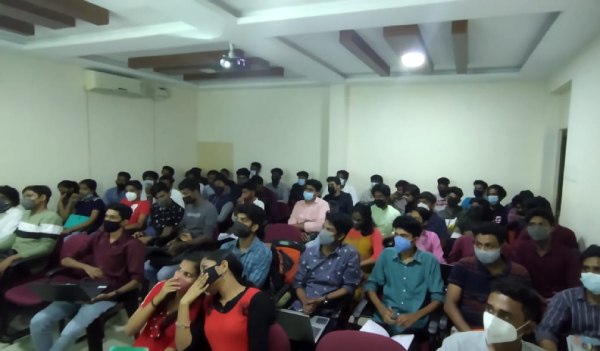
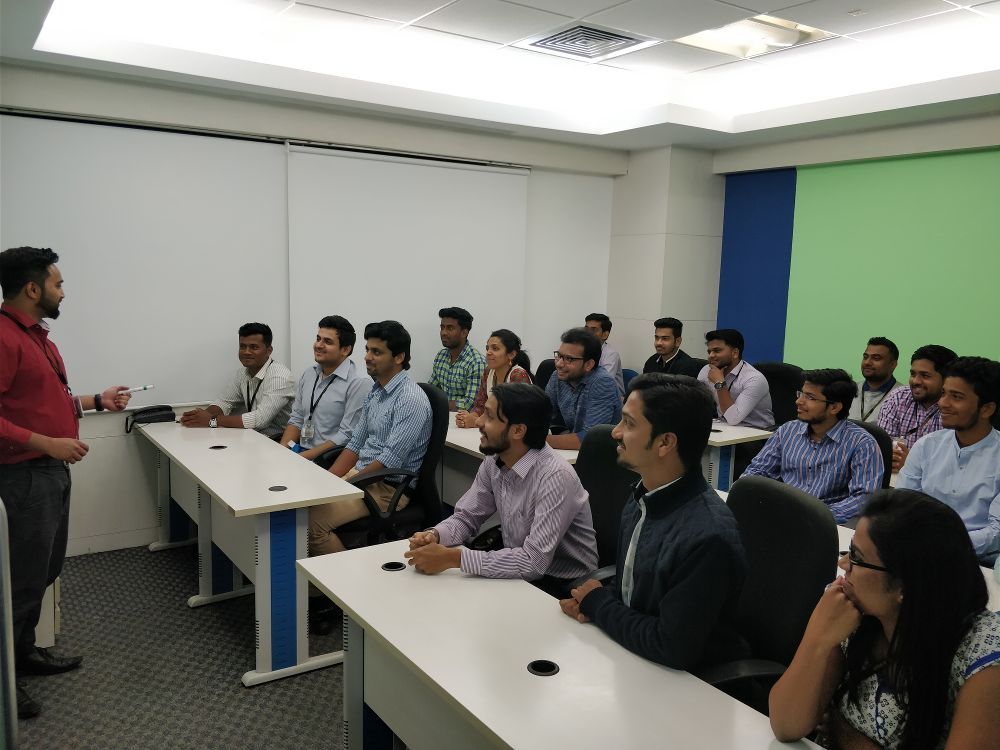
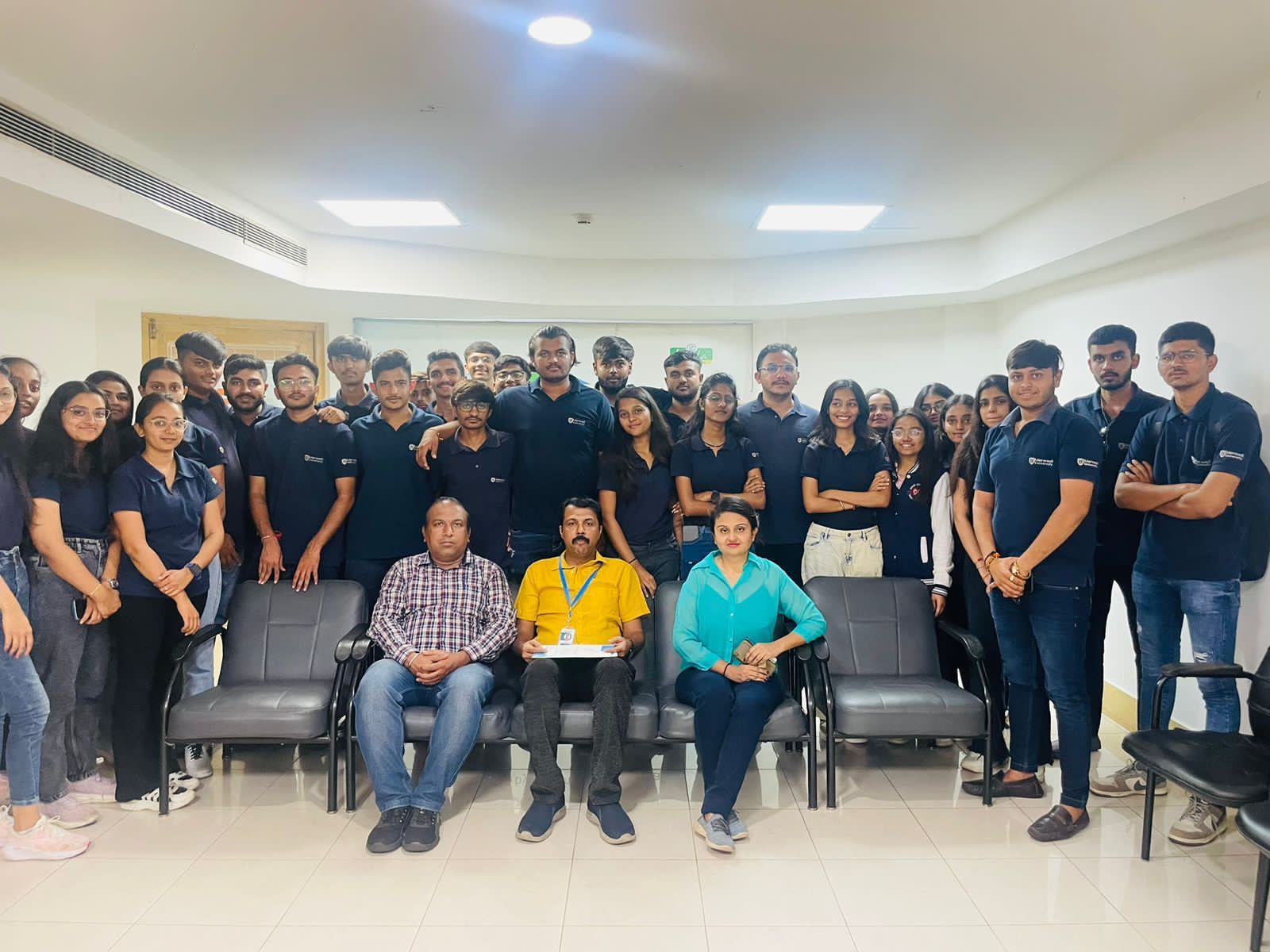
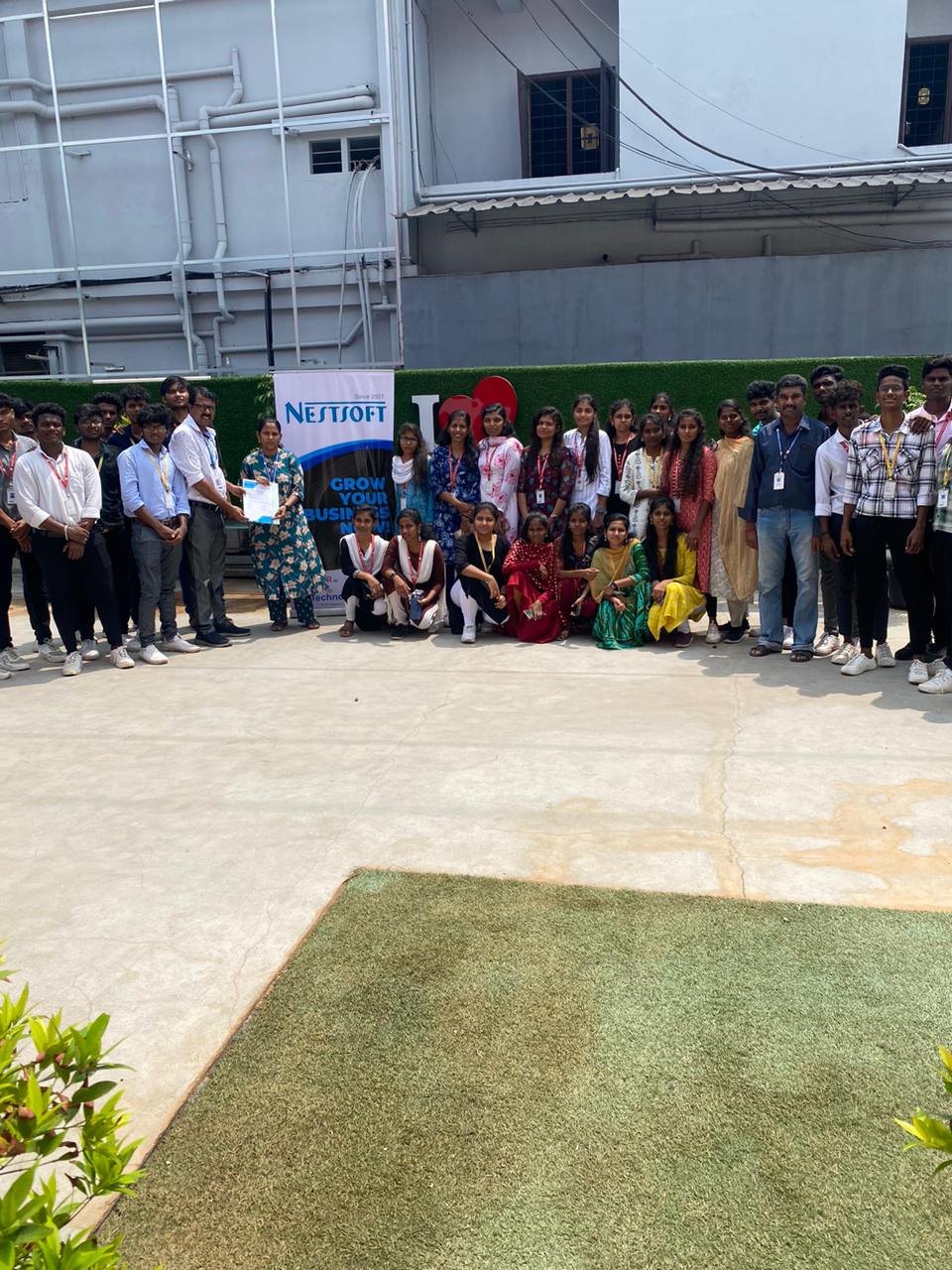
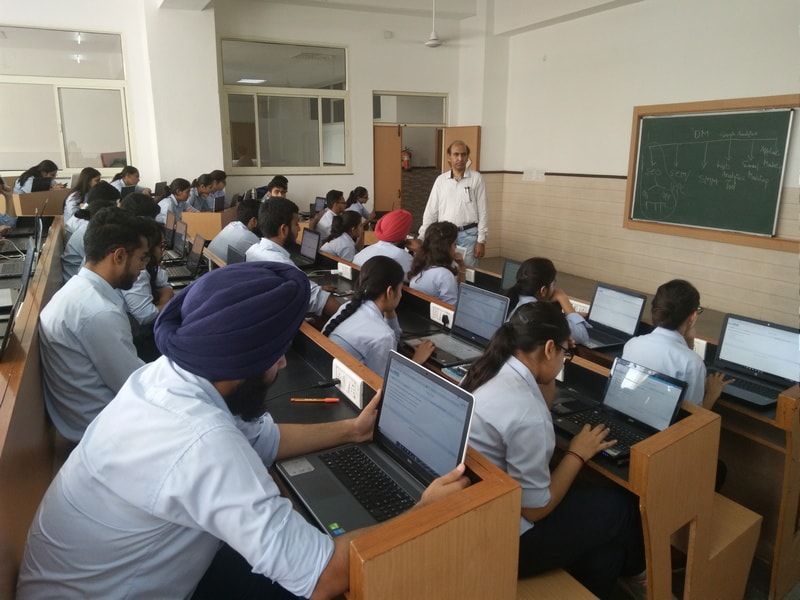
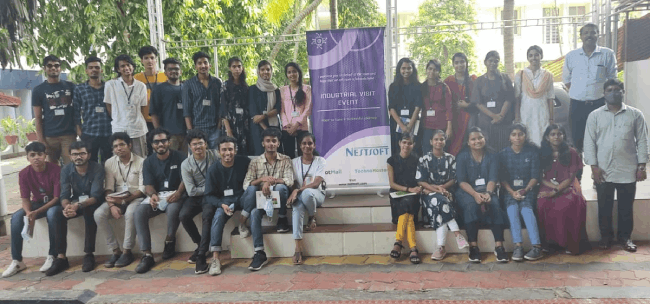
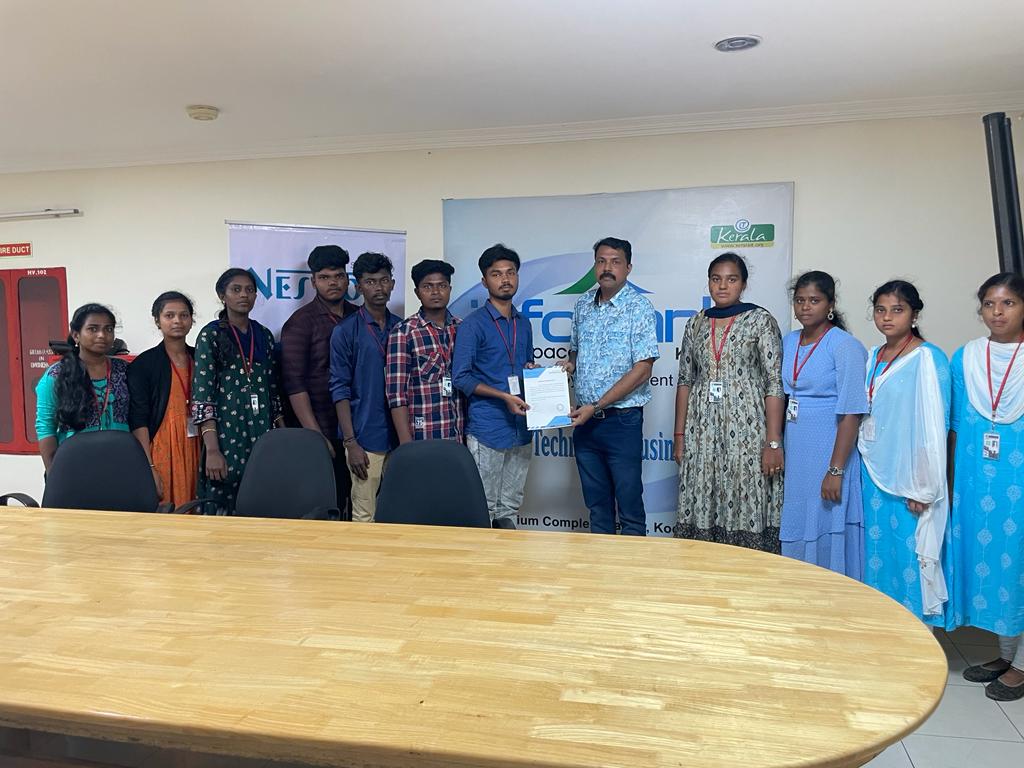
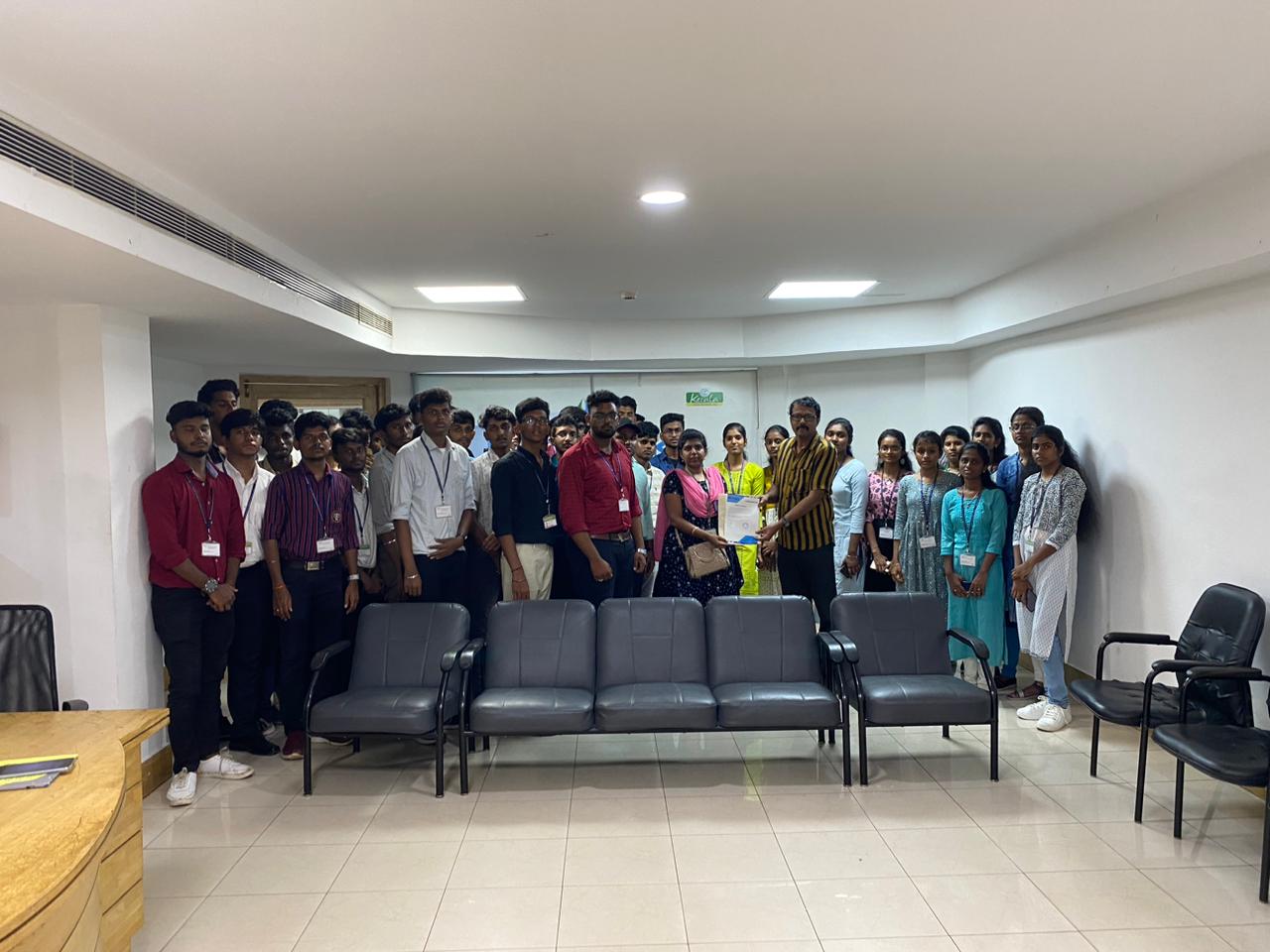
Photos of Training / Internships

Internship/projects in thirunelveli

Trained more than 10000+ students who trust Nestsoft TechnoMaster

Get Your Personal Trainer