Power BI Training by Experts

;

Our Training Process

Power BI - Syllabus, Fees & Duration

Microsoft Power BI

Power BI Course Introduction

  • Welcome to Power BI
  • Business Intelligence and Data Analytics Overview
  • Introduction to Power BI

Installing Power BI

  • Access Data From Different Data Sources
  • Connect to Data Source
  • Data Source Settings
  • Select Storage Mode
  • Select Query Type
  • Profile The Data
  • Identify Data Anomalies
  • Examine Data Structure
  • Analyse Column Properties
  • Load and Transform the Data
  • Identify Inconsistencies and Data Quality Issue
  • Apply Value Replacements
  • Evaluate and Transform Column Data Types
  • Apply Data Shape Transformations to Table Structures
  • Combine Queries
  • Apply Naming Conventions to Columns and Queries
  • Edit Power Query Code

  • Design a Data Model


    • Define the Tables
    • Configure Table and Column Properties
    • Define Date Table
    • Develop a Data Model
    • Apply Filtering
    • Create Calculated Tables
    • Create Calculated Columns
    • Implement Row Level Security Roles
    • Set up the Q and A Feature
    • Optimize Model Performance
    • Remove Unnecessary Rows and Columns
    • Identify Poorly Performing Measures Relationships and Visuals
    • Optimize Query Models
    • Create and Manage Aggregations
    • Report Generation
    • Add Visualization Items to Report
    • Choose an Appropriate Visualization Type
    • Format and Configure Visualizations
    • Apply Slicing and Filtering
    • Create Dashboards
    • Manage Tiles on a Dashboard
    • Add a Dashboard Theme
    • Use the Q and A Feature

    Enhance Reports to Expose Insights


    • Perform Top N Analysis
    • Explore Statistical Summary
    • Add a Quick Insight Result to a Report
    • Use the Play Axis Feature of a Visualization
    • Personalize Visuals
    • Perform Advanced Analysis
    • Identify Outliers
    • Conduct Time Series Analysis
    • Use Groupings
    • Use the Key Influencers to Explore Dimensional Variances
    • Manage Datasets
    • Configure a Dataset Scheduled Refresh
    • Configure Row level Security Group Membership
    • Configure Incremental Refresh Settings

    Download Syllabus - Power BI
    This syllabus is not final and can be customized as per needs/updates
     
    10000+
    20+
    50+
    25+

    Power BI Jobs in Cochin

    Enjoy the demand

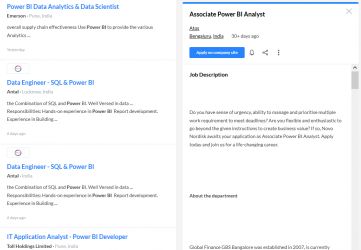
    Find jobs related to Power BI in search engines (Google, Bing, Yahoo) and recruitment websites (monsterindia, placementindia, naukri, jobsNEAR.in, indeed.co.in, shine.com etc.) based in Cochin, chennai and europe countries. You can find many jobs for freshers related to the job positions in Cochin.

    • Power BI Data Analytics & Data Scientist
    • Data Engineer - SQL & Power BI
    • Power BI Developer
    • Jr Power BI Developer
    • Senior Business Analyst- Power BI
    • BI engineer (Power BI)
    • Power BI - Architect
    • Associate Power BI Analyst
    • Assistant Manager - Power BI
    • Business Analyst

    Power BI Internship/Course Details

    Power BI internship jobs in Cochin
    Power BI Parts of Power BI There are 3 Parts of Power BI 1. Power BI Desktop 2. Power BI Mobile: It is an application (App) on mobile devices which allows you to interact with the reports and dashboard from Power BI Service in Cochin. . The Power BI Course Curriculum is designed via way of means of Microsoft Power BI Certified Experts. Power BI Mobile Power BI Service: Power BI Service is cloud based Software as Service Application which allows us to create dashboards, Setup schedule data refreshes, Share the reports securely in the organization. You can join Power BI Training in Cochin after attending our trail class by experts. Power BI is the use of Data Analysis Expressions (DAX) programming language for enterprise analytics gear which connects to distinctive statistics reassets to research statistics and proportion insights for the duration of your organization. Our Power BI Course Syllabus covers fundamental to superior degree principles that encompass Report Designing, Visual Sync, Grouping, Hierarchies, Filters, Bookmarks, Azure, Modeling, DAX Functions - Level 1, DAX Functions - Level 2, Power BI Cloud, Excel & RLS, Report Server, RDL and more. Get Practical Exposure on Microsoft Power BI for Data Analytics and Visualization with Our Updated Power BI Training Course in Cochin.



    Meet a Few of our Industry Experts 🚀 Your Pathway to IT Career

    Gowrishankar

    Mobile: +91 9895490866
    Location: Online (Cochin, India)
    Qualification: BE

    Experience: Cyber security Information security Basic networking concepts  more..

    Reshma

    Mobile: +91 94975 90866
    Location: Online (Cochin, India)
    Qualification: B.E. Agriculture Engineering

    Experience: Data cleaning Data exploration Data visualisation and predictive analysis and also know basics of python and I familiar with working  more..

    Stuti

    Mobile: +91 89210 61945
    Location: Online (Cochin, India)
    Qualification: currently in my final year B.tech

    Experience: android java kotlin firebase git  more..

    Vidyasree

    Mobile: +91 91884 77559
    Location: Online (Cochin, India)
    Qualification: B.Tech in IT

    Experience: Odoo Django python javascript jQuery Psql  more..

    Anurag

    Mobile: +91 91884 77559
    Location: Online (Cochin, India)
    Qualification: Btech

    Experience: Myself Anurag J Raj I am a 4th year undergraduate of Mechanical engineering studying in IIT KHARAGPUR I am an  more..

    Ramalakshmi

    Mobile: +91 98474 90866
    Location: Online (Cochin, India)
    Qualification: B.E(ECE)

    Experience: Manual testing Java core basic queries in SQL  more..

    KEERTHI

    Mobile: +91 94975 90866
    Location: Online (Cochin, India)
    Qualification: BTech Computer science

    Experience: I have an extensive background in software testing with 8 months of professional experience and 4 months of internship experience  more..

    Alfiya

    Mobile: +91 91884 77559
    Location: Online (Cochin, India)
    Qualification: BCA

    Experience: Software testing in both manual and automation Communication skill Problem solving skill  more..

    anokhilal

    Mobile: +91 94975 90866
    Location: Online (Cochin, India)
    Qualification: B.tech

    Experience: I have 2year experience asp net mvc and c# winform Using technology java script ajax html css  more..

    Himani

    Mobile: +91 98474 90866
    Location: Online (Cochin, India)
    Qualification: BE Computer

    Experience: Experience with all stages of development life cycle for dynamic project Develop project concepts and maintain optimal workflow Mostly interaction  more..

    Damini

    Mobile: +91 91884 77559
    Location: Online (Cochin, India)
    Qualification: BE

    Experience: Experience: 1 year 10 month Skills: angular javascript html css Application for Angular JS  more..

    Pavel

    Mobile: +91 98474 90866
    Location: Online (Cochin, India)
    Qualification: Honors

    Experience: My name is Pavel Asad I am Bangladeshi I'm a Wix developer I have been working with Wix for 4  more..

    Nidarsh

    Mobile: +91 98474 90866
    Location: Online (Cochin, India)
    Qualification: M.Tech

    Experience: Automation frame work and manual testing of 2 5 years experience  more..

    Nandhini

    Mobile: +91 9895490866
    Location: Online (Cochin, India)
    Qualification: BE

    Experience: I have 1 year experience in website developer side My skills Html css bootstrap javascript wordpress basic photoshop   more..

    KARTHIK

    Mobile: +91 91884 77559
    Location: Online (Cochin, India)
    Qualification: bsc

    Experience: i have pretty good with python and sql and know c and c++  more..

    Prasad

    Mobile: +91 8301010866
    Location: Online (Cochin, India)
    Qualification: BE in Mechanical Engineering

    Experience: Currently working as trainee fullstack developer at Techprimelab software pvt ltd   more..

    Tejas

    Mobile: +91 9895490866
    Location: Online (Cochin, India)
    Qualification: B.E.

    Experience: Java android studio firebase c c++ mysql  more..

    Virendra

    Mobile: +91 9895490866
    Location: Online (Cochin, India)
    Qualification: BCA

    Experience: Thank you for giving me an aportunity to about my skills and experience My name is Virendra Mathur I am  more..

    Success Stories

    The enviable salary packages and track record of our previous students are the proof of our excellence. Please go through our students' reviews about our training methods and faculty and compare it to the recorded video classes that most of the other institutes offer. See for yourself how TechnoMaster is truly unique.

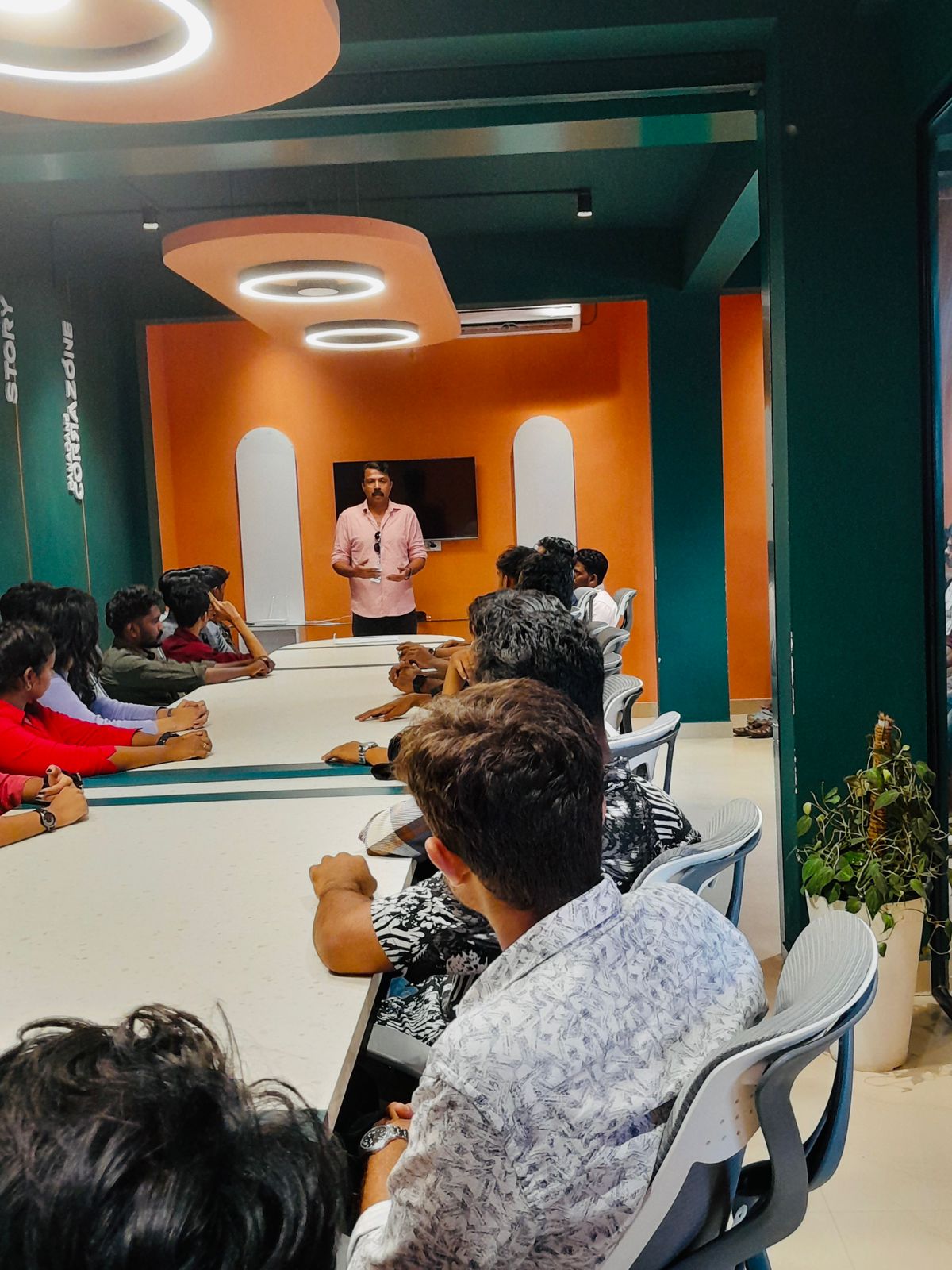
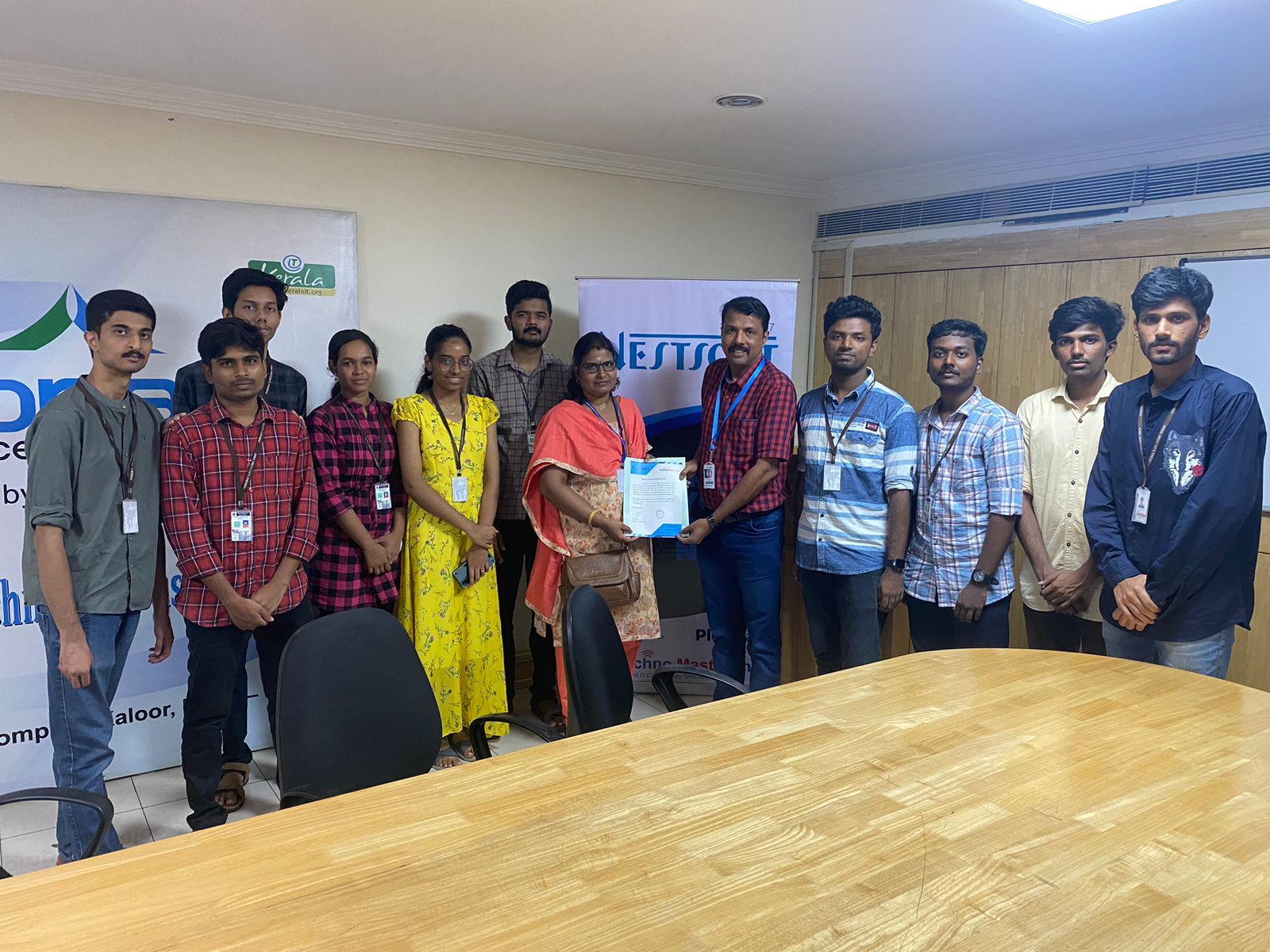
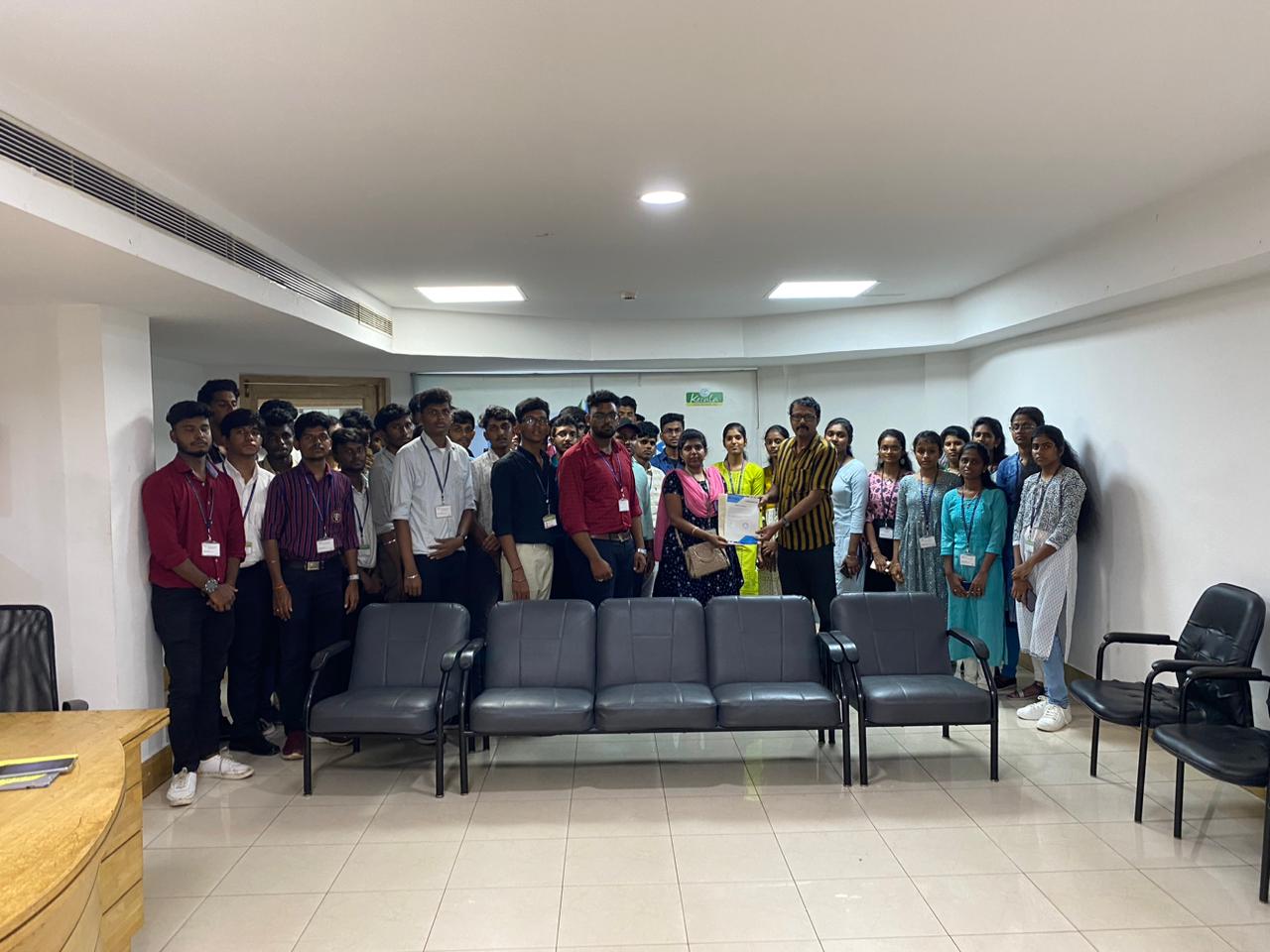
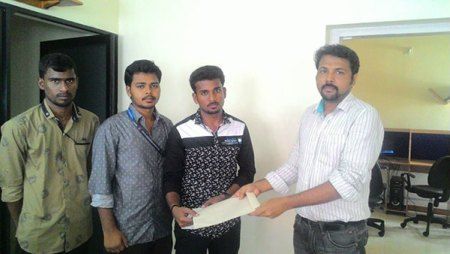
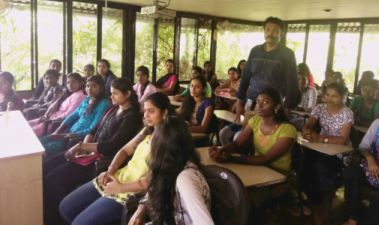
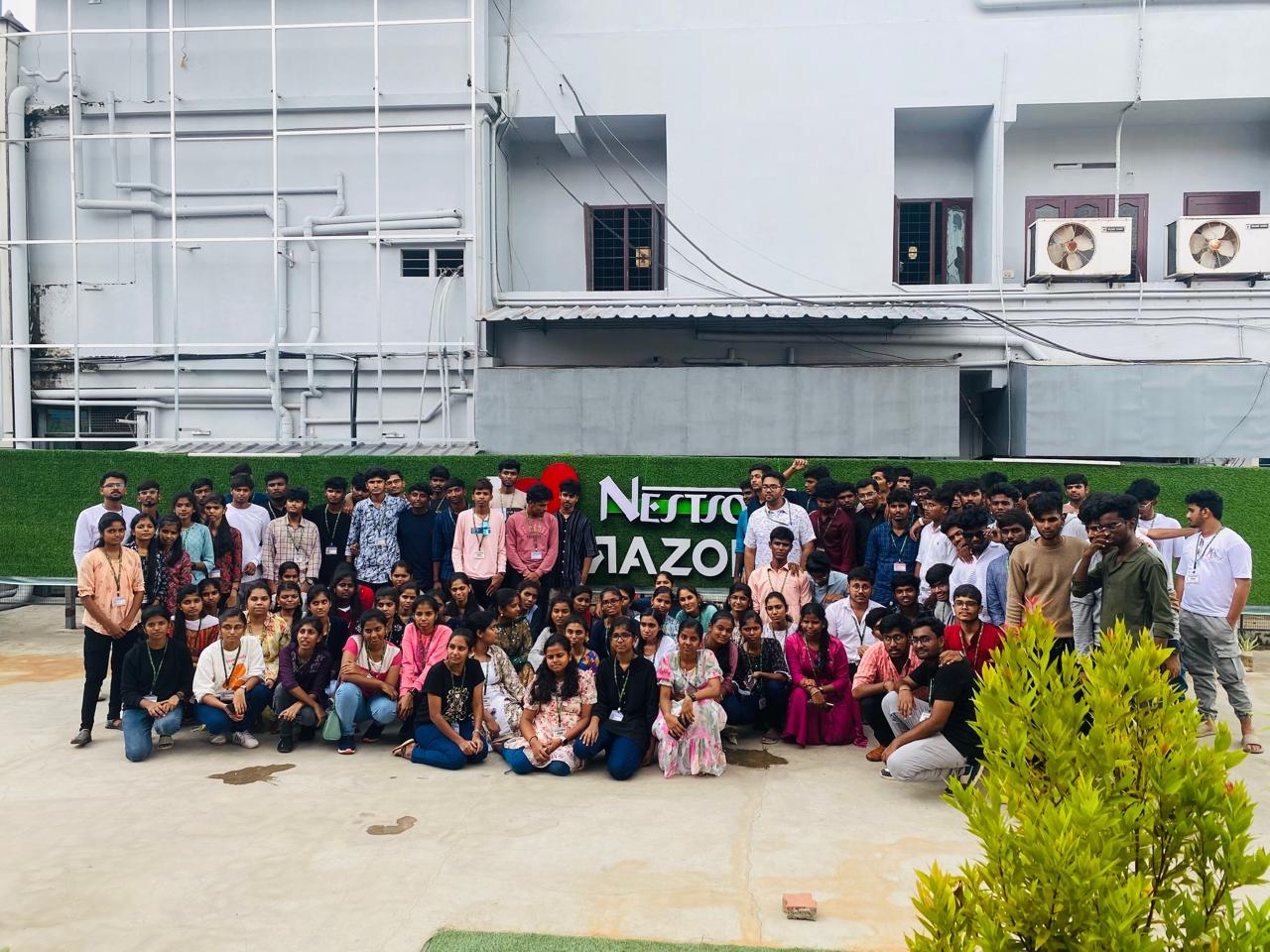
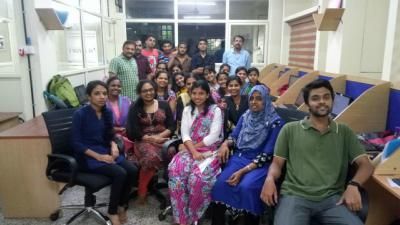
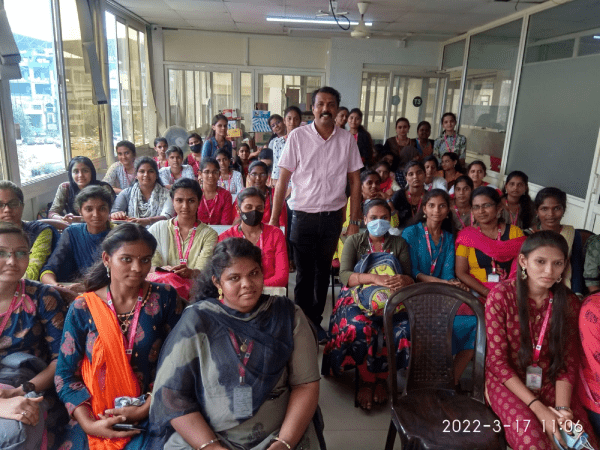
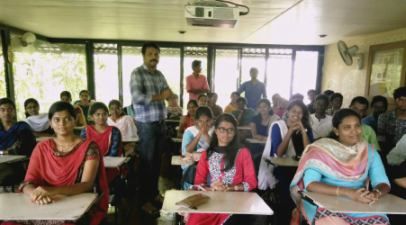
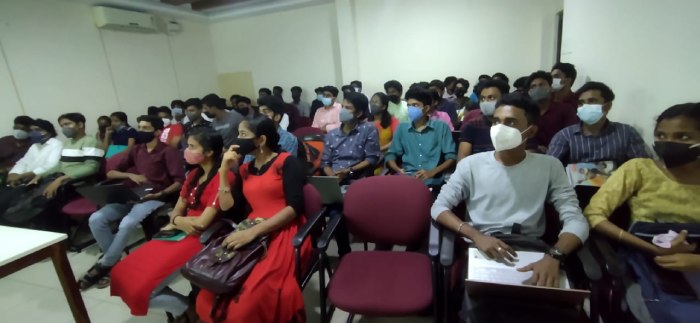
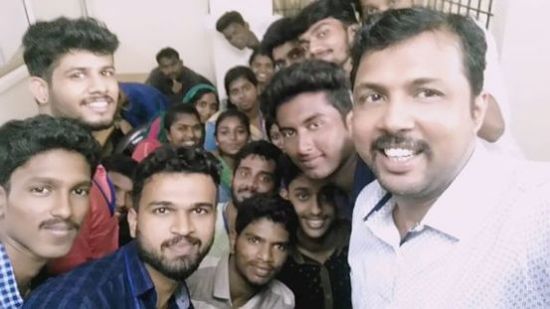
    Photos of Training / Internships

    Internship/projects in cochin
    Internship/projects in cochin
    Internship/projects in cochin
    Internship/projects in cochin
    Internship/projects in cochin
    Internship/projects in cochin
    Internship/projects in cochin
    Internship/projects in cochin
    Internship/projects in cochin
    Internship/projects in cochin
    Internship/projects in cochin

    Trained more than 10000+ students who trust Nestsoft TechnoMaster

    Get Your Personal Trainer