Send enquiry ⏎

React JS Online Live Class by Experts

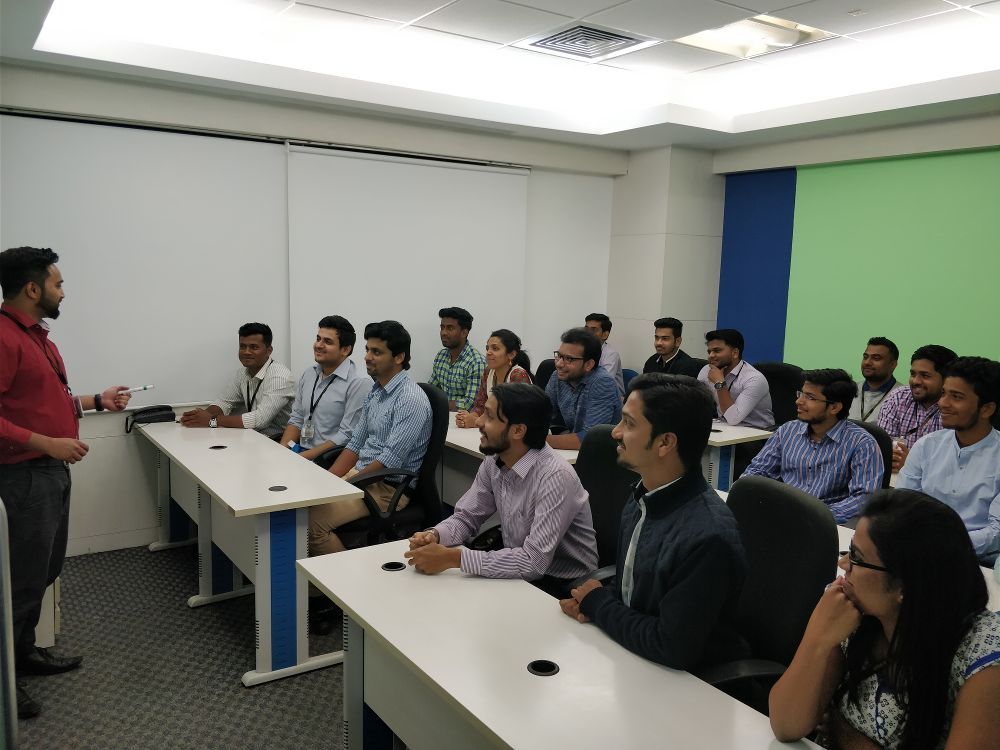
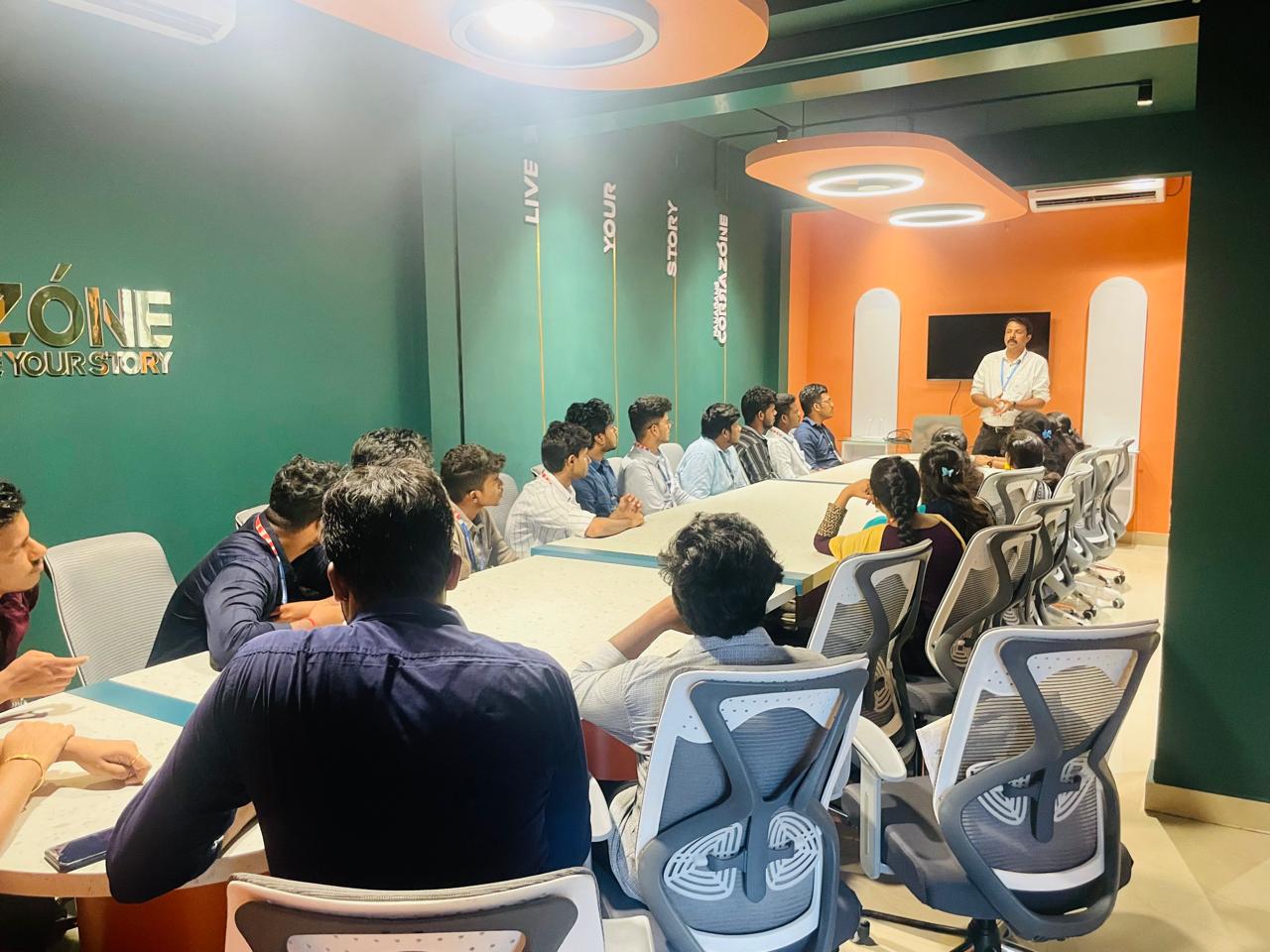
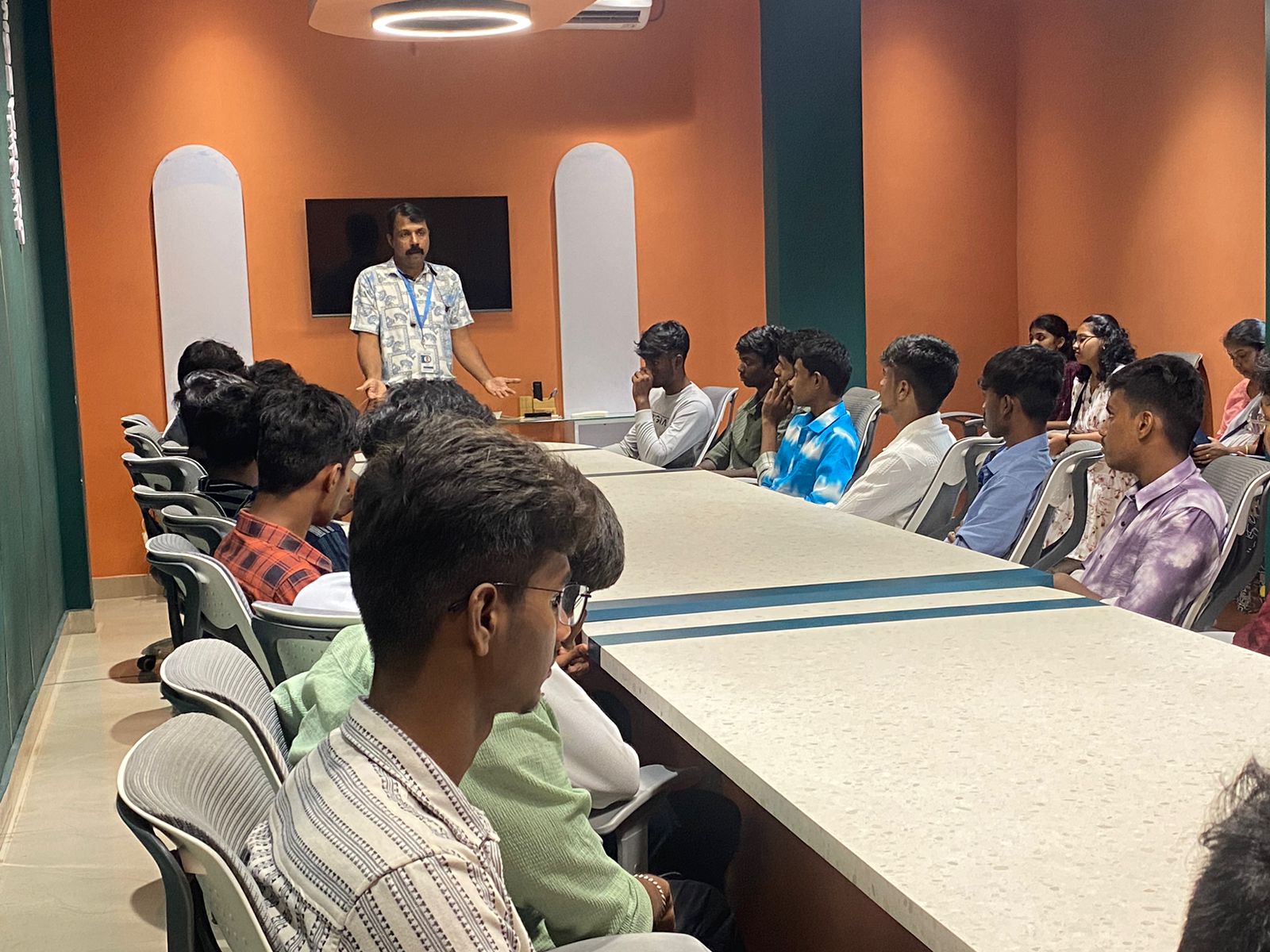
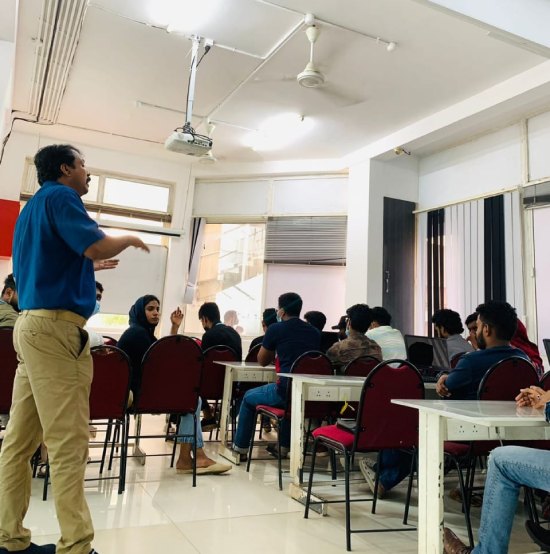
Our Training/Internship Process

React JS Online Live Classes in Palakkad | Free Demo Training

React JS - Syllabus, Fees & Duration

Module 1: Introduction to React

  • What is React?
  • Why React?
  • React version history
  • React 16 vs React 15
  • Just React – Hello World
  • Using create-react-app
  • Anatomy of react project
  • Running the app
  • Debugging first react app

Module 2: Templating using JSX

  • Working with React. create Element
  • Expressions
  • Using logical operators
  • Specifying attributes
  • Specifying children
  • Fragments

Module 3: About Components

  • Significance of component architecture
  • Types of components
  • Functional
  • Class based
  • Pure
  • Component Composition

Module 4: Working with state and props

  • What is state and it significance
  • Read state and set state
  • Passing data to component using props
  • Validating props using prop Types
  • Supplying default values to props using default Props

Module 5: Rendering lists

  • Using react key prop
  • Using map function to iterate on arrays to generate elements

Module 6: Event handling in React

  • Understanding React event system
  • Understanding Synthetic event
  • Passing arguments to event handlers

Module 7: Understanding component lifecycle and  handling errors

  • Understand the lifecycle methods
  • Handle errors using error boundaries

Module 8: Working with forms

  • Controlled components
  • Uncontrolled components
  • Understand the significance to default Value prop
  • Using react ref prop to get access to DOM element

Module 9: Context

  • What is context
  • When to use context
  • Create Context
  • Context Provider
  • Context Consumer
  • Reading context in class

Module 10: Code-Splitting

  • What is code splitting
  • Why do you need code splitting
  • React lazy
  • Suspense
  • Route-based code splitting

Module 11: hooks

  • What are hooks
  • Why do you need hooks
  • Different types of hooks
  • Using state and effect hooks
  • Rules of hooks

Module 12: Routing with react router

  • Setting up react router
  • Understand routing in single page applications
  • Working with Browser Router and Hash Router components
  • Configuring route with Route component
  • Using Switch component to define routing rules
  • Making routes dynamic using route params
  • Working with nested routes
  • Navigating to pages using Link and NavLink component
  • Redirect routes using Redirect Component
  • Using Prompt component to get consent of user for navigation
  • Path less Route to handle failed matches

Module 14: Immutable.js

  • What is Immutable.js?
  • Immutable collections
  • Lists
  • Maps
  • Sets

Module 17: Unit Testing

  • Understand the significance of unit testing
  • Understand unit testing jargon and tools
  • Unit testing react components with Jest
  • Unit testing react components with enzyme

Module 18: Web pack Primer

  • What is web pack
  • Why web pack
  • Install and setup web pack
  • Working with web pack configuration file
  • Working with loaders
  • Working with plugins
  • Setting up Hot Module Replacement

Module 19: Isomorphic React

  • What is server-side rendering (SSR)?
  • Why SSR
  • Working with render To String and render To Static Markup methods

Download Syllabus - React JS
This syllabus is not final and can be customized as per needs/updates
   
10000+
20+
50+
25+

React JS Jobs in Palakkad

Enjoy the demand

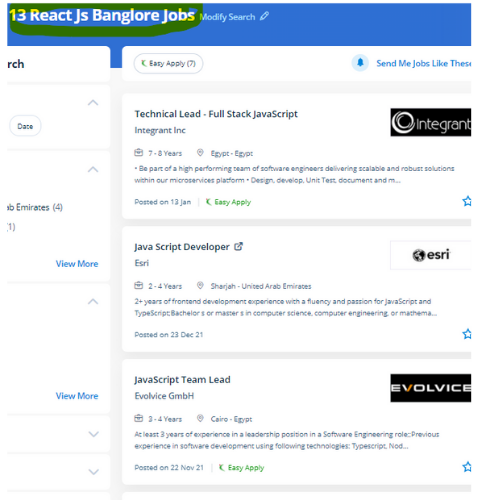
Find jobs related to React JS in search engines (Google, Bing, Yahoo) and recruitment websites (monsterindia, placementindia, naukri, jobshybrid.com, indeed.co.in, shine.com etc.) based in Palakkad, chennai and europe countries. You can find many jobs for freshers related to the job positions in Palakkad.

  • Full stack Developer
  • Web Developer
  • React JS Developer
  • Web developer Intern
  • React Native Developer
  • Lead ReactJS Developer
  • Front-End Developer
  • Java Full Stack Developer
  • Frontend Lead Developer
  • Senior Frontend Developer

React JS Internship/Course Details

React JS internship jobs in Palakkad
React JS it is not a surprise to mention that React has gathered a lot of fashionability over the many times of its existence and that is gonna be in the eye of everybody for a few other times. The modular design of ReactJS permits you to provide little fluctuations with ease. It presents to the developers an incredible mechanism for debugging the user interface errors alongside the information relating to the bugs that are causing the errors. Our established ReactJS coaching Institute can make you ready for technical interviews. Nestsoft coaching sessions are taken in pleasant surroundings and thus members will perceive the ideas simply. The course of study is intended by industry experts in such a way that it's job-oriented . Our instructor-led React work course could also be a decent manner for you to induce up to hurry with Facebook's React JavaScript library to rapidly-produce well-structured front-end applications. React(also named React. ReactJS contains a reputation for being a strong tool for creating user interfaces. js or ReactJS) could be a free and open-source front-end JavaScript Library for building user interface or UI elements.


Meet a Few of our Industry Experts 🚀 Your Pathway to IT Career

Mohd

Mobile: +91 98474 90866
Location: Online (Palakkad, India)
Qualification: Undergraduate

Experience: Web design Social media marketing Graphic design   more..

Utkarsha

Mobile: +91 91884 77559
Location: Online (Palakkad, India)
Qualification: Bachelor of engineering

Experience: Ms word Excel html css php  more..

Atufa

Mobile: +91 9895490866
Location: Online (Palakkad, India)
Qualification: Masters

Experience: LS ● Cryptography Information Security Policies Digital Forensics Penetration Testing Network Security Cloud Threat Intelligence Incident Response Risk Assessments Intrusion  more..

Ankit

Mobile: +91 8301010866
Location: Online (Palakkad, India)
Qualification: Diploma

Experience: I have done a course of 6 months in which I have learnt to design a website how to make  more..

Rahma

Mobile: +91 98474 90866
Location: Online (Palakkad, India)
Qualification: Bachelor

Experience: 4 years experience of graphic design and concept art |   more..

Adarsh

Mobile: +91 89210 61945
Location: Online (Palakkad, India)
Qualification: Bsc computer science

Experience: Writing test cases manual testing automation testing J meter API testing Postman bugzilla jira  more..

Ishfaq

Mobile: +91 91884 77559
Location: Online (Palakkad, India)
Qualification: MCA

Experience: 2 years of experience Two Years Experience in computer literacy customer service computer security data collection and equipment repairs installation  more..

Bijitha

Mobile: +91 91884 77559
Location: Online (Palakkad, India)
Qualification: MCA

Experience: I have a total work experience of 1 year 1 month I worked as a System administrator (Oracle support) during  more..

Shan

Mobile: +91 91884 77559
Location: Online (Palakkad, India)
Qualification: UI/UX Designer

Experience: Skills: User interface Design user experience Design think process User flow & Task Flow Journey and Empathy Mapping Competitive Analysis  more..

VINAY

Mobile: +91 98474 90866
Location: Online (Palakkad, India)
Qualification: BE in Civil engineering

Experience: Automation functional test script using Cucumber Scenarios and selenium WebDriver using Java programming language  more..

Govind

Mobile: +91 89210 61945
Location: Online (Palakkad, India)
Qualification: Btech

Experience: Skills:- java css html react tailwind javascript bootstrap firebase sql Experience:- 2 5 month frontend developer intern at starzedu classes  more..

Manikaran

Mobile: +91 89210 61945
Location: Online (Palakkad, India)
Qualification: B.Tech

Experience: Github Link : github com manikaran21 Certificates: drive google com drive folders 1Q-ptc395b998Lu111wdaudi_Lw73YVZ7?usp=sharing HackerRank Profile : hackerrank com masanmb17tes?hr_r=1 I  more..

Febin

Mobile: +91 89210 61945
Location: Online (Palakkad, India)
Qualification: Diploma in Web technology & Graphic designing

Experience: Graphic design skills web tech proficiency creative vision project management ability   more..

Praveen

Mobile: +91 91884 77559
Location: Online (Palakkad, India)
Qualification: Final year BBA, Digital marketing Executive

Experience: Working for two companies (Vedic Flavors Al- thahbya events Dubai) and 7month experience in Google Ads Campaigns and Website development  more..

Kiran

Mobile: +91 89210 61945
Location: Online (Palakkad, India)
Qualification: Diploma in computer Engineering

Experience: Ethical Hacking Vulnerability Assessment C programming (basics) HTML SQL |   more..

Aditya

Mobile: +91 91884 77559
Location: Online (Palakkad, India)
Qualification: Bachelor of Engineering (Computer Science)

Experience: Programming Languages: c java python Html Css Javascript Libraries Frameworks: Django Django-Rest SpringBoot Angular Firebase Bootstrap Agile Tools Platforms: AWS  more..

Abhishek

Mobile: +91 9895490866
Location: Online (Palakkad, India)
Qualification: Btech

Experience: Semi Conductor Laboratory Mohali Dept of space Govt of India FSG advantages over USG inter-metal dielectric (Thin Film) and Unit  more..

Jeetesh

Mobile: +91 8301010866
Location: Online (Palakkad, India)
Qualification: MCA

Experience: Hello there! I'm Jeetesh Surana a senior Android developer with 7+ Years of Experience Developed 200+ Applications in this tenure  more..

kshama

Mobile: +91 91884 77559
Location: Online (Palakkad, India)
Qualification: BE

Experience: Angular Git Python php NodejsApplication for Angular JS  more..

Akshara

Mobile: +91 98474 90866
Location: Online (Palakkad, India)
Qualification: B.Des

Experience: Digital design contribution for catalogs flyers and newsletters for a company using Photoshop and Indesign as tools Designed and cataloged  more..

Pranay

Mobile: +91 94975 90866
Location: Online (Palakkad, India)
Qualification: BTech computer science engineering

Experience: Recent CS grad skilled in react javascript and python Looking to start career in software development  more..

Christo

Mobile: +91 91884 77559
Location: Online (Palakkad, India)
Qualification: BA English Language and Literature

Experience: During my 6-month internship at Mentrow Technologies Pvt Ltd I gained invaluable experience in the field of data science Working  more..

Aditya

Mobile: +91 8301010866
Location: Online (Palakkad, India)
Qualification: B.Tech

Experience: Experienced Laravel developer specializing in building robust and scalable web applications With 4+ years of hands-on experience in Laravel framework  more..

Ankita

Mobile: +91 98474 90866
Location: Online (Palakkad, India)
Qualification: BscIt

Experience: Wordpress Bootestrap Html Css Javscript php  more..

Success Stories

The enviable salary packages and track record of our previous students are the proof of our excellence. Please go through our students' reviews about our training methods and faculty and compare it to the recorded video classes that most of the other institutes offer. See for yourself how TechnoMaster is truly unique.

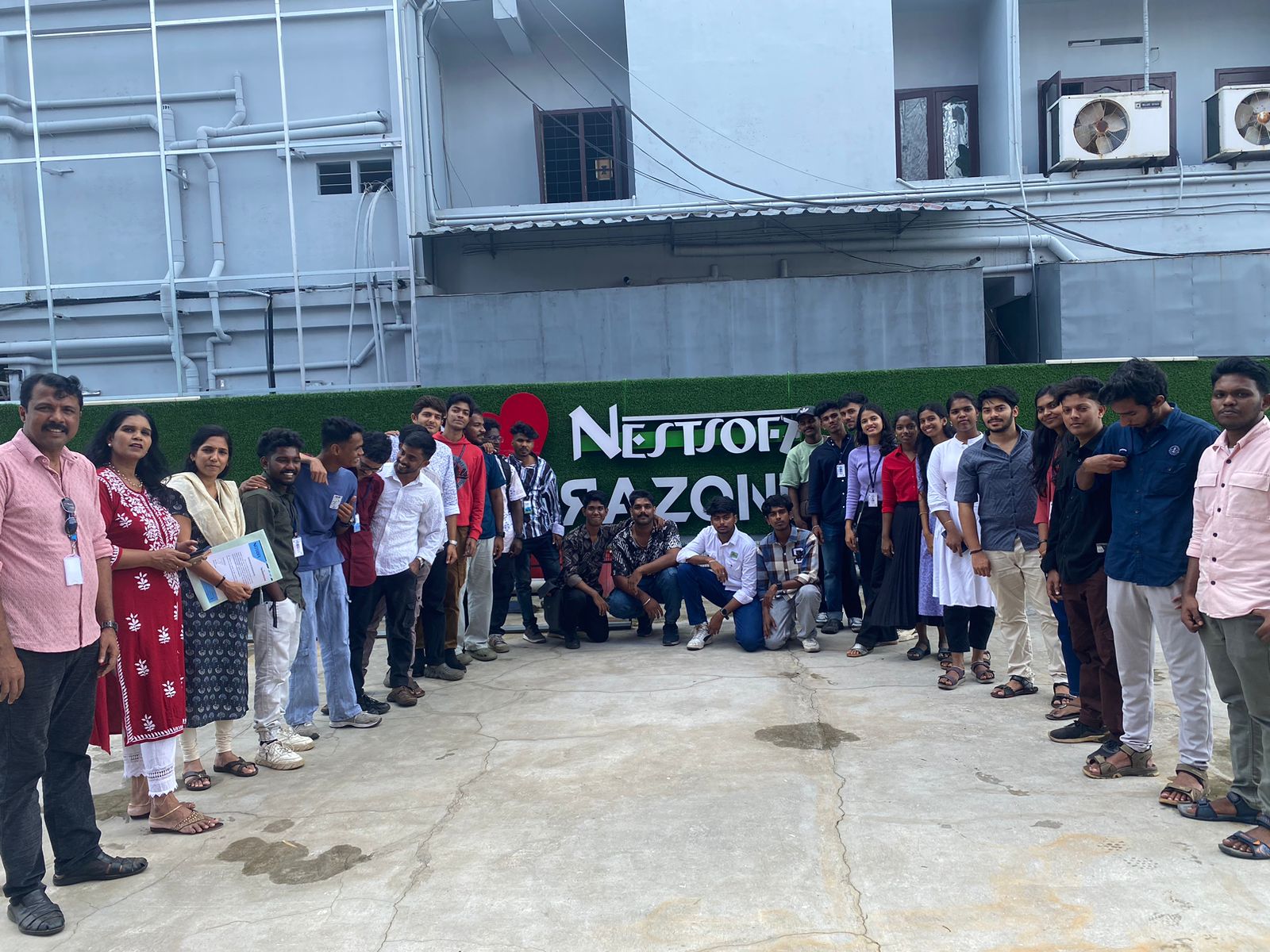
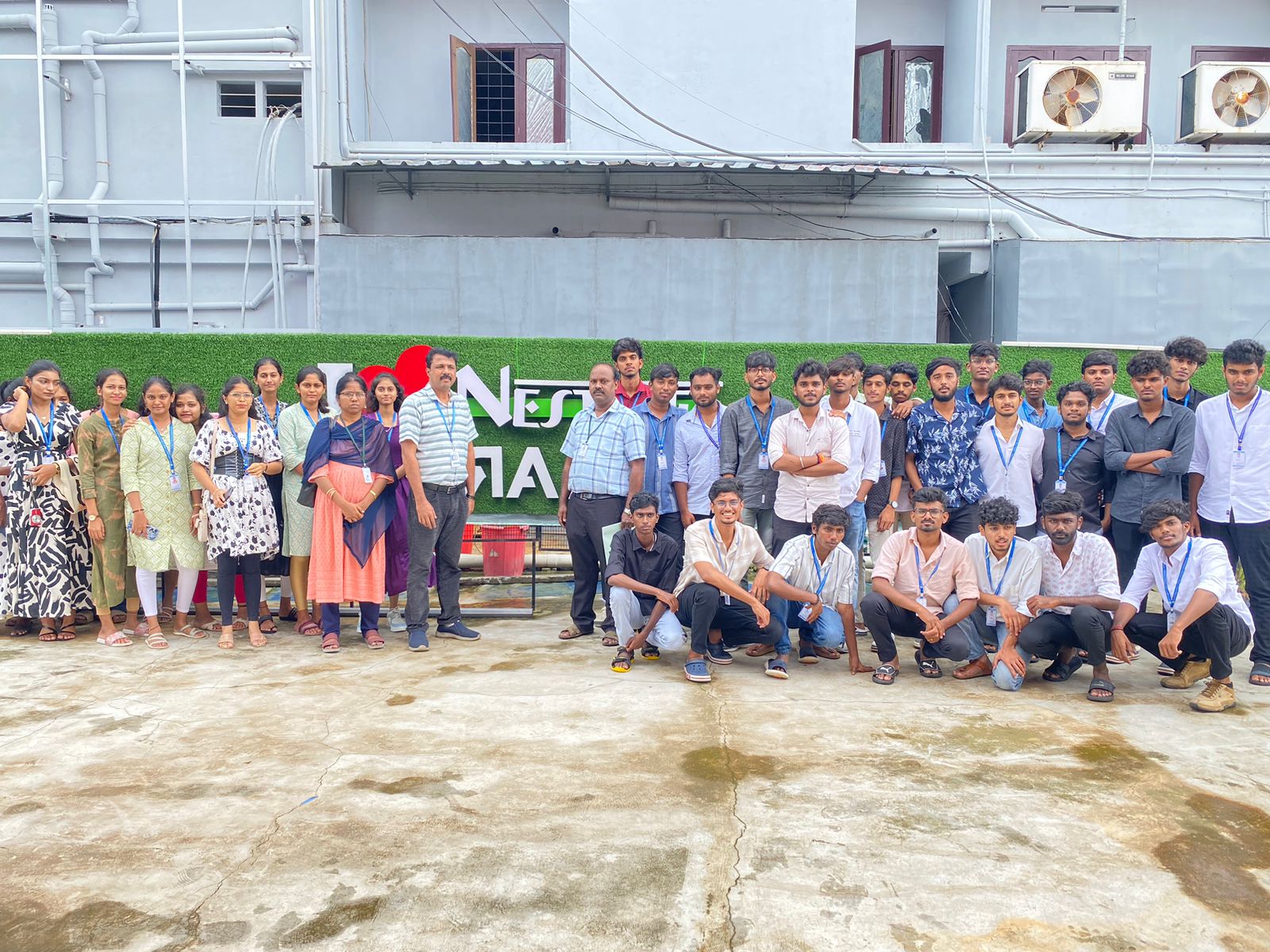
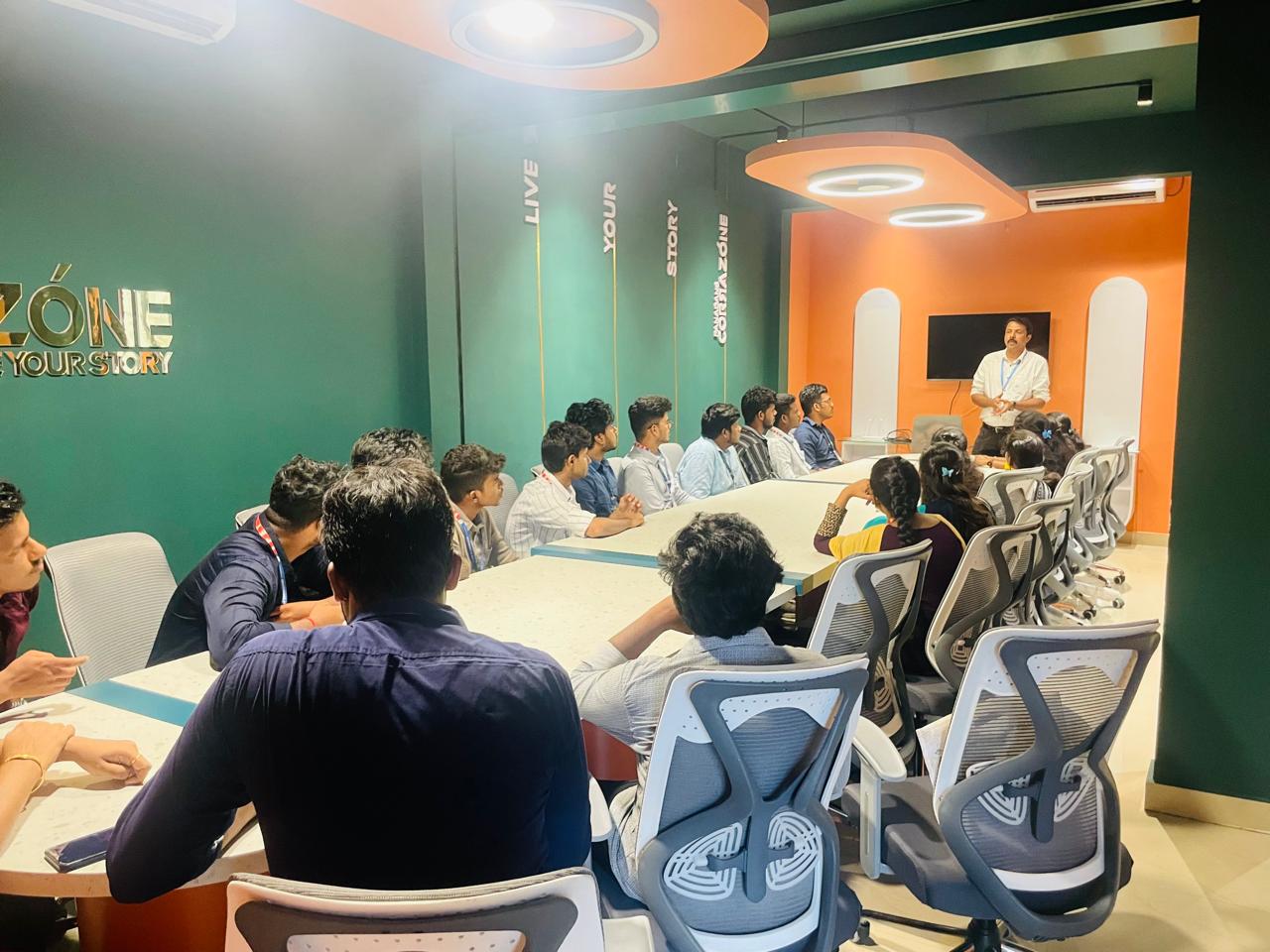
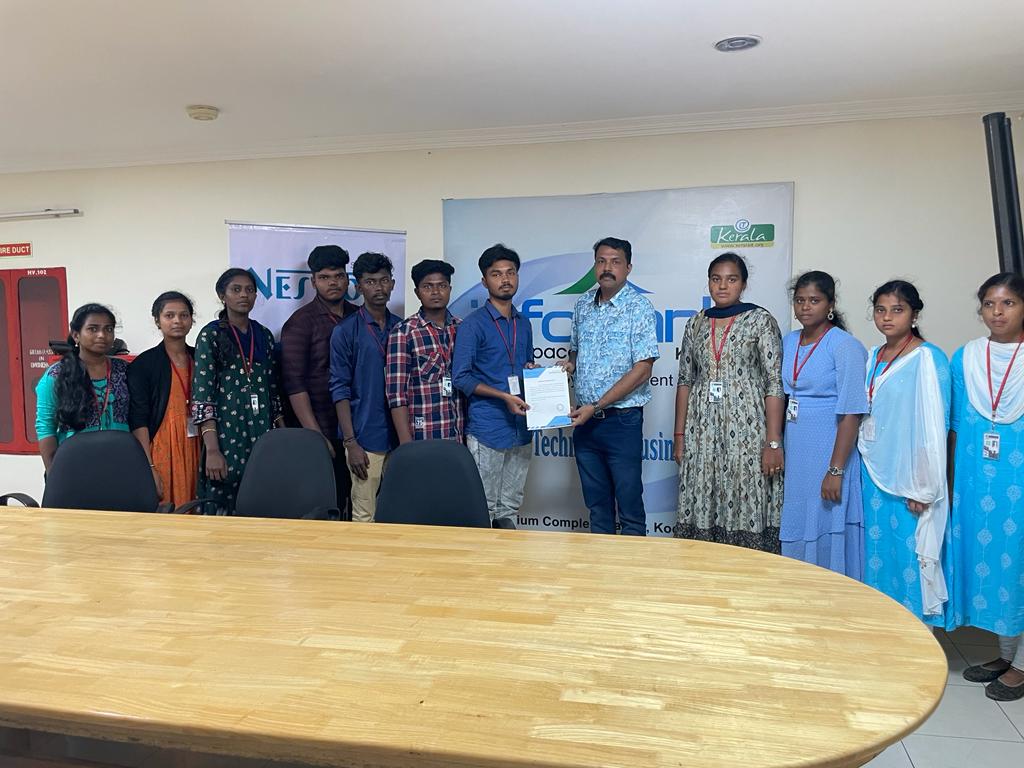
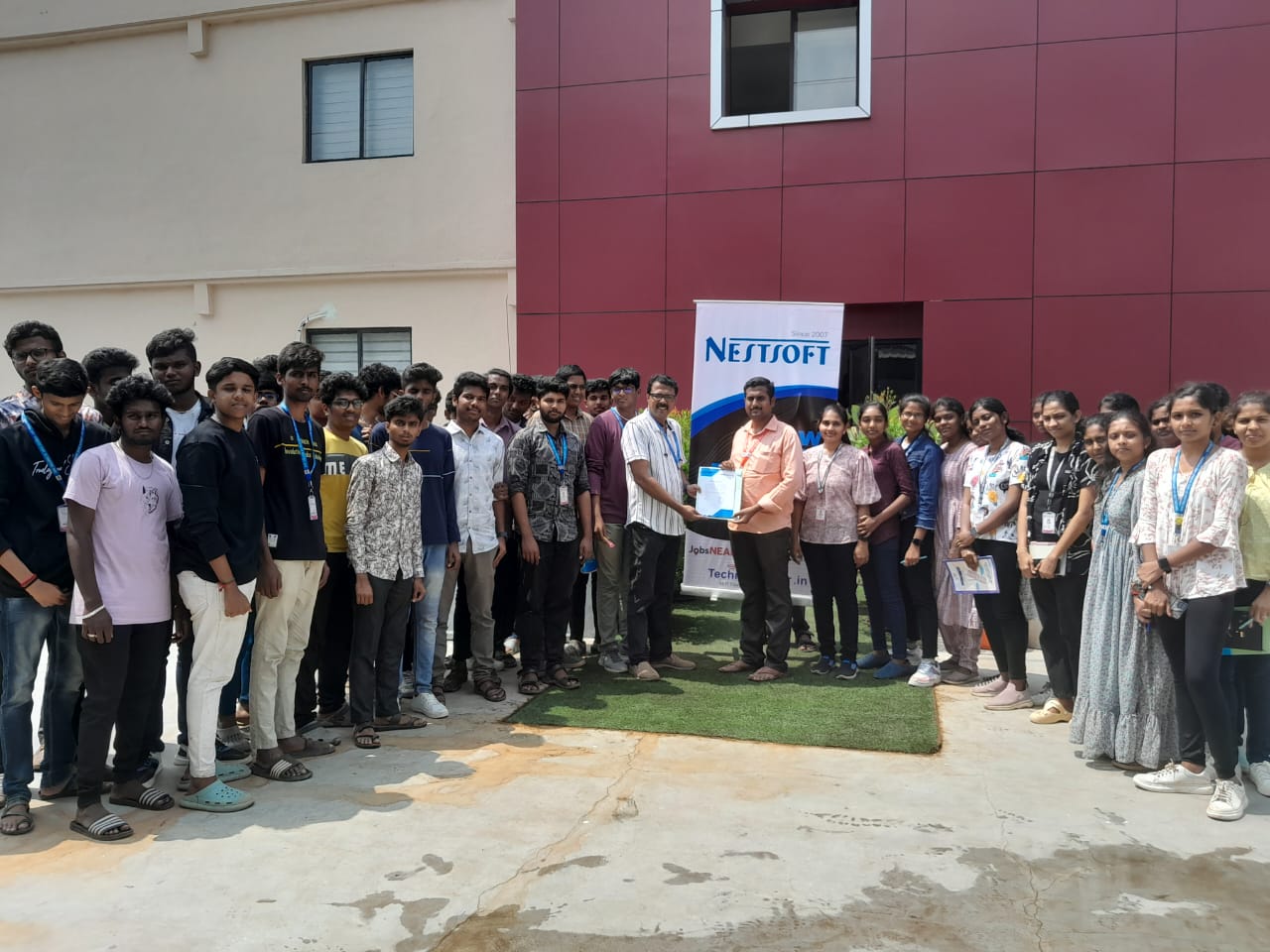
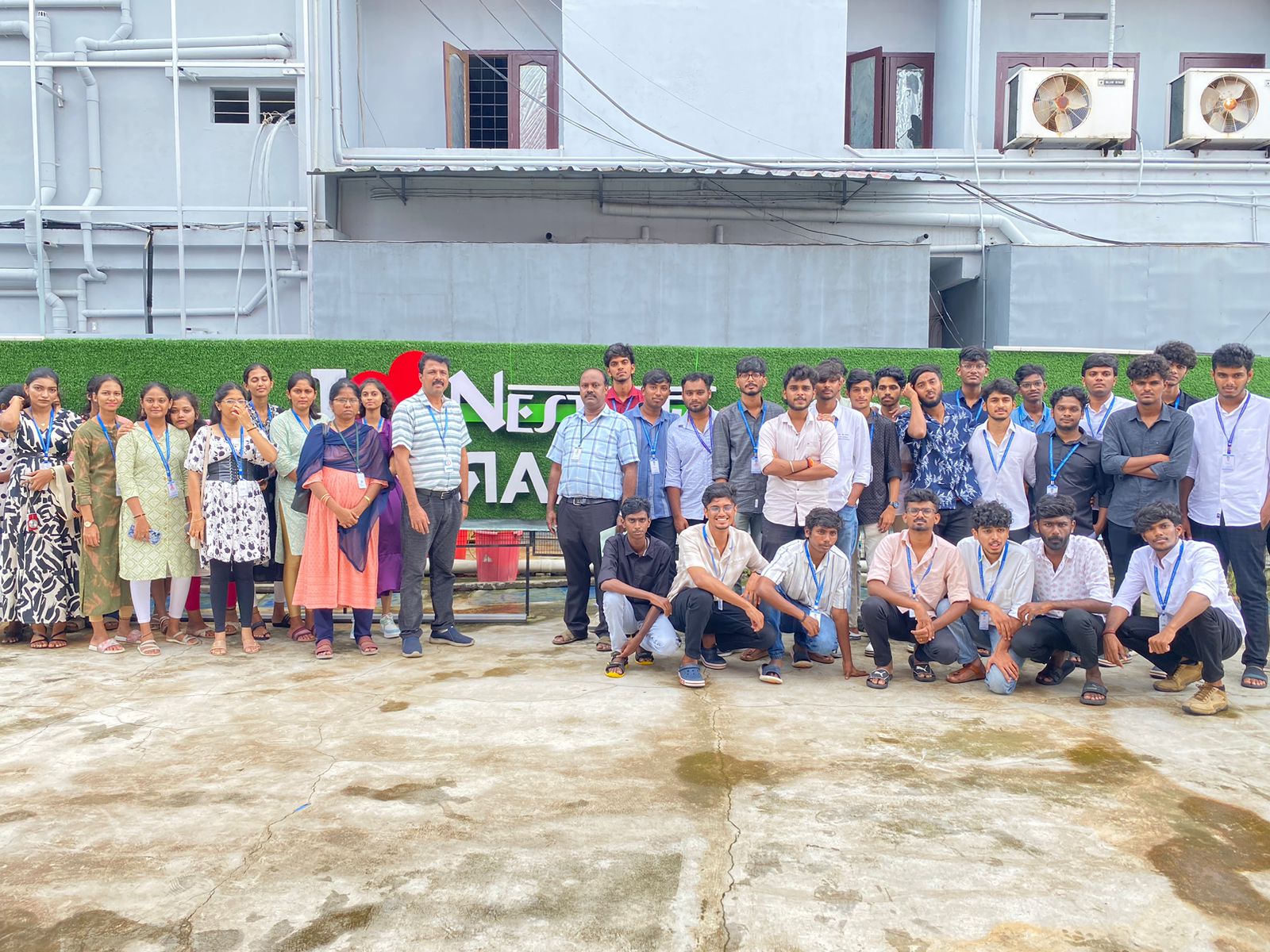
Photos of Training / Internships

Internship/projects in palakkad

Trained more than 10000+ students who trust Nestsoft TechnoMaster

Get Your Personal Trainer