Send enquiry ⏎

Sql Online Live Class by Experts

Our Training/Internship Process

Sql Online Live Classes in Noida | Free Demo Training

Sql - Syllabus, Fees & Duration

Module 1: Introduction to Databases and SQL

    What is a Database?

  • Introduction to databases and their importance
  • Types of databases: Relational, NoSQL, etc.
  • Introduction to SQL

  • History and purpose of SQL
  • Basic SQL terminology (tables, rows, columns, etc.)
  • Setting Up SQL Environment

  • Installing database management systems (e.g., MySQL, PostgreSQL)
  • Installing SQL clients (e.g., MySQL Workbench, pgAdmin)

    Module 2: SQL Basics

    SQL Data Types

  • Common data types (e.g., INT, VARCHAR, DATE)
  • Choosing the right data type for columns
  • Creating and Managing Tables

  • Creating tables using CREATE TABLE
  • Altering tables using ALTER TABLE
  • Deleting tables using DROP TABLE
  • Inserting and Manipulating Data

  • INSERT, UPDATE, and DELETE statements
  • Understanding SQL transactions
  • Module 3: Querying Data

    SELECT Statement

  • Retrieving data from tables
  • Using SELECT DISTINCT and aliases
  • Filtering and Sorting Data

  • WHERE clause for filtering
  • ORDER BY clause for sorting

    Aggregate Functions

  • SUM, AVG, COUNT, MIN, MAX
  • GROUP BY and HAVING clauses
  • Module 4: Joins and Relationships

    Understanding Relationships

  • Primary keys and foreign keys
  • Types of relationships: one-to-one, one-to-many, many-to-many
  • INNER JOIN and OUTER JOIN

  • Joining tables to retrieve related data
  • LEFT JOIN, RIGHT JOIN, FULL JOIN
  • Subqueries

  • Using subqueries to retrieve data
  • Correlated subqueries
  • Module 5: Advanced SQL Concepts

    Indexes and Performance Optimization

  • Creating and managing indexes
  • Query optimization techniques
  • Views

  • Creating and using views
  • Advantages of using views
  • Stored Procedures and Functions

  • Creating and executing stored procedures
  • Creating and executing user-defined functions
  • Module 6: Transactions and Concurrency

    Transactions

  • ACID properties
  • Managing transactions using COMMIT and ROLLBACK
  • Locking and Concurrency Control

  • Understanding locks and their types
  • Handling concurrent database access
  • Module 7: Security and Permissions

    User Accounts and Permissions

  • Creating and managing user accounts
  • Granting and revoking privileges
  • SQL Injection Prevention

  • Protecting against SQL injection attacks
  • Best practices for secure coding
  • Module 8: Case Studies and Real-world Applications

    Building SQL Applications

  • Developing a simple web application with a database backend
  • Data Modeling

  • Entity-Relationship Diagrams (ERD)
  • Normalization techniques
  • Module 9: Reporting and Business Intelligence (Optional)

    Introduction to Reporting Tools

  • Using SQL for generating reports
  • Integration with reporting tools like Tableau, Power BI, etc.
  • Module 10: NoSQL and Big Data (Optional)

    Introduction to NoSQL databases

  • Overview of popular NoSQL databases (e.g., MongoDB, Cassandra)
  • SQL in the context of Big Data

  • Basics of working with large datasets
  • Module 11: Advanced Topics (Optional)

    Window Functions

  • Understanding window functions for advanced querying
  • JSON and XML Processing

  • Working with JSON and XML data in SQL
   
10000+
20+
50+
25+

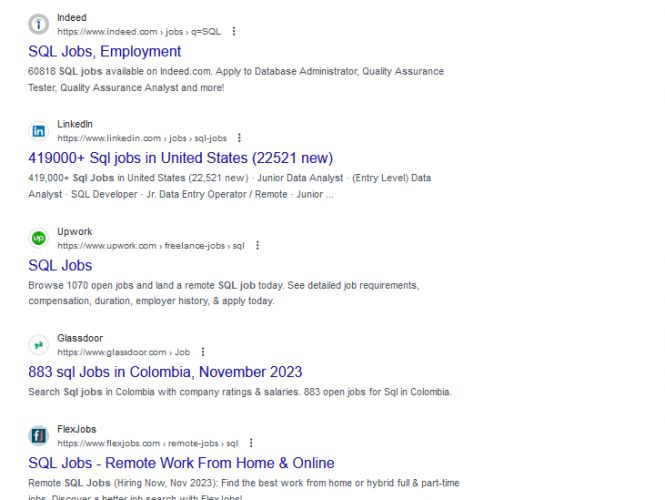
Sql Jobs in Noida

Enjoy the demand

Find jobs related to Sql in search engines (Google, Bing, Yahoo) and recruitment websites (monsterindia, placementindia, naukri, jobshybrid.com, indeed.co.in, shine.com etc.) based in Noida, chennai and europe countries. You can find many jobs for freshers related to the job positions in Noida.

  • sql developer
  • data engineer
  • data analyst
  • sql database administrator
  • ml sql developer
  • microsoft sql developer
  • oracle sql developer
  • mysql developer

Sql Internship/Course Details

Sql internship jobs in Noida
Sql . Additionally, hands-on practice and real-world projects should be integrated throughout the training to reinforce the concepts learned. A comprehensive SQL training syllabus should cover the fundamentals of SQL (Structured Query Language) and gradually progress to more advanced topics. Depending on the level of expertise required and the time available for training, you can customize the syllabus to fit your specific needs. Here's a suggested syllabus for SQL training, divided into different modules: This syllabus is designed to provide a comprehensive understanding of SQL, from the basics to more advanced topics. You can learn sql from industry experts in Noida. We provide sql training and internship in Noida in real time projects.


Meet a Few of our Industry Experts 🚀 Your Pathway to IT Career

Sumayya

Mobile: +91 91884 77559
Location: Online (Noida, India)
Qualification: MCA

Experience: i did a software testing course from rojer soft technologies  more..

Sujeet

Mobile: +91 89210 61945
Location: Online (Noida, India)
Qualification:

Experience: HTML CSS Javascript bootstrap java python django react js  more..

siddharth

Mobile: +91 91884 77559
Location: Online (Noida, India)
Qualification: 12th,BCA

Experience: i can work in C C++ python html css   more..

Akhila

Mobile: +91 91884 77559
Location: Online (Noida, India)
Qualification: MCA

Experience: Skills are:dart java php sql Experience : Support Engineer 1 year 4months Teacher one year   more..

Venkata

Mobile: +91 98474 90866
Location: Online (Noida, India)
Qualification: B com computers

Experience: Core java adv java oracle |   more..

Aryam

Mobile: +91 91884 77559
Location: Online (Noida, India)
Qualification: Bachelor's of Technology

Experience: I'm a Computer Science enthusiast pursuing Bachelor of Technology at Jaypee University Of Information Technology Solan With a strong academic  more..

RENU

Mobile: +91 98474 90866
Location: Online (Noida, India)
Qualification: Mphill

Experience: Fluency in Hindi: Proficiency in speaking reading and writing Hindi is essential for effectively teaching the language to students Knowledge  more..

John

Mobile: +91 94975 90866
Location: Online (Noida, India)
Qualification: BCA

Experience: Ceh networking networking security  more..

Arabinda

Mobile: +91 91884 77559
Location: Online (Noida, India)
Qualification: BCA

Experience: Skills: JavaScript programming Library design CSS proficiency PHP proficiency Project Management HTML expertise Laravel NET development VBScript Microsoft ASP NET  more..

Rajendra

Mobile: +91 98474 90866
Location: Online (Noida, India)
Qualification: BCA

Experience: Handling various technical aspects like coding of modules using the given design specifications debugging and fixing the defects as well  more..

Gosai

Mobile: +91 91884 77559
Location: Online (Noida, India)
Qualification: Diploma

Experience: 3 months internship Canva design web design seo  more..

Midhun

Mobile: +91 91884 77559
Location: Online (Noida, India)
Qualification: MCA

Experience: Completed Software testing course from STC  more..

Abitha

Mobile: +91 91884 77559
Location: Online (Noida, India)
Qualification: B. Tech

Experience: About 4 to 5 year experience on php along with framework such as laravel and knowledge of frontend technologies like  more..

jaimin

Mobile: +91 91884 77559
Location: Online (Noida, India)
Qualification: BCA

Experience: Completed Internship as a php devloper   more..

Abhijit

Mobile: +91 94975 90866
Location: Online (Noida, India)
Qualification: B.E COMPUTER SCIENCE AND ENGINEER

Experience: Computer hardware networking pc troubleshooting install os python programming web development tech support   more..

Nivedha

Mobile: +91 9895490866
Location: Online (Noida, India)
Qualification: Msc

Experience: Devops (certification) Java python NLP   more..

Manoj

Mobile: +91 91884 77559
Location: Online (Noida, India)
Qualification: Btech

Experience: android developer firebase retrofit java kotlin flutter dart  more..

Reshma

Mobile: +91 98474 90866
Location: Online (Noida, India)
Qualification: B.Tech

Experience: UX UI design - 2 years User research Figma Wireframing Prototyping Design system  more..

Hari

Mobile: +91 98474 90866
Location: Online (Noida, India)
Qualification: Mca

Experience: Html css javascript wordpress angular react  more..

prem

Mobile: +91 91884 77559
Location: Online (Noida, India)
Qualification: B-tech

Experience: I am a skilled UI UX designer with nearly one year of professional experience My design expertise encompasses Figma UI  more..

Nikund

Mobile: +91 94975 90866
Location: Online (Noida, India)
Qualification: MCA

Experience: I have total 5 year of exp in angular and node js I have worked angular 2 to 11   more..

swarada

Mobile: +91 89210 61945
Location: Online (Noida, India)
Qualification: Masters

Experience: Skills-Java Selenium Testng API testing Experience-working as quality analyst in Ephanti Ince from Sep-2022 Writing manual test cases executing automation  more..

Anjali

Mobile: +91 91884 77559
Location: Online (Noida, India)
Qualification: Btech computer science and engineering

Experience: I have 2 years of experience as a php developer  more..

Maninder

Mobile: +91 89210 61945
Location: Online (Noida, India)
Qualification: PG Diploma

Experience: Dear HR Hiring Manager I am a Logistics Supply Chain Manager with distinguished record of accomplishment in diverse and complex  more..

Success Stories

The enviable salary packages and track record of our previous students are the proof of our excellence. Please go through our students' reviews about our training methods and faculty and compare it to the recorded video classes that most of the other institutes offer. See for yourself how TechnoMaster is truly unique.

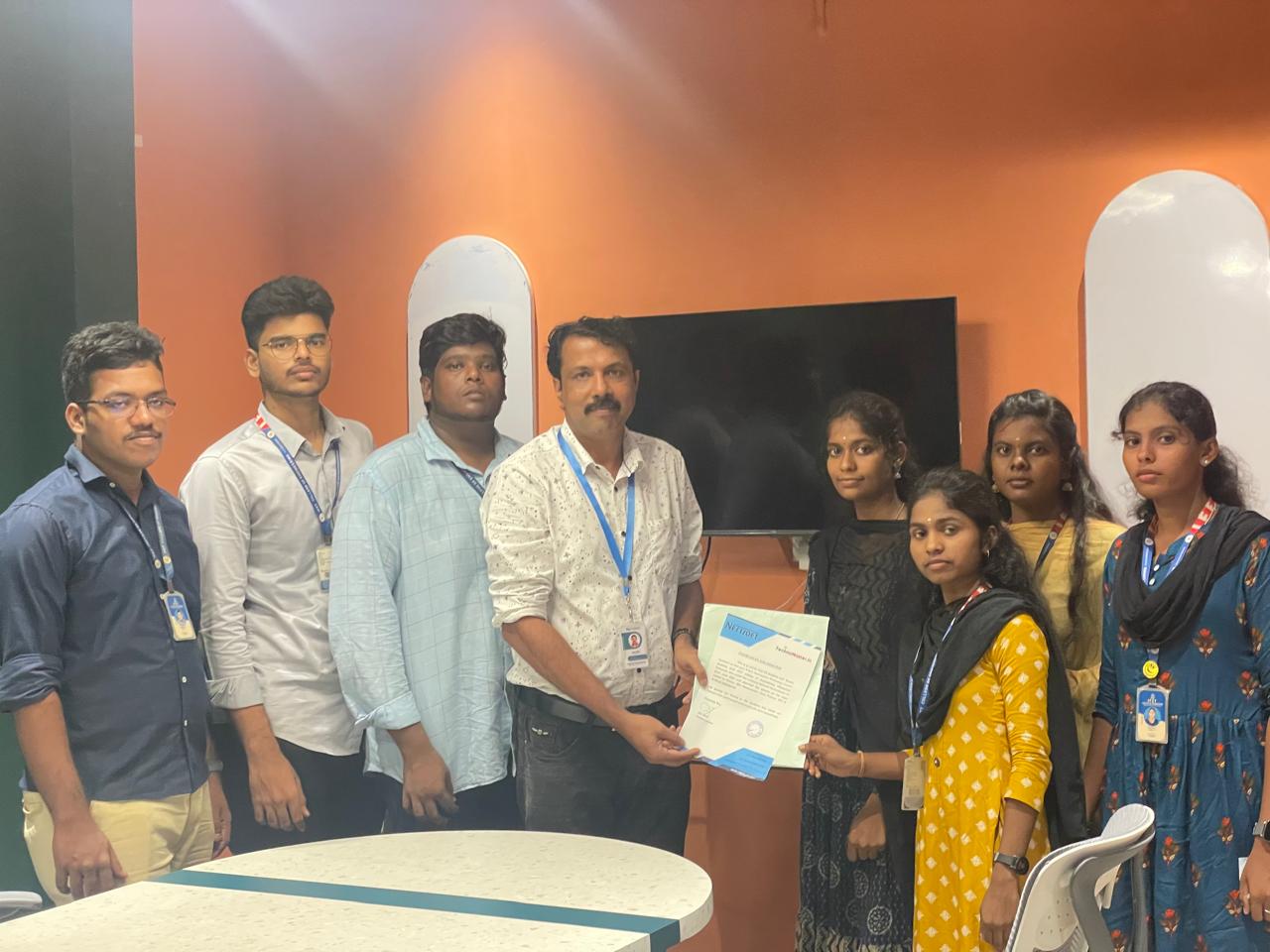
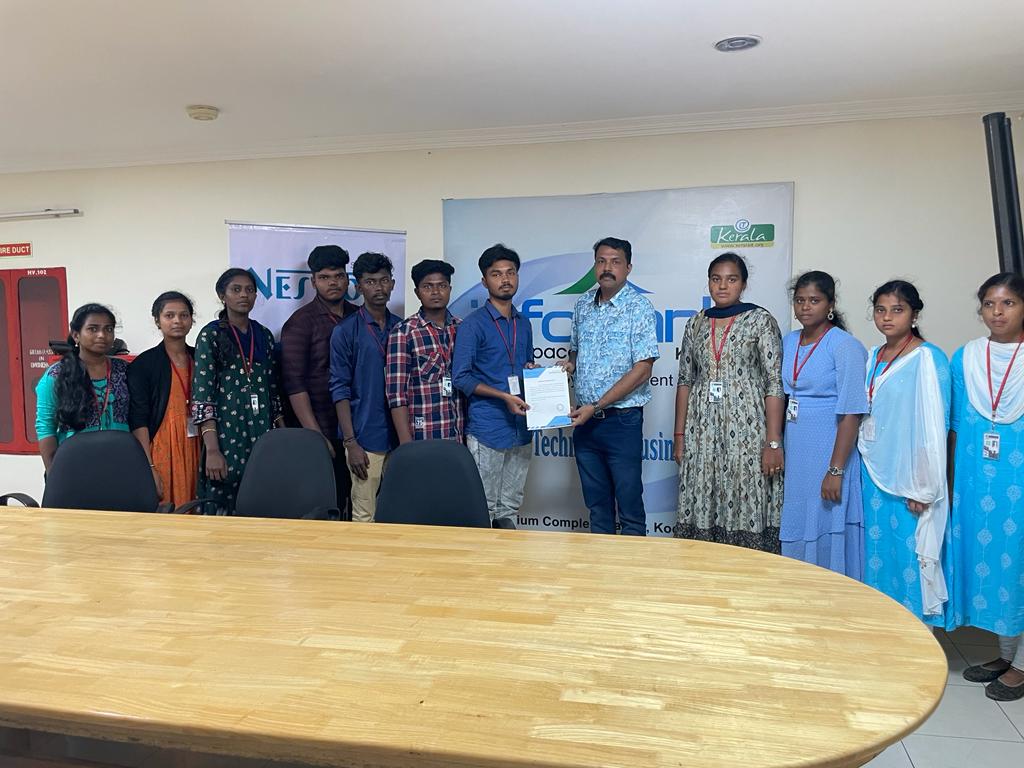
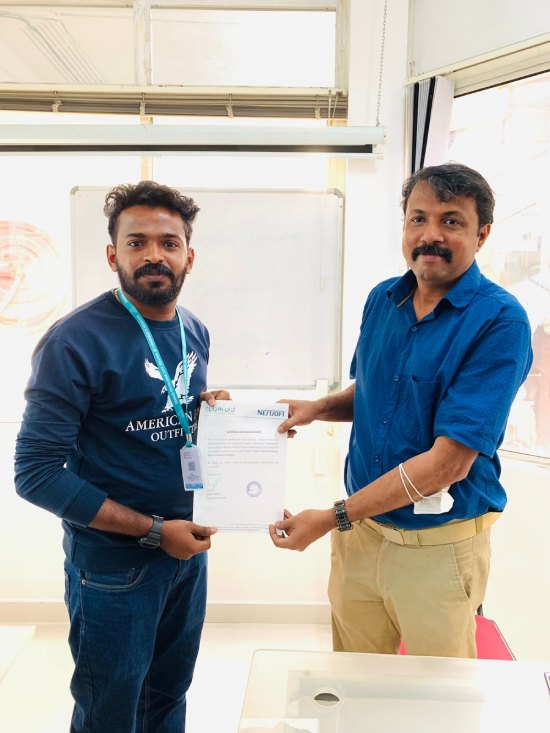
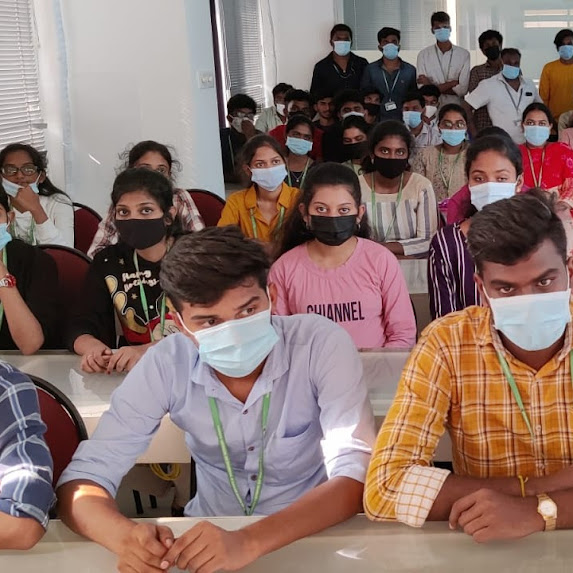
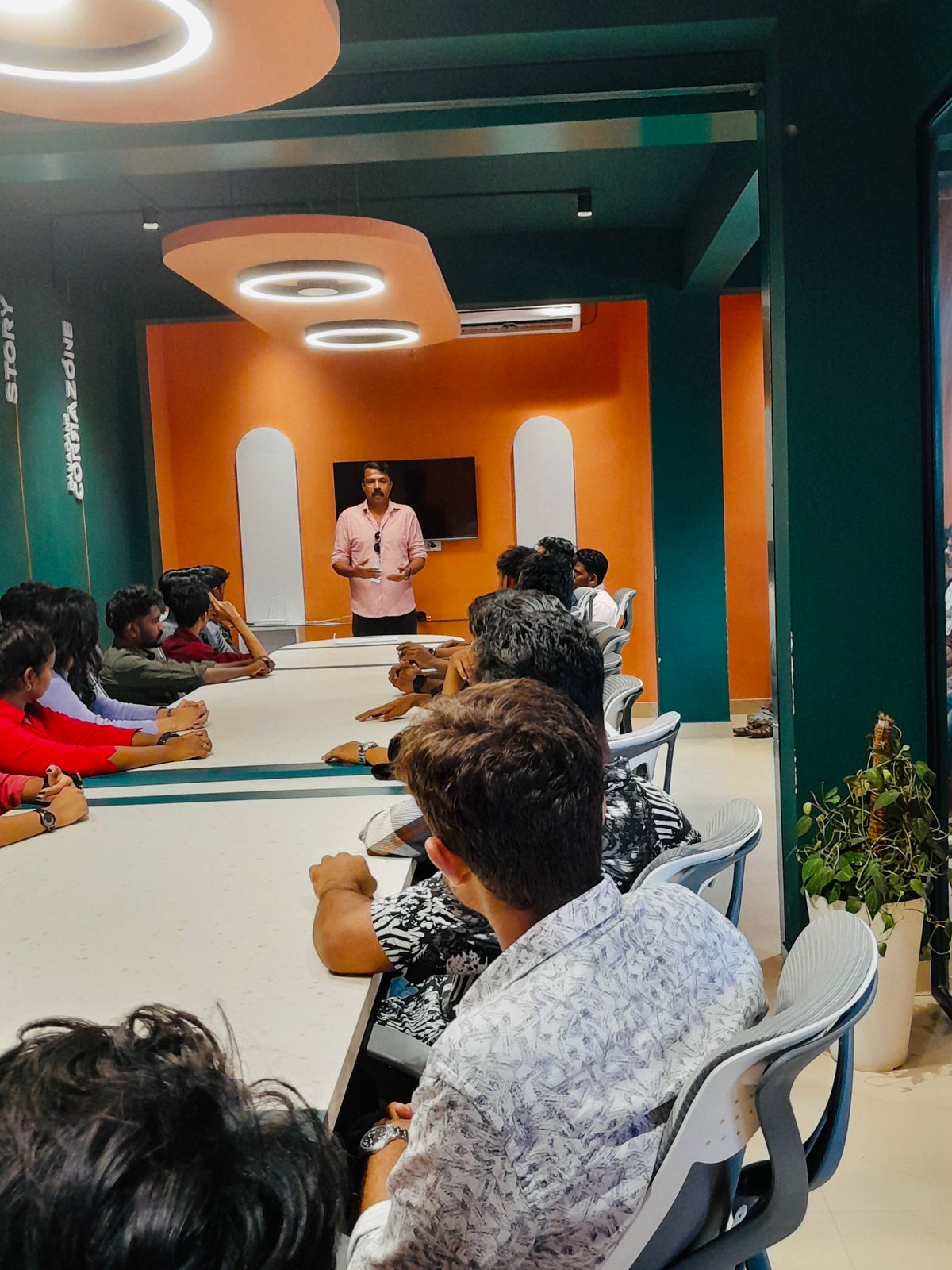
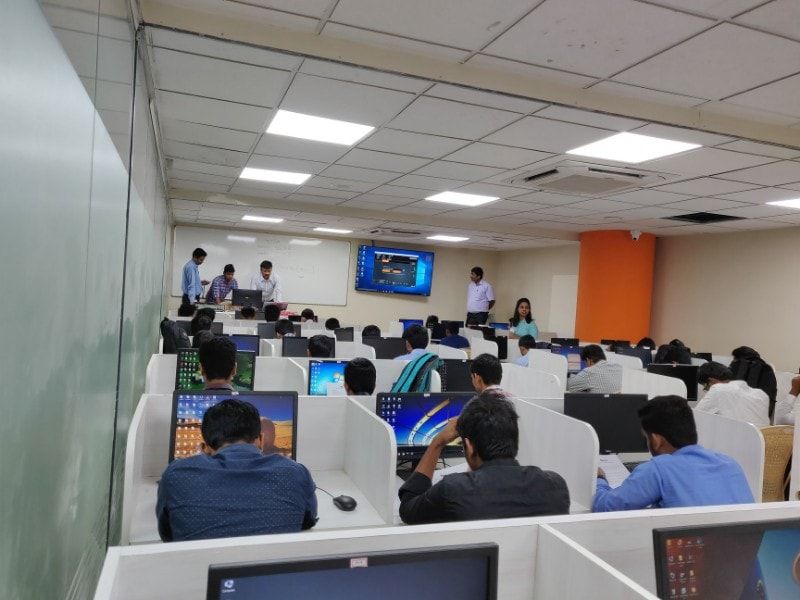
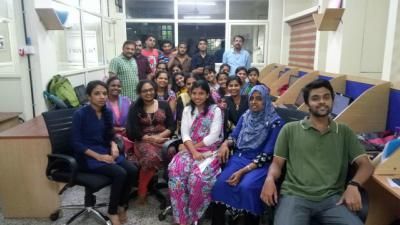
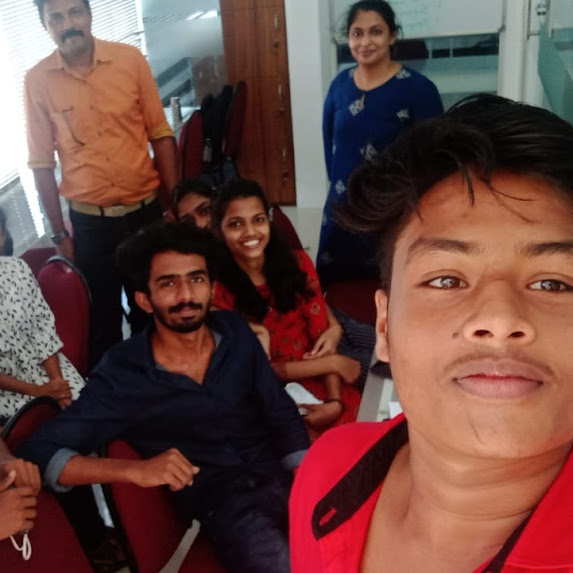
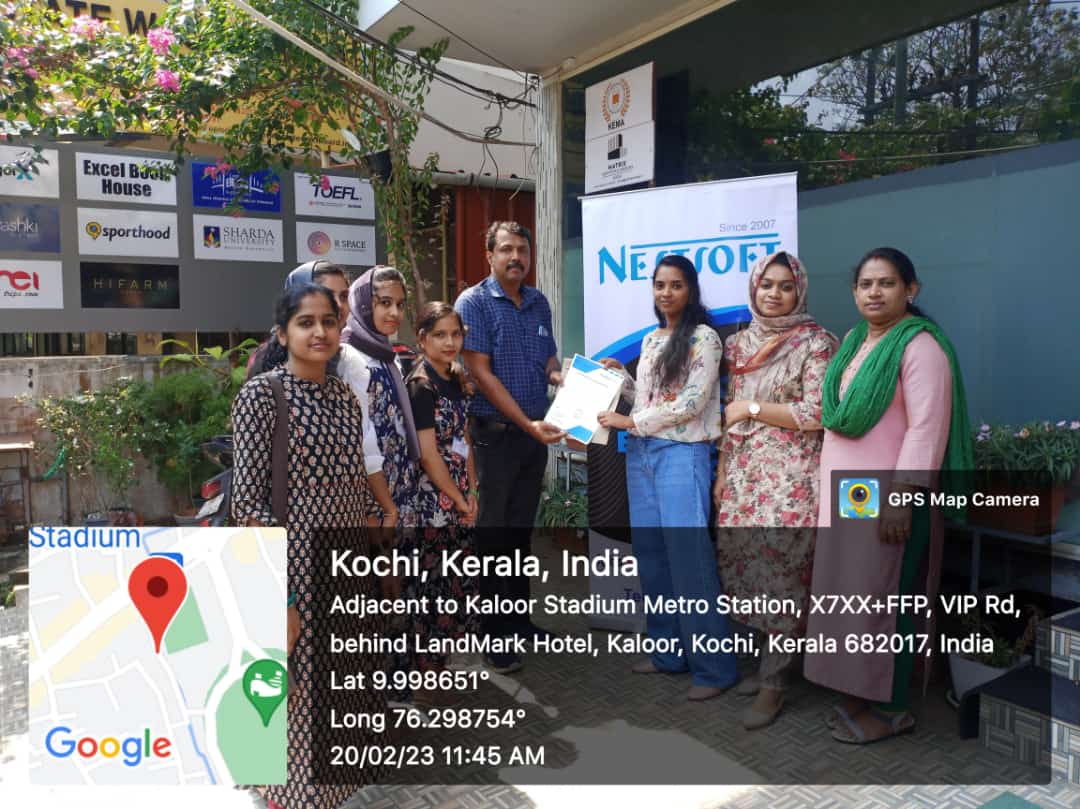
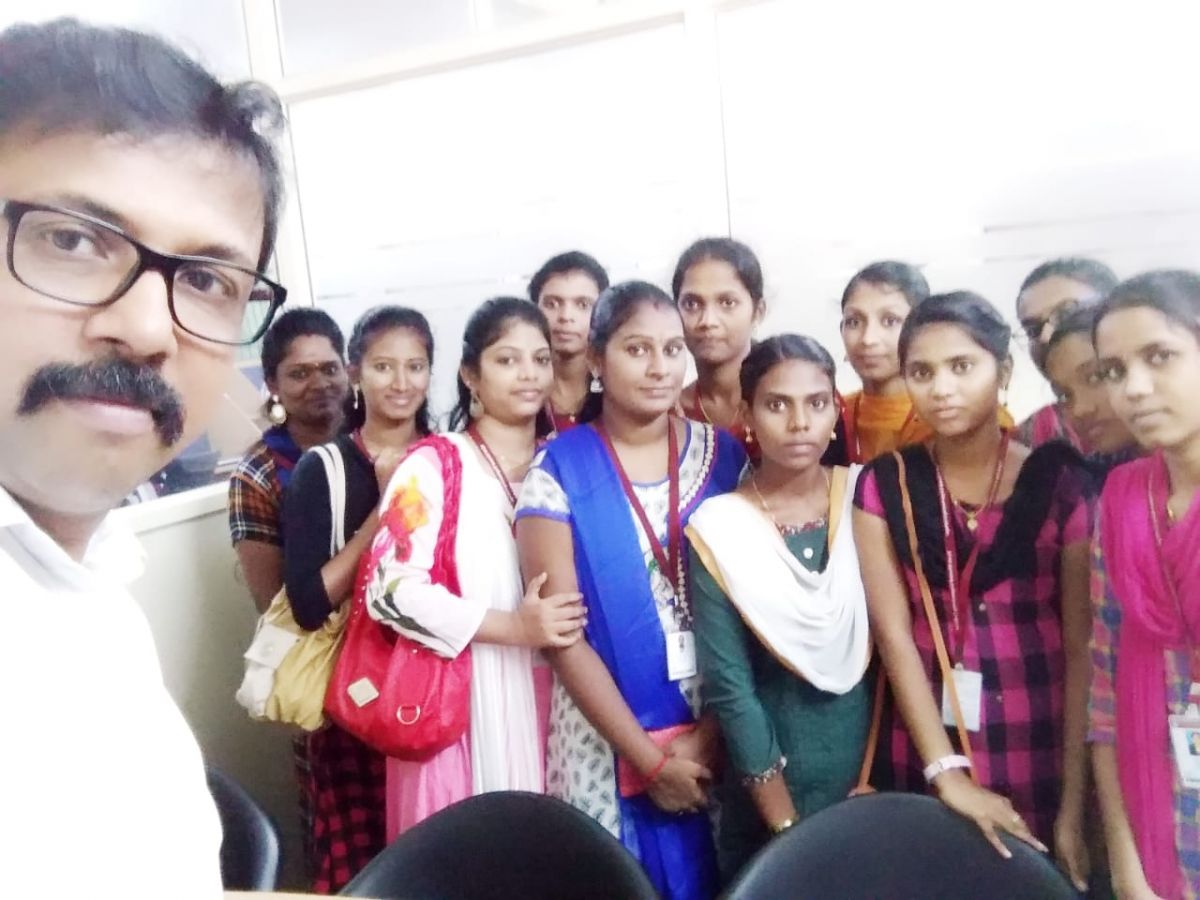
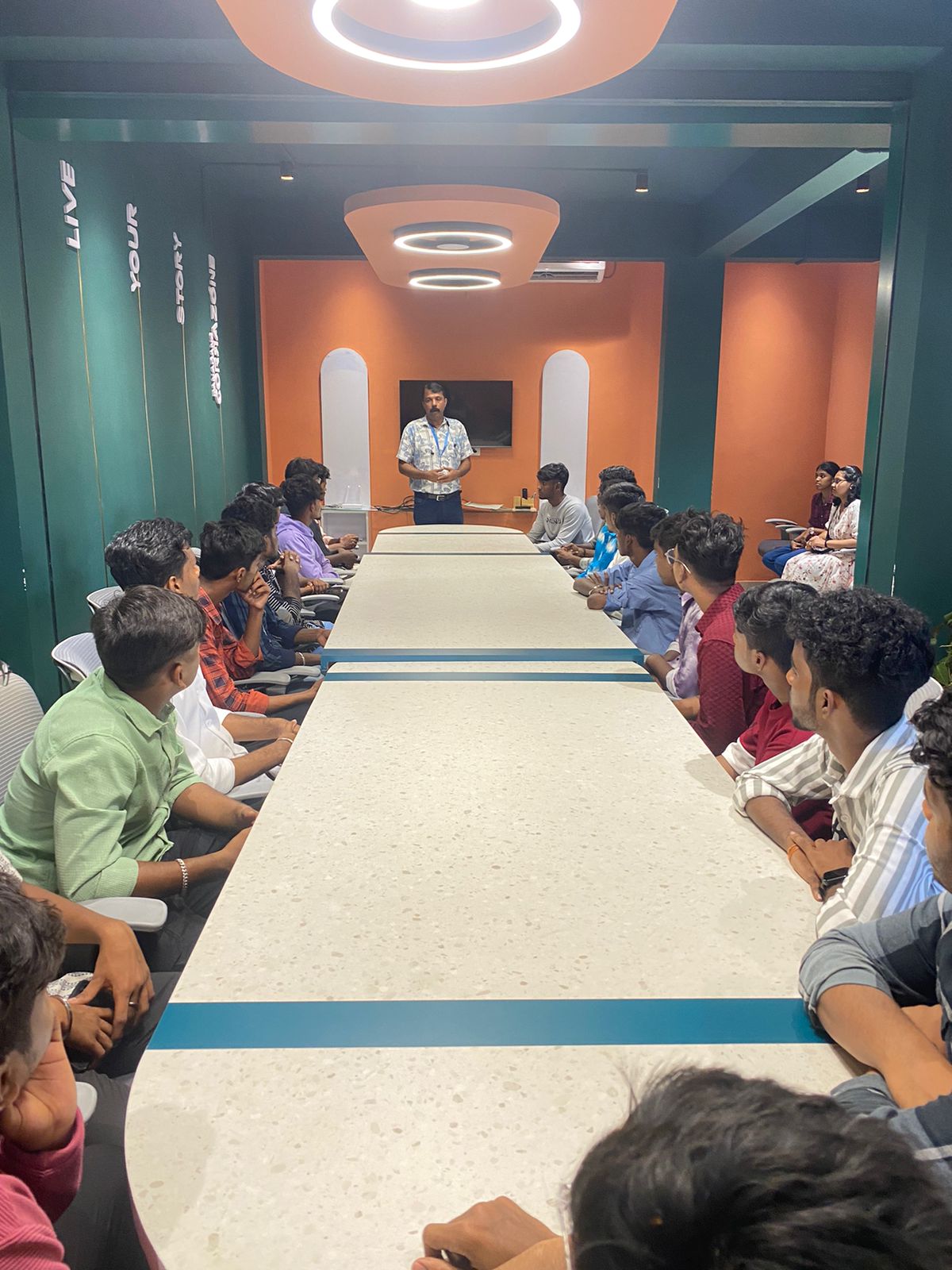
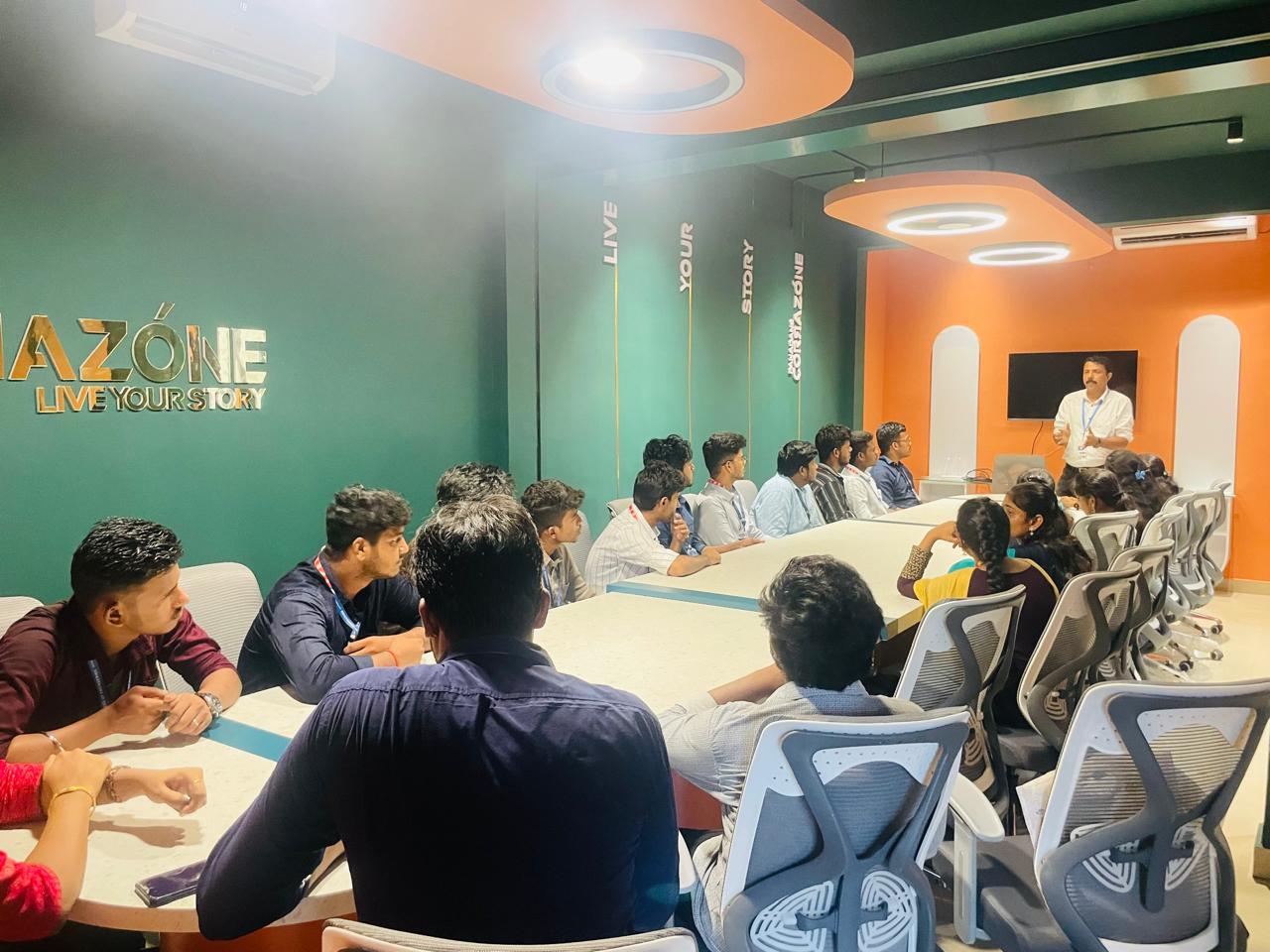
Photos of Training / Internships

Internship/projects in noida

Trained more than 10000+ students who trust Nestsoft TechnoMaster

Get Your Personal Trainer